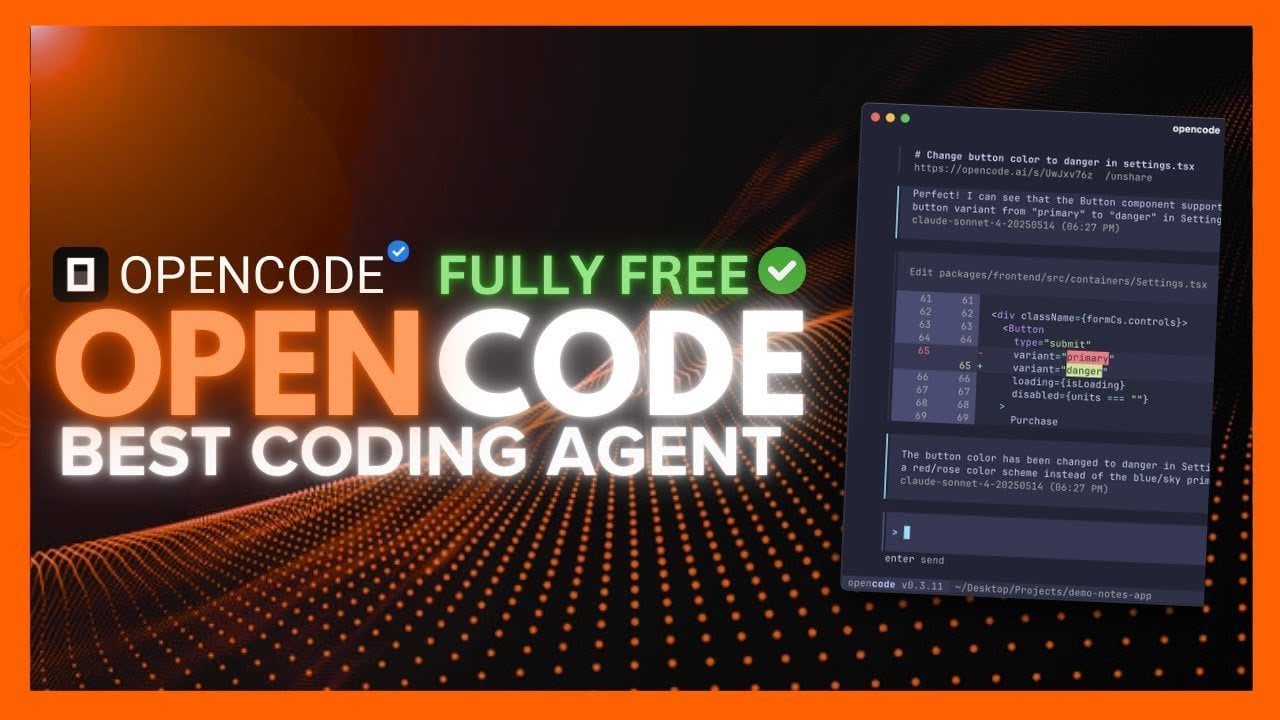
Meet OpenCode, a Community-Built Agent That Trims Tokens & Costs
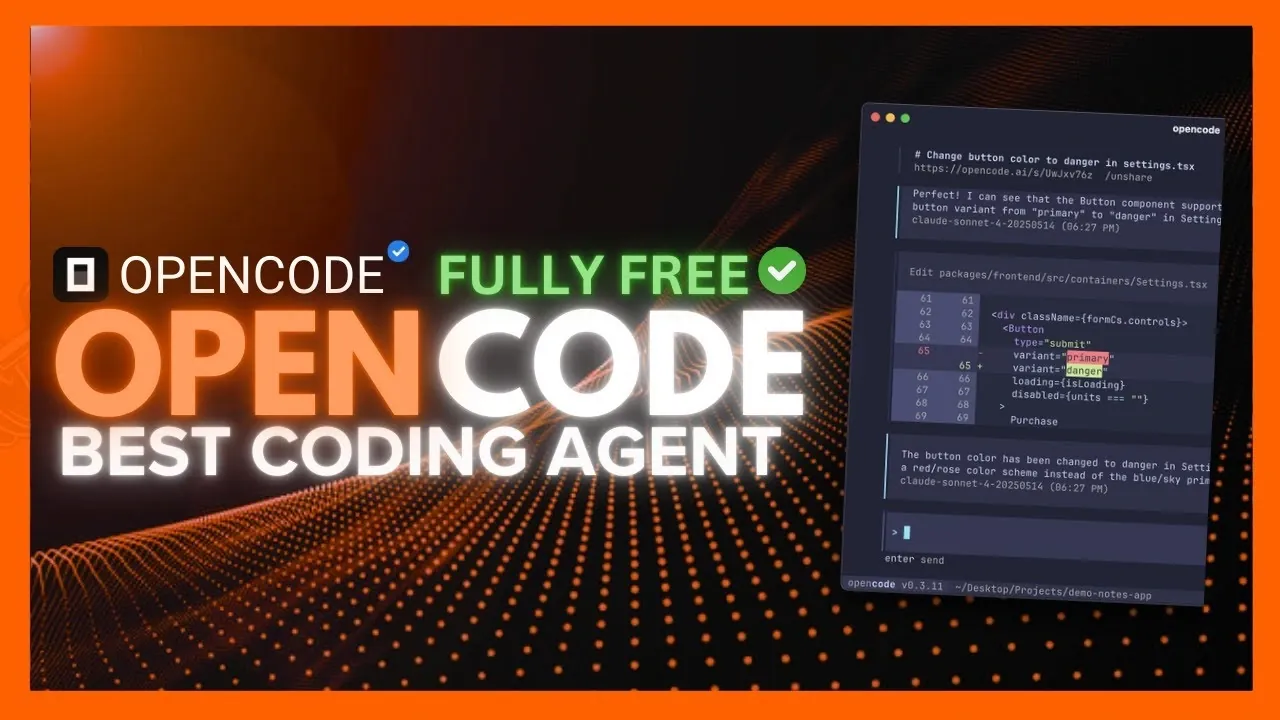
What if we told you the AI coding agent you’ve been waiting for is here, and it’s open source? Meet OpenCode, a new tool that’s redefining the way developers interact with AI in their workflows. Forget the limitations of Gemini CLI or the quirks of ClaudeCode; OpenCode isn’t just a competitor, it’s a fantastic option. Packed with powerful features like multi-session management, semantic search, and a sleek desktop application, this tool is designed to make coding faster, smarter, and more intuitive. Whether you’re juggling complex projects or diving into experimental workflows, OpenCode promises to deliver unmatched flexibility and efficiency.
In this detailed overview, World of AI explore how OpenCode is setting a new standard for AI-driven development. From its Text User Interface (TUI) that prioritizes simplicity to its seamless integration with tools like Zed editor, OpenCode offers a developer experience that’s both robust and user-friendly. You’ll discover how its Zen Model Provider optimizes AI performance, why its sandbox environment is a playground for innovation, and how its real-time metrics empower smarter decision-making. But what truly sets OpenCode apart? It’s not just the features, it’s the philosophy of accessibility and open source collaboration that’s driving this revolution. Let’s see how this tool is reshaping the future of coding.
OpenCode: AI Coding
TL;DR Key Takeaways :
- OpenCode introduces a feature-rich terminal-based AI coding agent with a Text User Interface (TUI), multi-session management, and Language Server Protocol (LSP) support for enhanced usability and productivity.
- Performance improvements include the addition of Mgrep, a semantic search tool that accelerates searches, reduces costs, and improves efficiency for large-scale projects.
- A new desktop application complements the terminal interface, offering multi-session handling and seamless integration with terminal tools for a more flexible user experience.
- Integration capabilities are expanded with the Z.dev extension for the Zed editor, a sandbox environment for SDK testing, and type-safe JavaScript/TypeScript clients for robust automation and customization.
- Advanced features like the Zen Model Provider, real-time context panels, and streamlined installation ensure adaptability, transparency, and accessibility for developers across diverse coding environments.
Key Features That Elevate Usability
OpenCode is designed as a terminal-based AI coding agent, offering a Text User Interface (TUI) that prioritizes clarity and ease of use. Recent updates to the TUI have introduced smoother animations and usability improvements, making sure an intuitive and efficient user experience. This focus on simplicity allows developers to navigate the interface seamlessly, even during demanding tasks.
A standout feature is its multi-session management, which enables you to run and switch between multiple sessions effortlessly. This functionality keeps workflows organized and minimizes disruptions, particularly when managing complex projects or parallel tasks. New commands have been added to further streamline session handling, making sure that developers can maintain focus and efficiency.
Additionally, OpenCode supports the Language Server Protocol (LSP) out of the box. This feature enables advanced code analysis and autocompletion across multiple programming languages, making it a versatile tool for developers working in diverse environments.
Performance Enhancements: Faster and Smarter
OpenCode’s performance has been significantly enhanced with the introduction of Mgrep, a semantic search tool that delivers faster and more precise results. By optimizing token usage, Mgrep not only accelerates searches but also reduces operational costs. This improvement ensures that developers can locate the information they need without delays, allowing them to focus on coding rather than troubleshooting inefficiencies.
The semantic search capabilities of Mgrep are particularly beneficial for large-scale projects, where quick and accurate searches are essential. By integrating this tool, OpenCode provides a cost-effective solution for developers who rely on frequent and precise code searches.
OpenCode AI Coding Agent : Open Source
Discover other guides from our vast content that could be of interest on AI coding.
- SpecKit Review: GitHub’s New Tool for Reliable AI Coding
- ChatGPT 5 vs Claude Sonnet: Real-World AI Coding Comparison
- Codex vs Claude Code: A Detailed Comparison of AI Coding CLIs
- Save Money on AI Coding: Use Free Extensions In VS Code
- ChatGPT 5 vs Claude Opus 4.1: AI Coding Assistant Comparison
- How AI is Changing the Way Developers Code and Collaborate
- How the Claude SANDBOX Method Makes AI Coding 90% Faster
- New Claude Code 2.0 Agentic AI Coding Agent : The Secret
- VSCode Ollama Guide: Add Llama 3.1 Chat for Local AI Coding
- Sonnet 4.5 vs GLM 4.6 vs Codex : Detailed AI Coding Comparison
The Desktop Application: A Visual Complement
To complement its terminal-based functionality, OpenCode now offers a desktop application. This addition provides a graphical interface that works alongside terminal operations, making it easier to manage terminal agents. Key features of the desktop app include multi-session handling and enhanced integration with terminal tools, allowing developers to juggle multiple tasks with greater ease.
The desktop application is especially useful for developers who prefer a visual interface to complement their command-line workflows. By bridging the gap between graphical and terminal-based tools, OpenCode ensures a more flexible and user-friendly experience.
Seamless Integration and Extensions
OpenCode’s flexibility is further enhanced by its robust integration capabilities. The Z.dev extension allows you to integrate OpenCode directly into the Zed editor, allowing seamless access to its features within your preferred coding environment. This integration streamlines workflows and reduces the need to switch between tools, saving time and effort.
Additionally, OpenCode offers a sandbox environment for testing its SDK on the web. This secure space allows developers to experiment with workflows and refine their processes without risk. By providing a safe and controlled testing environment, OpenCode encourages innovation and customization.
Advanced SDK and Type-Safe Clients
The OpenCode SDK is a powerful tool for developers looking to embed and control OpenCode programmatically. With type-safe JavaScript and TypeScript clients, the SDK ensures robust and error-free integration into your projects. This capability enables automation, parallel task execution, and the creation of custom integrations tailored to specific requirements.
By using the SDK, developers gain greater control over their development environment, allowing them to optimize workflows and enhance productivity. The type-safe clients also reduce the likelihood of errors, making sure a smoother and more reliable coding experience.
Zen Model Provider and Model Switching
OpenCode introduces the Zen Model Provider, a curated collection of pre-tested AI models optimized for coding tasks. This feature simplifies the process of selecting and deploying AI models, offering plug-and-play functionality that enhances performance. The Zen Model Provider ensures that developers can access the most suitable models for their needs without extensive configuration.
New commands for model switching further enhance OpenCode’s versatility. These commands allow you to adapt to different tasks or requirements seamlessly, making sure that the tool remains effective across a wide range of coding scenarios.
Context Panels and Real-Time Metrics
The latest updates include context panels that display real-time metrics, such as usage statistics and spending data. These panels provide valuable insights into your AI interactions, helping you monitor and optimize resource usage effectively. By offering a clear overview of resource allocation, OpenCode enables developers to make informed decisions and improve their workflows.
The inclusion of real-time metrics also enhances transparency, allowing you to track the performance and efficiency of your coding processes. This feature is particularly useful for teams managing shared resources or working on budget-sensitive projects.
Streamlined Installation and Accessibility
OpenCode is designed with accessibility in mind, offering straightforward installation via npm or other package managers. Its compatibility with various coding workflows and model providers ensures seamless integration into existing development environments. Whether you’re working on a small project or managing a large-scale application, OpenCode adapts to your needs with minimal setup.
The installation process is quick and user-friendly, allowing developers to get started with OpenCode without unnecessary delays. This focus on accessibility ensures that the tool is available to a wide range of users, regardless of their technical expertise.
A Comprehensive Tool for Developers
OpenCode stands out as a powerful and efficient AI coding agent, offering a wide array of features tailored to the needs of modern developers. From its enhanced TUI and semantic search capabilities to its desktop application and SDK, OpenCode provides the tools necessary to streamline coding workflows. Its open source foundation and commitment to continuous improvement position it as an invaluable resource for developers worldwide. By integrating advanced features with user-friendly design, OpenCode enables developers to achieve greater efficiency and innovation in their projects.
Media Credit: WorldofAI
Filed Under: AI, Technology News, Top News
Latest Geeky Gadgets Deals
Disclosure: Some of our articles include affiliate links. If you buy something through one of these links, Geeky Gadgets may earn an affiliate commission. Learn about our Disclosure Policy.