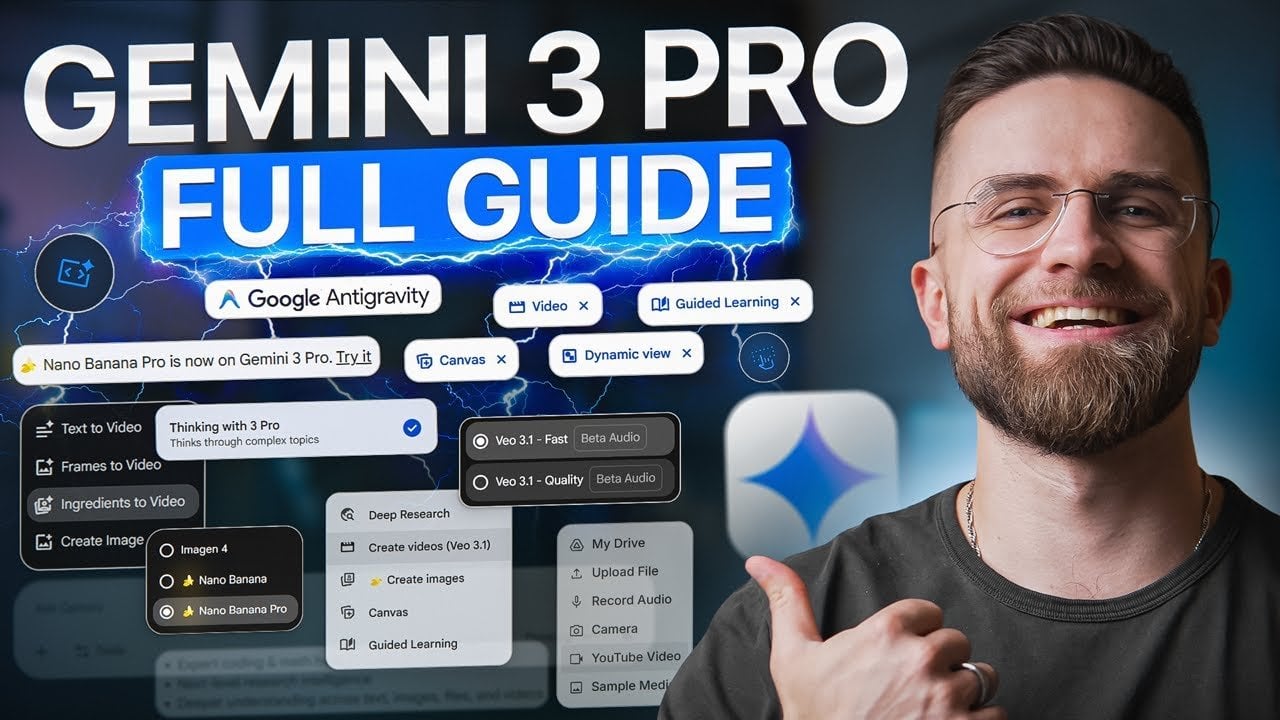
Beginner’s Guide to Gemini 3 Pro, from Setup to Smart Workflows
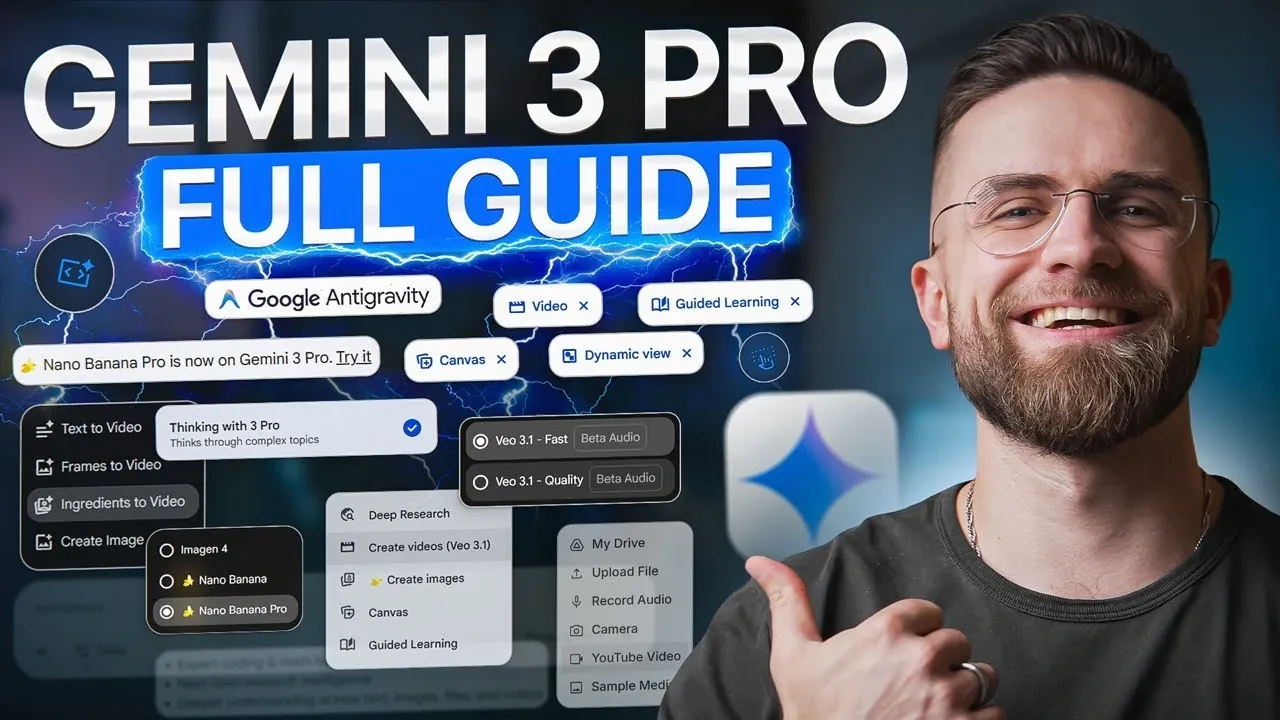
Imagine having a tool that doesn’t just understand your words but also interprets your images, deciphers your data, and even assists with coding, all in one seamless platform. That’s the promise of Google’s Gemini 3.0 Pro, a innovative AI designed to transform how we work, create, and solve problems. Whether you’re a curious beginner or a seasoned professional, the sheer versatility of this multimodal AI can feel both exciting and overwhelming. But here’s the good news: you don’t need to be a tech expert to unlock its potential. In this quick-start guide, AI Master breaks down the essentials, helping you navigate Gemini’s advanced features with confidence and ease.
By the end of this guide, you’ll discover how Gemini 3.0 Pro can simplify complex workflows, enhance your creativity, and even automate tedious tasks, all while adapting to your unique needs. From multimodal functionality that blends text, images, and video to tools like Nano Banana Pro for stunning visuals, this guide will show you how to harness AI’s full power. Along the way, we’ll explore real-world applications that make Gemini more than just a tool, it’s a partner in productivity and innovation. Ready to rethink what’s possible? Let’s explore how Gemini 3.0 Pro can transform the way you work and create.
Google Gemini 3.0 Pro Overview
TL;DR Key Takeaways :
- Google’s Gemini 3.0 Pro is a multimodal AI platform capable of processing and generating text, images, audio, video, and code, making it highly versatile for diverse applications.
- Key features include advanced reasoning for solving complex problems, seamless workflow integration, and enhanced multimodal analysis for tasks like data interpretation and reporting.
- Complementary tools like Nano Banana Pro and VO 3.1 enhance creativity and video production, offering dynamic text rendering, multi-image fusion, and professional-grade video editing capabilities.
- Notebook LM simplifies research and learning by summarizing documents, converting materials into audio explanations, and organizing information for presentations.
- Agent Mode automates everyday tasks such as email organization, calendar management, and research compilation, boosting productivity and efficiency for professionals.
Key Features That Set Gemini 3.0 Pro Apart
Gemini 3.0 Pro is not just another AI model; it is a versatile tool designed to handle diverse data types and complex tasks. Its multimodal capabilities and advanced reasoning make it a standout choice for users across industries. Here are the key features that distinguish it from its predecessors and competitors:
- Multimodal Functionality: Processes and interprets a wide range of data types, including text, images, audio, video, PDFs, and code, making it adaptable to various use cases.
- Advanced Reasoning: Solves multi-step problems with precision, generating structured and actionable outputs tailored to specific needs.
- Workflow Integration: Seamlessly integrates into existing processes, enhancing productivity and efficiency across different tasks.
These features make Gemini 3.0 Pro a powerful tool for professionals and beginners alike, allowing them to tackle challenges with greater ease and accuracy.
Real-World Applications and Benefits
Gemini 3.0 Pro is designed to simplify complex tasks and enhance productivity in a variety of real-world scenarios. Its capabilities extend beyond basic AI functions, offering practical solutions for diverse needs:
- Complex Problem Solving: Breaks down intricate problems into manageable steps. For example, it can analyze financial data, generate detailed project plans, or assist in strategic decision-making.
- Multimodal Analysis: Combines visual and contextual information by interpreting images, dashboards, and documents, making it ideal for presentations, data analysis, and reporting.
- Enhanced Search Capabilities: Delivers context-aware, visual, and actionable search results, streamlining research and improving decision-making processes.
By using these features, users can address challenges more effectively, whether in business, education, or creative fields.
How to Use Gemini 3.0 Pro AI For Beginners
Explore further guides and articles from our vast library that you may find relevant to your interests in Google Gemini 3.0 Pro.
- Google Gemini 3.0 Stealth Release, Tested vs 2.5 Pro Results
- Gemini 3 Pro & Nano Banana Pro Launch Imminent
- Google Gemini 3.0 Pro : The Most Versatile AI Model Yet?
- Gemini 3 Pro Agentic Coding and Planning Demonstrated
- Gemini 3.0 Pro Preview Release Date, Features & Pricing
- Google DeepMind’s Gemini 3.0 Pro: Features, Benefits and Impact
- Gemini 3 vs ChatGPT: What Google’s New AI Model Means for the
- Google Gemini 3 Pro Features You Missed, Plus AI Studio Flows
- How Gemini 3 Pro Enhances Multimodal Design & Development
- Gemini 3 Release Delay, What Google’s Silence Means for AI
Enhancing Creativity with Nano Banana Pro
Nano Banana Pro, an integrated image generation and editing tool, complements Gemini 3.0 Pro by allowing the creation of high-quality visuals for various purposes. This tool is particularly valuable for professionals in marketing, education, and design. Its standout features include:
- Dynamic Text Rendering: Incorporates real-time data into visuals, making sure relevance and accuracy.
- Multi-Image Fusion: Combines elements from multiple images to create cohesive and visually appealing designs.
- Versatile Applications: Supports branding, advertising, educational content, and more, making it a versatile tool for creative projects.
With Nano Banana Pro, users can produce visually compelling materials that align with their goals, whether for professional campaigns or personal projects.
Transforming Video Production with VO 3.1
VO 3.1 takes video creation to the next level by offering tools for producing professional-grade videos with synchronized audio and seamless transitions. This feature is particularly useful for businesses, educators, and content creators. Key functionalities include:
- Animation of Static Images: Transforms still visuals into dynamic animations with minimal effort.
- Seamless Transitions: Ensures smooth scene changes, resulting in polished and engaging videos.
- Visual Continuity: Maintains consistency across video projects, enhancing the overall quality and coherence of the content.
These capabilities make VO 3.1 an essential tool for creating promotional videos, tutorials, and other multimedia content.
Streamlining Research and Learning with Notebook LM
Notebook LM is an AI-powered research assistant designed to simplify document exploration and summarization. It is an invaluable resource for students, researchers, and professionals who need to process large volumes of information efficiently. Its features include:
- Document Summarization: Extracts key insights from lengthy reports, articles, or academic papers, saving time and effort.
- Conversational Podcasts: Converts complex materials into audio explanations that are easy to understand and share.
- Presentation Preparation: Organizes information into clear and impactful formats, making it easier to communicate ideas effectively.
By using Notebook LM, users can enhance their research capabilities and improve the quality of their presentations and projects.
Automating Everyday Tasks with Agent Mode
Agent Mode improves task automation by integrating with tools like Gmail and Google Calendar. It simplifies repetitive workflows, allowing users to focus on more strategic activities. Practical applications include:
- Organizing emails and prioritizing responses based on urgency and relevance.
- Scheduling meetings and managing calendars with precision and efficiency.
- Compiling research from multiple sources into cohesive project outlines or reports.
This feature is particularly beneficial for professionals who need to manage multiple tasks and deadlines effectively.
Collaborative and Educational Possibilities
Gemini 3.0 Pro is not limited to professional use; it also offers significant benefits in education and creative fields. Its capabilities include:
- Developing interactive learning tools and simulations for training and educational purposes.
- Generating visual explanations to simplify complex concepts, making them more accessible to learners.
- Supporting real-time coding projects for app development, prototyping, and other technical endeavors.
These features make Gemini 3.0 Pro a valuable resource for educators, students, and creators looking to innovate and inspire.
Preparing for the Future with AI
As AI technology continues to evolve, tools like Gemini 3.0 Pro highlight the importance of staying ahead of the curve. By mastering these tools, you can:
- Enhance your skill set and improve your employability in a competitive job market.
- Discover new opportunities for innovation and growth in your field.
- Adapt to the fast-paced demands of modern industries, making sure long-term success.
Whether you are a beginner or an experienced professional, embracing AI-driven solutions is essential for maintaining a competitive edge in today’s rapidly changing world.
Media Credit: AI Master
Latest Geeky Gadgets Deals
Disclosure: Some of our articles include affiliate links. If you buy something through one of these links, Geeky Gadgets may earn an affiliate commission. Learn about our Disclosure Policy.