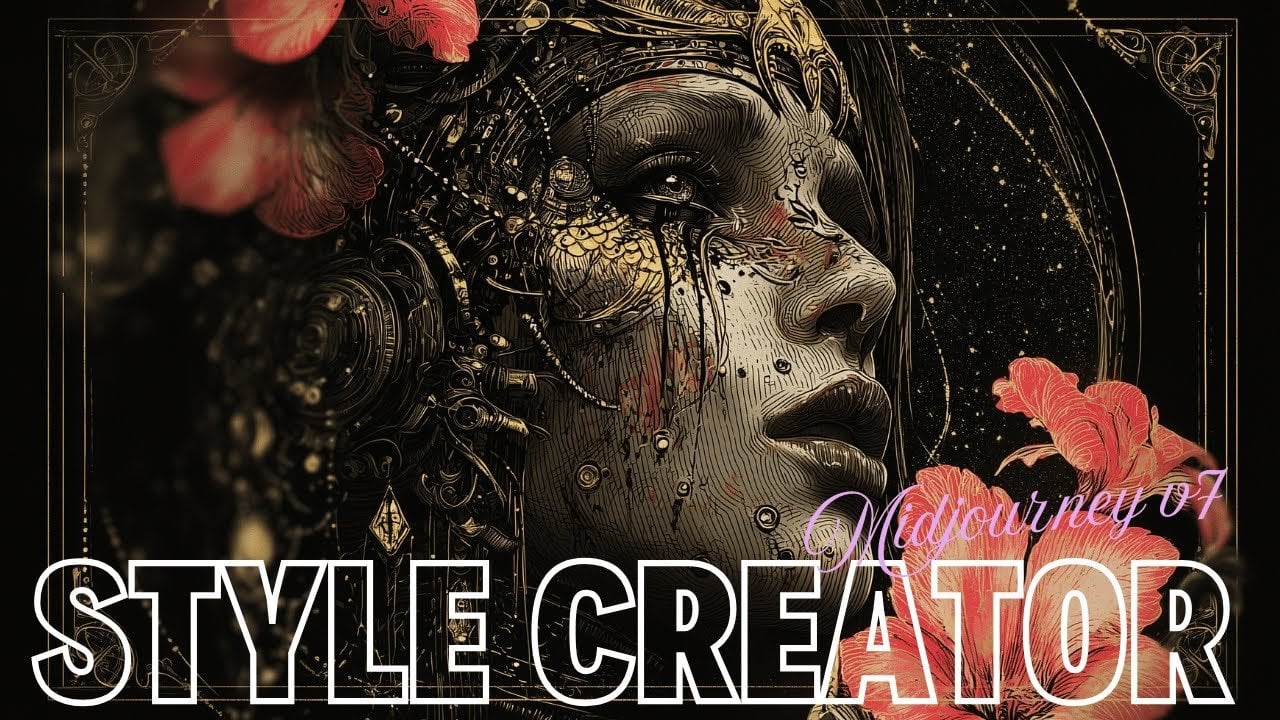
How to Use Midjourney’s New Style Creator to Make Reusable Custom Image Styles
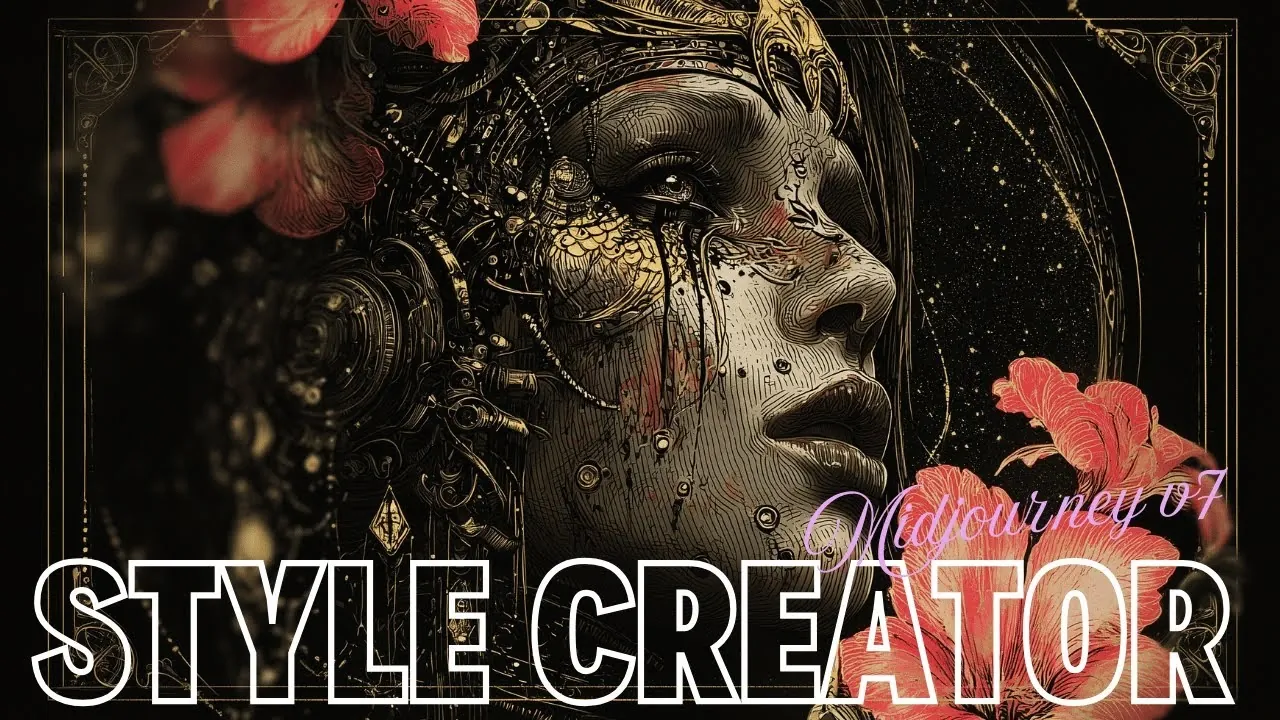
Have you ever wished you could create a completely original artistic style, one that’s truly your own, not just a remix of someone else’s work? With Midjourney’s Style Creator, that wish becomes a reality. Unlike traditional design tools that tweak existing templates, this innovative feature allows you to craft entirely unique styles from the ground up. Imagine designing a futuristic cityscape with a sci-fi aesthetic that no one else has seen before or a gothic illustration that feels like it leapt out of a darkly enchanting storybook. The Style Creator doesn’t just expand your creative toolkit, it redefines what’s possible in digital artistry.
In this step-by-step overview, Thaeyne explains how to unlock the full potential of Midjourney’s Style Creator and use its high-range ID system to develop styles that are not only original but also reproducible. You’ll learn how to navigate its features, from saving and reusing IDs to tailoring specific visual themes for your projects. Whether you’re a professional artist or just exploring your creative side, this guide will show you how to harness the tool’s precision and flexibility to bring your boldest ideas to life. Ready to explore how this innovative tool can transform your creative process? Let’s take a closer look at what makes the Style Creator so extraordinary.
Midjourney Style Creator Overview
TL;DR Key Takeaways :
- Midjourney’s Style Creator allows users to craft entirely unique artistic styles using a high-range ID system, making sure originality and reproducibility.
- The tool supports an expansive ID range exceeding 4 billion, allowing limitless style creation and consistent reuse across projects.
- It is ideal for tailored aesthetics, supporting specific visual themes like sci-fi, gothic, textile-inspired designs, and more.
- Extensive testing confirms the system’s reliability in generating distinct and reproducible styles, making it suitable for both creative and professional applications.
- The Style Creator streamlines workflows by offering previews of style variations, enhancing inspiration and decision-making during the creative process.
Understanding the True Potential of Style Creation
When the Style Creator was first introduced, its capabilities were often misunderstood. Many assumed it simply shuffled existing styles, offering minor variations without producing anything truly original. However, deeper exploration revealed its true potential as a generator of entirely new styles. Each style is linked to a distinct high-range ID, making sure originality and reproducibility. This discovery underscores the tool’s role as a genuine style creation platform, rather than a mere modifier of pre-existing designs.
The Mechanics Behind Style Creation
The Style Creator operates through a systematic process that assigns a unique high-range ID to every new style you develop. These IDs are generated based on specific internal configurations, making sure that each style is both distinct and reproducible. If an invalid or altered ID is used, the system will return an error, maintaining the integrity of the ID system. This structured approach guarantees that every style you create is original and can be consistently reused across various projects.
Create New Looks with Style Creator in Midjourney
Gain further expertise in Midjourney Style Creator by checking out these recommendations.
- New Midjourney Style Creator Beta, First Look and Review
- How to create custom fonts using Midjourney AI image generator
- 25 Unique Midjourney 7 Graphic Novel Art Style References
- 50+ Midjourney art styles to expand your AI creativity further
- New Midjourney Niji 6 anime AI art generator
- Midjourney 5.2 update brings consistent style to AI art
- 100 Midjourney Style References to take your creativity in new
- First look at New Midjourney v7 Image Generator : 50 Different
- Discover 25 Midjourney 7 Illustration Styles for Digital Masterpieces
- Midjourney 6 AI art generator launches with new commands
Key Features of the Style Creator
The Style Creator functions as a comprehensive “style factory,” storing internal configurations for each unique ID. This allows users to maintain consistency in their artistic direction while exploring a wide range of creative possibilities. Some of its most notable features include:
- An expansive ID range exceeding 4 billion, allowing the creation of an almost limitless variety of styles.
- The ability to save and reuse IDs, making sure consistency across multiple projects and outputs.
- Support for specific visual themes, making it ideal for projects that require tailored aesthetics.
These features make the Style Creator a versatile tool, suitable for both creative experimentation and professional applications.
Testing and Validating the System
Extensive testing has demonstrated the robustness and reliability of the Style Creator. Users have experimented with both valid and invalid IDs, confirming the system’s ability to generate unique and reproducible styles. The expanded ID range not only supports the creation of new styles but also ensures that each one is distinct. This reliability makes the tool an invaluable resource for a wide range of artistic and professional needs.
Practical Applications of the Style Creator
The versatility of the Style Creator makes it a powerful asset for various creative endeavors. Its ability to generate tailored styles opens up possibilities across multiple domains, including:
- Designing sci-fi atmospheres for futuristic landscapes or concept art.
- Creating gothic illustrations for graphic novels or themed artwork.
- Developing textile-inspired designs for fashion or interior design projects.
- Customizing photography styles for unique visual narratives.
For example, you could use the tool to craft a futuristic cityscape with a distinctive sci-fi aesthetic or develop a series of gothic-inspired illustrations for a storytelling project. The ability to save and reuse style IDs ensures that your creative vision remains consistent, even across large-scale projects.
Streamlining Your Creative Workflow
The Style Creator is designed to enhance your workflow with features that simplify the creative process. One such feature is the ability to hover over the “like” symbol in the style grid, which reveals additional examples of a style. This functionality provides inspiration and context, allowing you to explore variations before committing to a specific design direction. By offering a preview of potential outputs, the tool enables you to refine your choices and make informed decisions, making sure a smoother and more efficient creative process.
Expanding the Boundaries of Creativity
Midjourney’s Style Creator is a innovative tool that redefines how artistic styles are developed. By using its high-range ID system and customizable configurations, you can generate consistent and tailored visual outputs for a variety of creative applications. Whether you’re working on illustrations, photography, or other artistic projects, the Style Creator offers the precision and flexibility needed to bring your ideas to fruition. Its innovative features and robust functionality empower users to explore new creative horizons, making it an essential tool for artists and professionals alike.
Media Credit: Thaeyne
Latest Geeky Gadgets Deals
Disclosure: Some of our articles include affiliate links. If you buy something through one of these links, Geeky Gadgets may earn an affiliate commission. Learn about our Disclosure Policy.