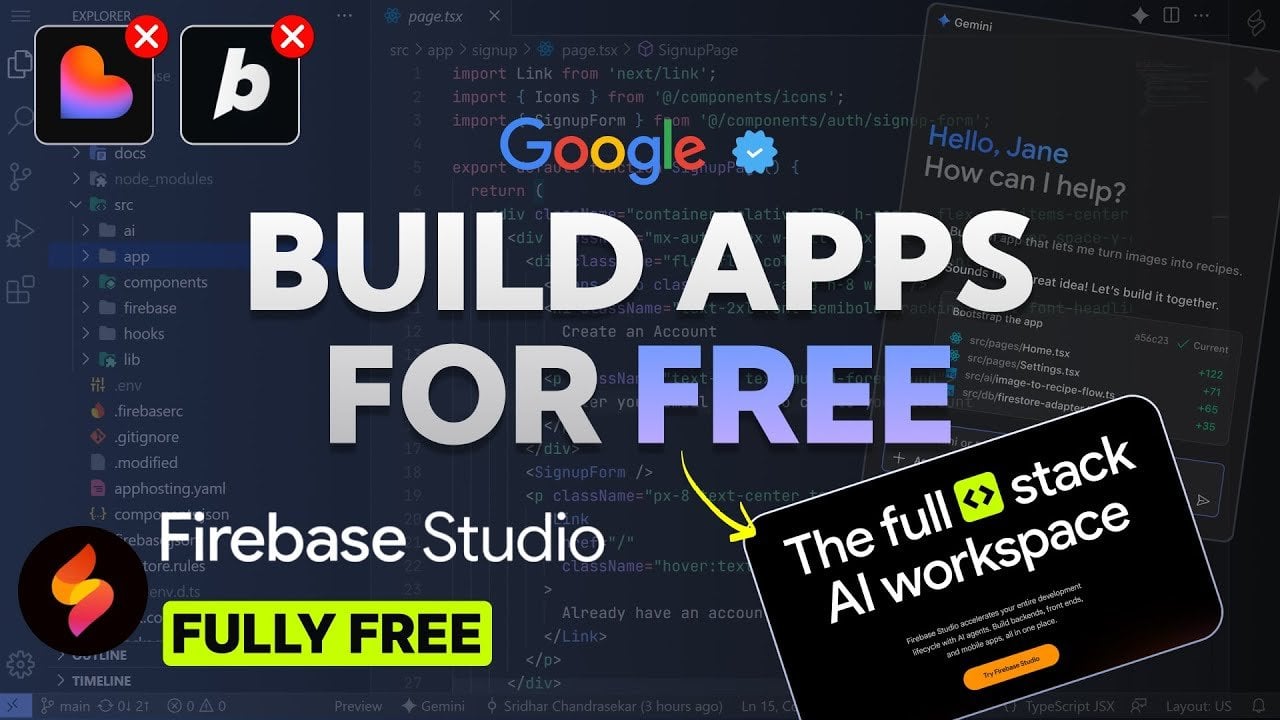
From Prompt to Publish, Google Firebase Studio Creates Full Stack Apps & Hosts Them
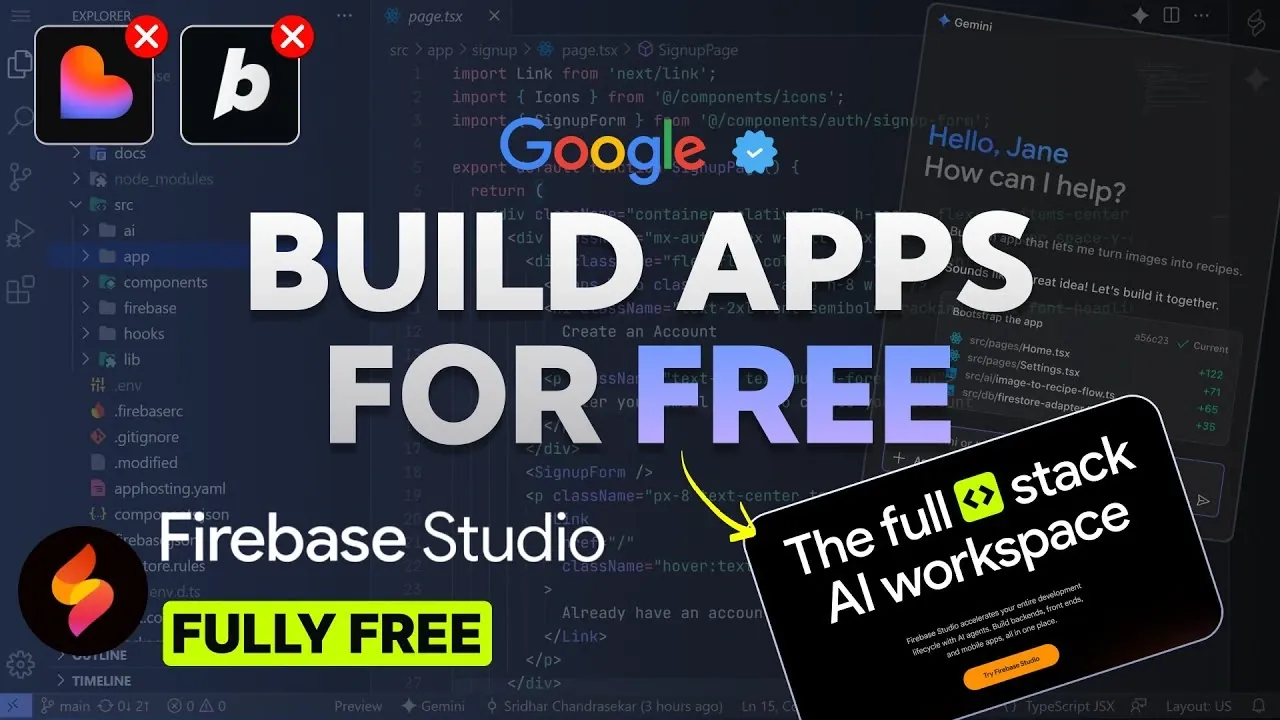
What if building a fully functional app was as simple as sketching out your idea and letting technology handle the rest? With the launch of Google’s Firebase Studio, that vision is now a reality. This new platform is poised to redefine how developers, whether seasoned professionals or complete beginners, approach app creation. By using innovative AI through the Gemini API, Firebase Studio automates the most time-consuming aspects of development, allowing users to craft full-stack applications in mere minutes. Imagine skipping the tedious coding marathons and diving straight into innovation, this is the promise Firebase Studio delivers.
In this guide Code A Program explains how Firebase Studio combines AI-powered automation, pre-built templates, and professional-grade tools to create an unparalleled app development experience. You’ll discover how it supports popular frameworks like React, Flutter, and Flask, while offering seamless integration with services like Firebase Authentication and Google Cloud tools. Whether you’re looking to build your first app or streamline workflows for a team project, Firebase Studio offers something for everyone. Could this be the moment that provide widespread access tos app development for all? Let’s unpack the possibilities.
Firebase Studio Simplifies App Development
TL;DR Key Takeaways :
- Firebase Studio uses AI-powered automation through the Gemini API to simplify full-stack app development, allowing rapid creation of backends, frontends, and mobile apps.
- The platform offers pre-built templates for popular frameworks like Next.js, React, Angular, Flutter, and Flask, allowing developers to kickstart projects with customizable blueprints.
- Advanced tools such as a Visual Studio Code-inspired editor, real-time collaboration, and built-in simulators enhance productivity and streamline workflows for teams and individuals.
- Seamless integration with Firebase Authentication, Google Cloud tools, and database options like MongoDB and PostgreSQL ensures robust functionality and easy customization.
- Firebase Studio is free to use, accessible to all skill levels, and supports no-code features for beginners while offering professional-grade tools for experienced developers.
AI-Driven App Creation for Streamlined Development
At the heart of Firebase Studio lies its AI-powered app generation capabilities. Using the Gemini API and the state-of-the-art Gemini 3 model, the platform automates the creation of complete applications. This includes generating backend services, frontend interfaces, and mobile app components, significantly reducing the need for repetitive coding tasks and complex environment configurations. Firebase Studio offers a variety of pre-built templates tailored to popular frameworks, such as:
- Next.js, React, and Angular for web development
- Flutter and React Native for mobile applications
- Flask and Express for backend services
These templates serve as foundational blueprints, allowing you to kickstart your projects while maintaining the flexibility to customize them according to your specific needs. Additionally, intelligent features like tag suggestions and note summaries enhance your workflow, making sure a more organized and productive development process.
Advanced Development Tools for Professionals
Firebase Studio is equipped with a comprehensive suite of professional-grade tools designed to elevate your development experience. Its integrated code editor, inspired by the functionality of Visual Studio Code, allows for precise code generation and seamless editing. This ensures you retain full control over your projects, whether you are fine-tuning minor details or implementing complex functionalities. Key features of Firebase Studio include:
- Real-time collaboration, allowing multiple developers to work on the same codebase simultaneously
- Built-in web and mobile simulators for live previews of your applications
- Early issue detection to identify and resolve potential problems during development
These tools not only enhance efficiency but also foster collaboration, making Firebase Studio an ideal choice for team-based projects. The platform’s ability to streamline workflows ensures that developers can focus on innovation rather than troubleshooting.
Google’s Firebase Studio : Build Apps in Minutes for Free
Check out more relevant guides from our extensive collection on Firebase Studio that you might find useful.
- Firebase Studio: Google’s Free AI Code Editor
- Using Google AI Studio Apps with Real-Time Firebase Data in 2025
- How to Use Firebase Studio in 2025: Tips for Beginners and Pros
- How to Build No-Code Apps with Firebase Studio & n8n AI Agents
- How Google’s Firebase Studio Simplifies App Development with AI
- How Google AI Studio Simplifies App Development for Everyone
- How to Use Google Gemini AI for Free
- Gemini AI Guide: Build a Parallax Websites Without Coding
- Beginner’s Guide to Developing Apps with Google AI Studio in 2025
- GitHub Copilot & Visual Studio Code: A New Era of Coding
Comprehensive Templates and Framework Support
Firebase Studio further simplifies the development process by offering an extensive library of pre-built templates. These templates cater to a wide range of use cases, from web applications to mobile apps and backend services. Supported frameworks include:
- Next.js, Angular, and React for web development
- Flutter and React Native for mobile applications
- Flask, Express, and Prisma for backend development
For database integration, Firebase Studio supports widely-used options such as MongoDB, PostgreSQL, MySQL, and Firebase itself. These pre-configured database starters allow you to focus on building your application’s functionality rather than spending time on complex setup processes. This comprehensive framework and database support make Firebase Studio a versatile tool for developers across various domains.
Seamless Integration and Customization
Firebase Studio excels in integrating with essential services and tools, allowing you to add advanced functionalities to your applications effortlessly. Key integrations include:
- Firebase Authentication for secure user management
- Database management and hosting services for streamlined data handling
- Google Cloud tools such as Google Maps and Secret Manager for enhanced functionality
The platform’s customization capabilities are another standout feature. Developers can modify app blueprints to align with specific requirements, from adjusting design elements to incorporating unique features. This flexibility ensures that your applications are not only functional but also tailored to your vision and goals.
Effortless Deployment and Team Collaboration
Firebase Studio simplifies the deployment process with its built-in GitHub integration. This feature allows you to manage your code, track changes, and deploy updates directly from the platform. Automatic environment setup and error correction further streamline deployment, minimizing the risk of bugs and configuration issues.
For teams, Firebase Studio offers robust real-time collaboration tools. These tools enable seamless teamwork, regardless of geographical location, making sure that all team members remain aligned throughout the development cycle. This is particularly advantageous for distributed teams, as it fosters efficient communication and coordination.
Accessible and User-Friendly for All Skill Levels
Firebase Studio’s intuitive interface ensures accessibility for developers of all experience levels. For beginners, the platform’s no-code development features allow the creation of functional applications without requiring extensive coding knowledge. For experienced developers, the professional-grade editor provides the flexibility and control needed for advanced customization and optimization.
Moreover, Firebase Studio is free to use, eliminating financial barriers and making it an attractive option for hobbyists, startups, and professionals alike. Its affordability, combined with its extensive features, positions Firebase Studio as a valuable resource for anyone looking to develop high-quality applications efficiently.
Media Credit: Code A Program
Filed Under: AI, Technology News, Top News
Latest Geeky Gadgets Deals
Disclosure: Some of our articles include affiliate links. If you buy something through one of these links, Geeky Gadgets may earn an affiliate commission. Learn about our Disclosure Policy.