New NotebookLM Features Guide : Deep Research, Faster Sources, Better Slides & Smarter Tools
What if your research process could be faster, your presentations more engaging, and your workflow seamlessly tailored to your needs, all without sacrificing accuracy or creativity? With its latest updates, Google’s NotebookLM is making bold strides to redefine how we approach tasks like content creation, research, and information organization. Whether you’re a student juggling deadlines, an educator crafting lesson plans, or a professional aiming to streamline your workflow, these enhancements promise to transform the way you work. From automated research tools that eliminate tedious manual searches to dynamic content creation features that bring your ideas to life, NotebookLM is positioning itself as a must-have tool for anyone looking to work smarter, not harder.
In this detailed guide, Futurepedia explain the most significant updates to NotebookLM, exploring how its deep research integration, customizable content tools, and enhanced usability features can elevate your productivity. You’ll discover how these innovations, like source validation tools to ensure credibility or new visual aids like infographics and mind maps, can help you tackle complex tasks with confidence and precision. But that’s not all: the platform’s adaptability, from multilingual support to personalized notebook configurations, ensures it fits seamlessly into your unique workflow. Whether you’re curious about the practical applications or eager to uncover hidden gems within these updates, this breakdown will leave you rethinking what’s possible with NotebookLM. After all, isn’t it time your tools worked as hard as you do?
Google NotebookLM Updates
TL;DR Key Takeaways :
- NotebookLM introduces advanced research tools, including deep research integration, fast source identification, and source validation, to streamline and enhance research accuracy.
- Upgraded content creation features like customizable infographics, flexible slide decks, and diverse studio panel tools enable dynamic and audience-specific presentations.
- Enhanced customization options, such as notebook configuration, chat auto-save, and adjustable response lengths, improve usability and adaptability for various workflows.
- Practical applications include creating visual resumes, educational aids, brainstorming tools, and teaching materials, showcasing NotebookLM’s versatility across professional and educational settings.
- New features like video overview tools and multilingual support expand functionality, while strategies like targeted prompts and content customization maximize the platform’s potential.
Key Enhancements in Research Capabilities
NotebookLM now offers advanced tools to elevate your research process, saving time while enhancing accuracy and depth. These updates focus on simplifying complex tasks and making sure reliable outcomes:
- Deep Research Integration: This feature autonomously analyzes and adapts research strategies, delivering comprehensive reports and reliable sources. By minimizing manual effort, it ensures well-rounded insights and reduces the risk of oversight.
- Fast Research Option: Designed for quick tasks, this tool identifies and imports relevant sources in seconds, allowing you to focus on analysis rather than time-consuming searches.
- Source Validation Tools: These tools enhance credibility by identifying outdated or unreliable references. For example, you can bulk-remove invalid sources, making sure your research remains accurate and up-to-date.
These features collectively make it easier to gather, analyze, and validate information, making sure your research is both efficient and trustworthy.
Upgraded Content Creation Tools
NotebookLM has expanded its content creation capabilities, offering more dynamic and visually engaging options to meet diverse needs. These updates empower users to create polished and audience-specific materials with ease:
- Infographics: Create customizable visual representations of data. Adjust orientation, detail levels, and styles to suit your audience, whether you’re presenting in a classroom, corporate meeting, or public forum.
- Slide Decks: Choose between detailed decks for in-depth presentations or concise presenter slides for high-level overviews. This flexibility allows you to tailor your content to different contexts and objectives.
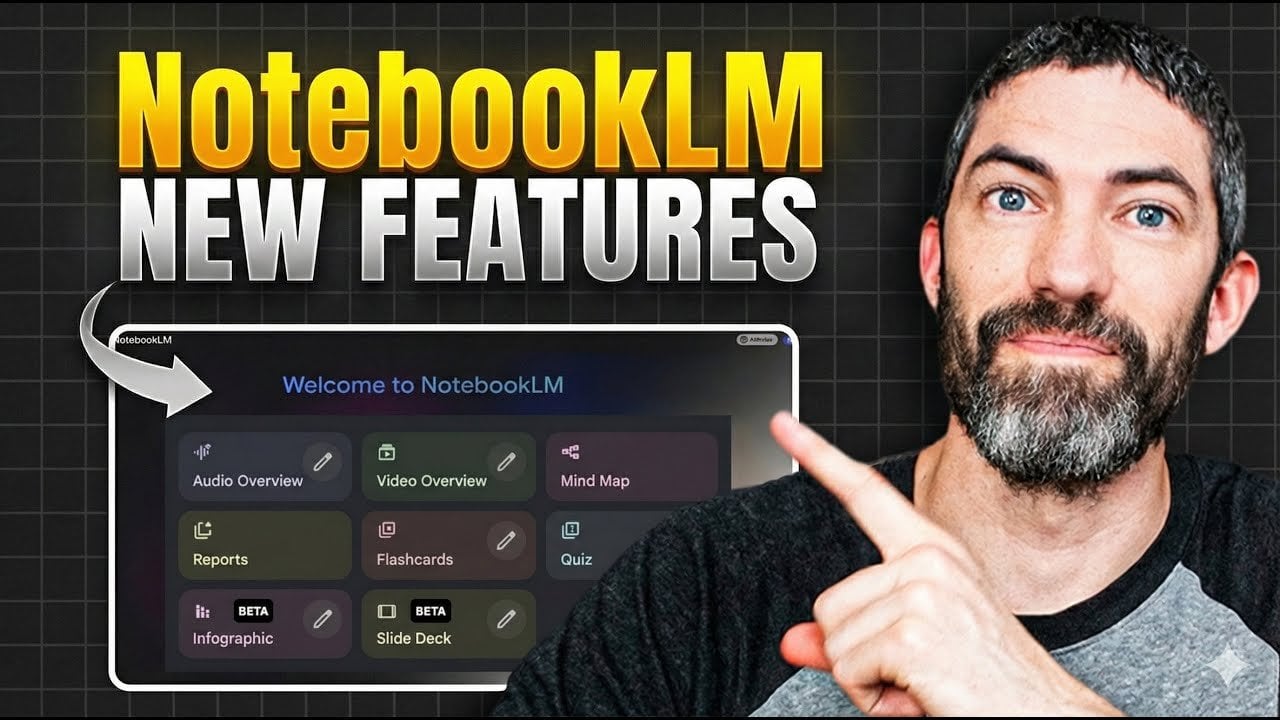
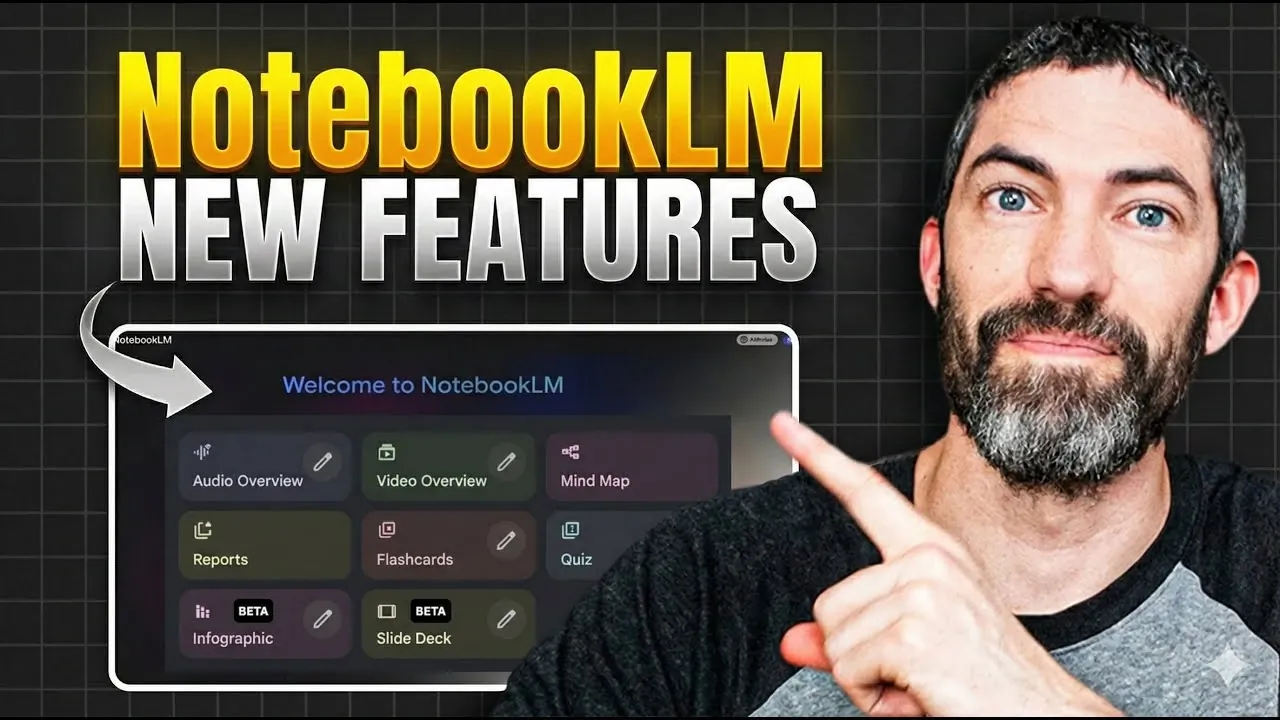
- Studio Panel Tools: Access new content types such as audio overviews, mind maps, reports, flashcards, and quizzes. These tools cater to various learning and communication styles, making information sharing more versatile and engaging.
These enhancements enable you to present information in a visually appealing and contextually relevant manner, making sure your message resonates with your audience.
NotebookLM’s Biggest Updates Yet : Every New Feature Explained
Advance your skills in Google NotebookLM by reading more of our detailed content.
- Using Google NotebookLM with Gemini 3.0 for Smarter Research
- How to Use Google NotebookLM for Smarter Learning in 2025
- Google NotebookLM Deep Research, AI Research Assistant Update
- Google NotebookLM Update, New Learning Tools & Deep Search
- MS Copilot Notebooks vs Google NotebookLM : Which is Better
- How to use Google NotebookLM for AI research and note taking
- Google NotebookLM vs Google Bard with Gemini Pro
- Guide to Mastering Google’s NotebookLM for Beginners
- Google’s Latest Notebook LM AI Update Delivers Big!!
- NotebookLM Guide for Fast, Professional Infographics Creation
Improved Customization and Usability
To enhance user experience, NotebookLM introduces several customization and usability improvements. These updates are designed to make the platform more intuitive and adaptable to individual needs:
- Notebook Configuration: Customize your notebooks to align with specific goals, such as research, learning, or conversational styles. This ensures your workspace is tailored to your objectives and workflow.
- Chat Auto-Save: Automatically save conversations to prevent data loss. This feature is particularly useful for ongoing projects or collaborative discussions, making sure continuity and reliability.
- Response Length Options: Adjust the length of generated responses to suit different purposes, from detailed explanations to concise summaries. This flexibility allows you to adapt content to varying levels of complexity.
These features enhance the platform’s usability, making it a versatile tool for a wide range of tasks and preferences.
Practical Applications
NotebookLM’s versatility makes it suitable for a broad spectrum of use cases, spanning both professional and educational environments. Here are some practical applications:
- Visual Resumes: Design engaging resumes that effectively highlight your skills, achievements, and professional journey.
- Educational Aids: Generate flashcards, quizzes, or mind maps to simplify complex topics for students, making learning more interactive and accessible.
- Brainstorming Sessions: Create alternative mind maps to organize ideas, foster creativity, and streamline decision-making processes.
- Teaching Tools: Develop visual aids and presentations tailored to your audience, enhancing the delivery of educational content.
These applications demonstrate how NotebookLM can adapt to various scenarios, providing tools that enhance productivity and creativity.
Addressing Limitations
While NotebookLM offers robust features, it is not without minor limitations. Being aware of these can help you optimize your experience and maintain high-quality outcomes:
- Occasional Errors: Spelling mistakes or inaccuracies may occur, particularly in dense or highly technical topics. These are typically easy to identify and correct manually.
- Content Options for Accuracy: For higher precision, consider using the standard or concise content generation settings, especially when working on detailed or specialized subjects.
By understanding these limitations, you can take proactive steps to ensure your work remains accurate and professional.
Additional Features to Explore
The latest updates also introduce new tools and functionalities, further enhancing NotebookLM’s capabilities:
- Video Overview Tools: Create professional-grade explainer videos with improved narration and customizable visual styles. This feature is ideal for presentations, tutorials, and marketing materials.
- Multilingual Support: Access the platform in multiple languages, broadening its usability for a global audience and fostering inclusivity.
These features expand the platform’s functionality, making it a comprehensive tool for diverse tasks and audiences.
Maximizing NotebookLM’s Potential
To fully use NotebookLM’s capabilities, consider these strategies:
- Use targeted prompts to identify gaps, contradictions, or alternative perspectives in your sources. This approach can uncover new insights and strengthen your arguments.
- Customize content generation settings for greater accuracy and relevance, particularly when dealing with complex or technical topics.
By applying these strategies, you can unlock the platform’s full potential, making sure your work is both efficient and impactful.
Media Credit: Futurepedia
Latest Geeky Gadgets Deals
Disclosure: Some of our articles include affiliate links. If you buy something through one of these links, Geeky Gadgets may earn an affiliate commission. Learn about our Disclosure Policy.