
Gemini 3 AI Beginners Guide : Prompts, Study Tips, Smart Research, Images & More
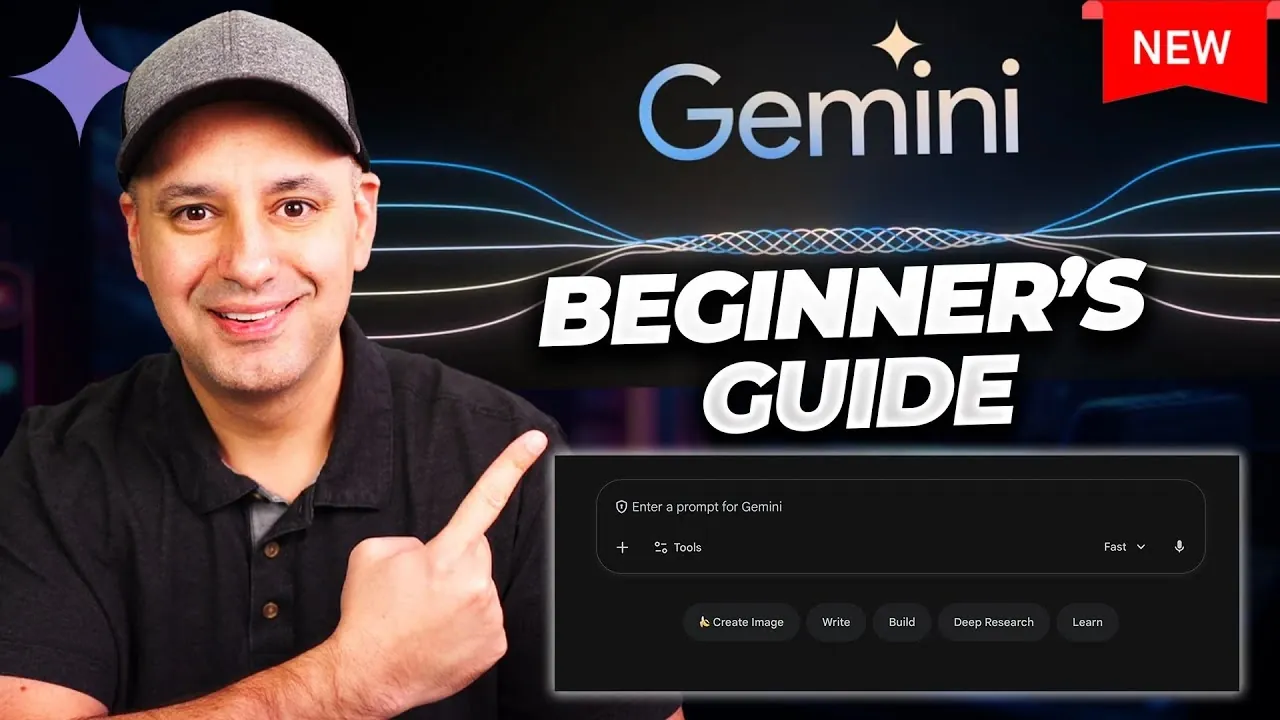
Have you ever wished for a tool that could not only simplify your daily tasks but also amplify your creativity and productivity? Enter Google Gemini 3, Google’s innovative AI assistant that’s redefining how we work, learn, and create. With the latest Gemini 3 update, this platform has evolved into a powerhouse of features, from generating professional-quality content to analyzing complex data and even creating stunning visuals. Whether you’re a student tackling research projects, a professional managing tight deadlines, or a creative looking for inspiration, Google Gemini promises to be the ultimate companion. But with so many capabilities packed into one platform, where do you even begin?
In this step-by-step how-to, Howfinity guide you through everything you need to know about using Gemini 3 effectively, including how to access its tools, customize your experience, and unlock its most powerful features. You’ll discover how to integrate Gemini seamlessly into your workflow, whether it’s drafting emails, organizing tasks, or even generating AI-powered images for your next big project. Along the way, we’ll explore some of the standout features of the Gemini 3 update, like Canvas Mode for polished writing and Vision AI for analyzing documents. By the end, you’ll not only understand how to use Google Gemini but also how to make it work for you. What could this AI assistant help you achieve today?
Google Gemini 3 Getting Started
TL;DR Key Takeaways :
- Google Gemini is an advanced AI chatbot designed to enhance productivity, creativity, and learning, with seamless integration into Google Workspace tools like Gmail, Drive, and Calendar.
- The Gemini 3 update introduces features such as writing assistance, learning support, research aid, and AI-powered image creation, catering to both personal and professional needs.
- Advanced tools include deep research, file analysis with Vision AI, and Canvas Mode for editing and formatting directly within the platform.
- Customization and personalization allow Gemini to adapt to user preferences, while free and paid plans offer flexibility, with the premium plan unlocking advanced features for $20/month.
- Additional features like real-time web search, infographic creation, AI-powered audio generation, and content exporting further enhance productivity and creativity for users.
Access and Setup
To begin using Google Gemini 3, navigate to gemini.google.com. Log in with your Google account to unlock enhanced features such as chat history and seamless integration with Google Workspace tools like Gmail, Google Drive, and Calendar. This integration transforms Gemini into a centralized hub for managing tasks, projects, and communications efficiently.
Once logged in, you can customize your experience by adjusting settings to suit your preferences. Gemini’s intuitive interface ensures that even first-time users can quickly navigate its features. For optimal performance, ensure your browser is updated to the latest version.
Core Features of Google Gemini
Google Gemini is equipped to handle a wide array of tasks, from answering straightforward questions to solving complex challenges. Its core capabilities include:
- Writing Assistance: Generate emails, blog posts, reports, or other written content effortlessly. Gemini offers suggestions, edits, and formatting options to refine your work, making sure professional-quality results.
- Learning Support: Use Gemini as a virtual tutor to explain concepts, summarize educational materials, or provide step-by-step guidance on technical topics. This feature is particularly useful for students and lifelong learners.
- Research Aid: Create detailed outlines, summarize industry reports, or analyze data to save time during research projects. Gemini’s ability to process large volumes of information makes it a valuable tool for professionals and academics.
- AI-Powered Image Creation: Input text prompts to generate high-quality visuals for presentations, marketing campaigns, or creative projects. This feature simplifies the process of creating engaging visual content.
How to Use Google Gemini 3’s New Features

Here are additional guides from our expansive article library that you may find useful on Gemini 3.
- Gemini 3 Pro Tips, 9 Smart Ways to Work Faster and Create More
- Google Antigravity vs Cursor, Gemini 3 Pro AI Coding Review
- Gemini 3 and Deep Agents: Research Workflow Guide for 2026
- ChatGPT 5.2 vs Gemini 3 : Coding, Math, and Vision Results
- Gemini 3 vs Claude and GPT, AI Benchmarks and Price Comparison
- Gemini 3 Enterprise advanced AI capabilities for Data Insights
- Gemini 3 Free AI Coding Agent : Google AI Studio Build Mode
- Nano Banana Pro with Gemini 3 Pro, Multilingual Text, 4K and more
- Gemini 3 Powers Agent-First Development in Google Antigravity
- Gemini 3 Deep Think vs ChatGPT 5.2 and Claude 4.5 Updates
Advanced Tools for Professionals and Creators
Google Gemini extends beyond basic chatbot functions, offering advanced tools designed to enhance productivity and creativity:
- Deep Research: Analyze and summarize data from multiple sources, including websites and personal files stored in Google Drive or emails. This feature is ideal for preparing detailed reports or conducting in-depth studies.
- File Analysis: Use Vision AI to extract insights from scanned documents, images, or photos. This capability simplifies working with both physical and digital files, making it easier to organize and analyze information.
- Canvas Mode: Edit and format your writing directly within the platform. This tool streamlines the process of refining drafts, allowing you to create polished documents without switching between applications.
Customization and Personalization
One of the standout features of Google Gemini is its ability to adapt to your unique preferences. Over time, the platform learns your habits and tailors its responses to align with your specific needs. This personalization enhances the overall user experience, making interactions more intuitive and efficient.
Integration with Google Workspace further amplifies this customization. You can manage Gmail, Calendar, and Drive files directly within Gemini, creating a seamless workflow. For example, you can draft an email, schedule a meeting, and organize project files, all without leaving the platform.
Free and Paid Plans: Choosing the Right Option
Google Gemini offers both free and paid plans to accommodate different user needs:
- Free Version: Provides access to basic features with usage limits, making it suitable for casual users or those exploring the platform’s capabilities.
- Paid Version: For $20 per month, unlock premium features such as advanced image generation, video creation, and extended usage limits. This plan is ideal for professionals or power users who require enhanced functionality.
The paid version also includes priority access to new features and updates, making sure that subscribers stay ahead of the curve.
Additional Features to Explore
In addition to its core and advanced tools, Google Gemini offers supplementary features designed to boost creativity and productivity:
- Web Search: Perform real-time searches to retrieve up-to-date information and verify the accuracy of responses. This feature ensures that your work is based on the latest data.
- Infographic and Quiz Creation: Design visually engaging infographics, quizzes, or flashcards for presentations, marketing campaigns, or educational purposes.
- AI-Powered Audio Generation: Convert text into audio summaries, allowing you to listen to content on the go. This feature is particularly useful for busy professionals and multitaskers.
- Content Exporting: Export your work to Google Docs or share it via links for easy collaboration with colleagues or clients. This functionality simplifies the process of sharing and editing documents.
Maximizing Your Experience with Google Gemini
To fully use the capabilities of Google Gemini, consider these practical tips:
- Organize Conversations: Start new chats for different topics to keep responses focused and relevant. This approach helps maintain clarity and avoids confusion.
- Use Thinking Mode: Activate this mode for tasks requiring detailed or nuanced answers. It ensures that Gemini provides thoughtful and comprehensive responses.
- Verify Complex Outputs: Cross-check Gemini’s responses with Google search results for accuracy, especially when dealing with technical or critical information.
- Experiment with Features: Explore the platform’s various tools to discover new ways to enhance your productivity and creativity.
Unlocking the Full Potential of Google Gemini
Google Gemini is a versatile AI tool designed to meet the diverse needs of its users. Its wide range of features, combined with seamless integration into the Google ecosystem, makes it a valuable assistant for both personal and professional use. Whether you’re drafting content, conducting research, or generating visuals, Gemini’s tools can help you achieve your goals efficiently and effectively.
With both free and paid options available, users can choose the plan that best suits their needs. By taking advantage of its advanced tools and customization options, you can unlock the full potential of Google Gemini and transform the way you work and create.
Media Credit: Howfinity
Latest Geeky Gadgets Deals
Disclosure: Some of our articles include affiliate links. If you buy something through one of these links, Geeky Gadgets may earn an affiliate commission. Learn about our Disclosure Policy.