Build Awesome UIs Faster : Shadcn 2 Update Adds Base Library, Presets & Smarter CLI
What if the design limitations holding your app back could vanish overnight? That’s exactly the promise of Shadcn 2, a fantastic update that tackles two of its predecessor’s biggest flaws: limited design flexibility and reliance on outdated components. In the video, Better Stack breaks down how this update not only redefines customization but also integrates innovative technology to make app development faster, smarter, and more accessible. Whether you’re a seasoned developer or just starting out, Shadcn 2’s bold new direction could change the way you think about building interfaces.
This explainer dives into the innovative features that make Shadcn 2 a standout, from its intuitive customizer to its seamless integration with Base UI. You’ll discover how these enhancements empower developers to create visually stunning, highly functional apps with less effort, and more creative freedom. Along the way, we’ll explore how Shadcn 2 embraces modern development practices, including AI coding compatibility and streamlined project setup. By the end, you might find yourself rethinking what’s possible in your next project.
Shadcn 2 Key Updates
TL;DR Key Takeaways :
- Shadcn 2 introduces a powerful customizer tool, allowing developers to adjust themes, colors, fonts, and icons for unparalleled design flexibility and creative freedom.
- The integration of Base UI replaces the discontinued Radix UI, offering improved accessibility, scalability, and modern functionality for app components.
- Enhanced styling options, including presets like Vega, Maya, and Lyra, allow developers to create polished, professional interfaces with ease.
- A streamlined CLI simplifies project setup, automating configuration for frameworks like Next.js and Vite, while providing pre-configured styles and full code ownership.
- AI coding compatibility accelerates development cycles by integrating with AI tools, making sure high-quality, accessible components with reduced manual effort.
Advanced Customization with the New Customizer Tool
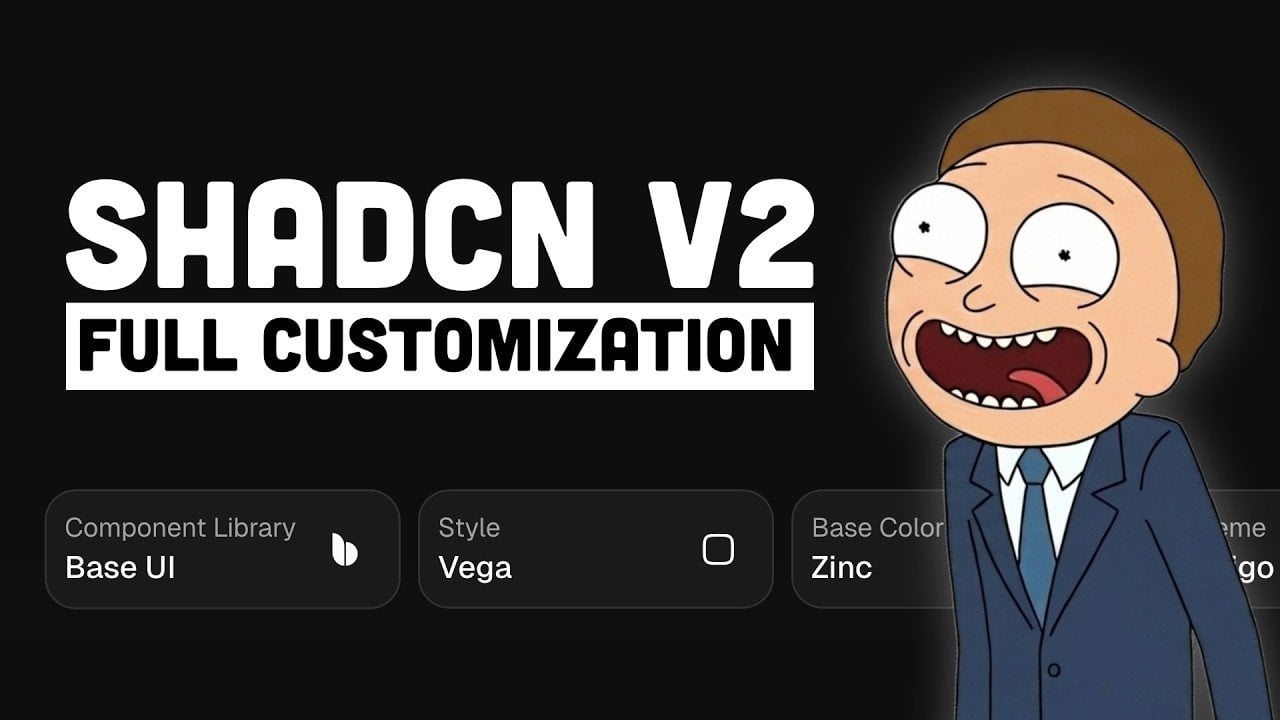
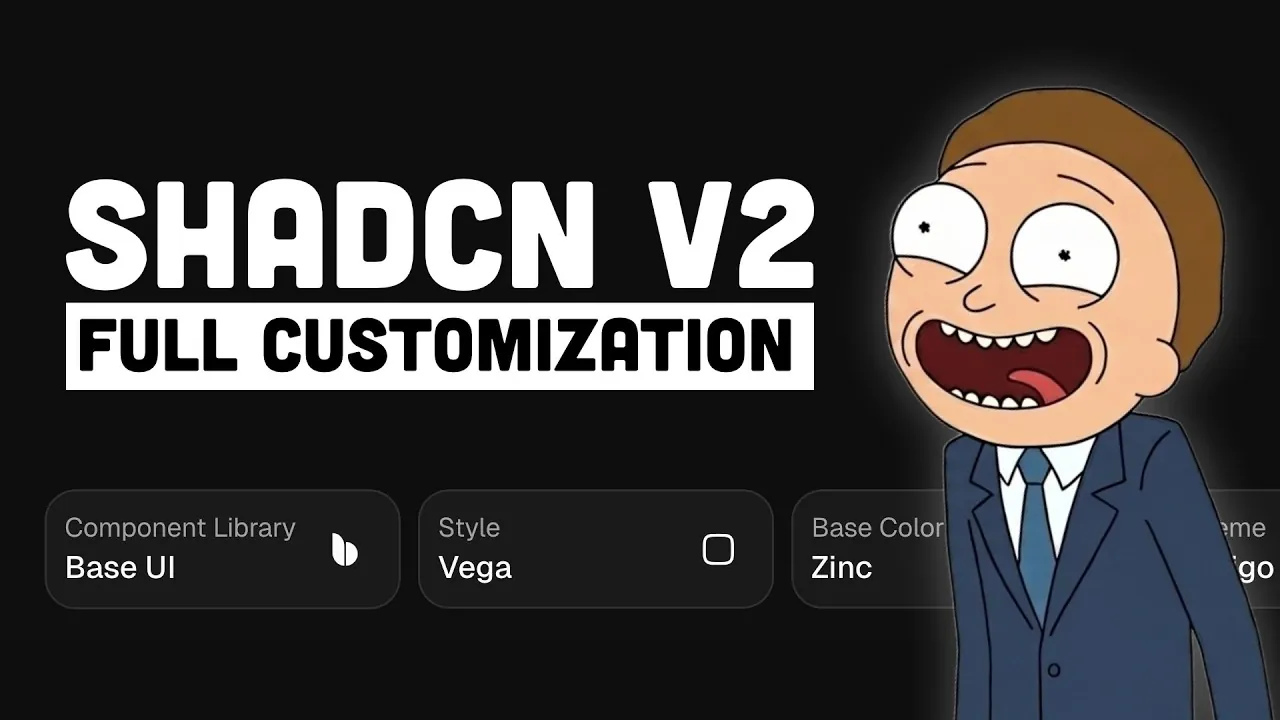
One of the standout features of Shadcn 2 is its innovative customizer tool, designed to give developers unparalleled control over their app’s design. This tool allows you to adjust themes, colors, fonts, and icons, allowing you to align your app’s aesthetic with your vision. Whether you prefer a sleek, minimalist design or a bold, vibrant look, the customizer provides the flexibility to achieve your desired outcome.
Key features of the customizer include:
- A shuffle button for generating fresh design inspiration.
- Light and dark mode toggles for seamless theme switching.
- Options to modify border radii and menu colors for a tailored appearance.
With style presets such as Vega, Maya, and Lyra, the customizer simplifies the design process, offering a starting point for your creative exploration. These features enable you to craft polished, professional interfaces without the need for extensive manual coding, saving time while maintaining high-quality results.
Base UI Integration: A Modern and Scalable Foundation
Shadcn 2 replaces the outdated Radix UI with Base UI, a innovative headless component library developed by the creators of Radix, Floating UI, and Material UI. This integration enhances both the accessibility and functionality of app components, making sure they meet contemporary standards while remaining adaptable to diverse use cases.
Base UI offers several advantages:
- Improved accessibility compliance across all components.
- A robust foundation for building scalable and reliable user interfaces.
- Greater flexibility compared to the limitations of Radix UI.
By adopting Base UI, Shadcn 2 provides a future-proof solution that ensures your app remains functional, visually appealing, and adaptable as technology evolves. This integration not only enhances the user experience but also simplifies the development process for teams and individual developers alike.
New Shadcn 2 Customizer Fixes Sameness and Speeds Setup
Advance your skills in AI coding by reading more of our detailed content.
- SpecKit Review: GitHub’s New Tool for Reliable AI Coding
- ChatGPT 5 vs Claude Sonnet: Real-World AI Coding Comparison
- Codex vs Claude Code: A Detailed Comparison of AI Coding CLIs
- ChatGPT 5 vs Claude Opus 4.1: AI Coding Assistant Comparison
- Save Money on AI Coding: Use Free Extensions In VS Code
- How AI is Changing the Way Developers Code and Collaborate
- New Claude Code 2.0 Agentic AI Coding Agent : The Secret
- Gemini Coder 2 Build Mode : Free AI Coding Tool You Need to Try
- How the Claude SANDBOX Method Makes AI Coding 90% Faster
- Sonnet 4.5 vs GLM 4.6 vs Codex : Detailed AI Coding Comparison
Enhanced Styling Options for Greater Creative Freedom
Shadcn 2 introduces significant improvements to its styling capabilities, allowing developers to create unique visual identities for their applications. With multiple style presets like Vega, Maya, and Lyra, you can experiment with various aesthetics to find the perfect fit for your project. Additionally, the ability to customize primary colors and fonts ensures that your app aligns with your brand or specific design goals.
Notable styling features include:
- Dynamic light and dark mode toggles for versatile theme options.
- Customizable border radii to achieve a distinct and refined look.
- Flexible design presets to jumpstart the creative process.
These enhancements make it easier to achieve a professional and polished design, whether you are working on a small personal project or a large-scale enterprise application. The improved styling tools empower developers to focus on creativity while maintaining consistency and quality.
Efficient Project Setup with CLI
Shadcn 2 streamlines the development process with its command-line interface (CLI), which automates project setup and configuration. This tool allows you to generate projects in popular frameworks such as Next.js, TanStack, or Vite, complete with pre-applied custom styles. By automating these initial steps, the CLI saves valuable time and effort, allowing you to focus on building your app’s core functionality.
Additional benefits of the CLI include:
- Pre-configured styles to accelerate project initialization.
- Full ownership of the generated code, providing flexibility and control.
- Compatibility with modern development practices for seamless integration.
This streamlined setup process is particularly beneficial for developers aiming to optimize their workflows without compromising on quality or functionality.
AI Coding Compatibility for Smarter Development
Shadcn 2 embraces the future of software development by integrating with AI coding tools. This compatibility allows developers to use AI for efficient coding while maintaining high-quality design and functionality. The use of Base UI ensures that AI-generated components are both accessible and reliable, reducing the need for extensive manual adjustments.
Key advantages of AI compatibility include:
- Accelerated development cycles, especially for complex projects.
- Consistent, high-quality components generated by AI tools.
- Reduced manual effort, allowing developers to focus on innovation and creativity.
For developers working under tight deadlines, this feature offers a practical solution to enhance productivity and streamline workflows. By integrating AI tools, Shadcn 2 positions itself as a forward-thinking platform that aligns with the evolving needs of modern development.
Seamless Migration for Existing Projects
While Shadcn 2 does not provide a direct migration path for existing projects, it offers a straightforward approach to incorporating its features into your workflow. Developers can migrate by copying Shadcn files from a new project into their existing codebase. This file-based migration method ensures that you can take advantage of Shadcn 2’s enhancements without the need to rebuild your project from scratch.
This practical migration strategy allows teams to adopt Shadcn 2 incrementally, minimizing disruption while benefiting from its advanced features and improvements. By offering this flexibility, Shadcn 2 accommodates a wide range of development scenarios, making it accessible to both new and existing projects.
Empowering Developers with Shadcn 2
Shadcn 2 represents a significant advancement in app development, addressing previous limitations with innovative solutions. Its customizer tool, Base UI integration, and enhanced styling options provide developers with the tools needed to create unique, accessible, and functional interfaces. With streamlined project setup, AI compatibility, and a practical migration path, Shadcn 2 is a versatile and forward-thinking platform for modern developers seeking to build exceptional applications.
Media Credit: Better Stack
Filed Under: AI, Technology News, Top News
Latest Geeky Gadgets Deals
Disclosure: Some of our articles include affiliate links. If you buy something through one of these links, Geeky Gadgets may earn an affiliate commission. Learn about our Disclosure Policy.