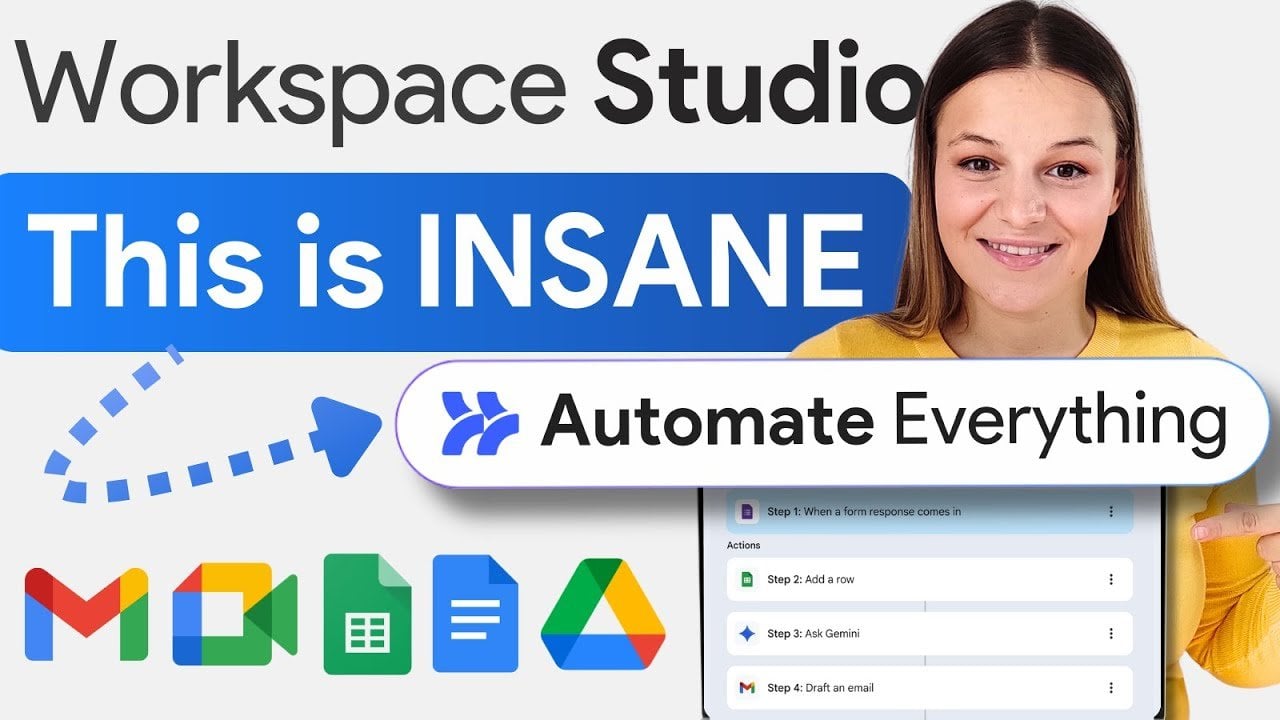
6 Google Workspace Studio Automations : Transform Gmail, Docs & Forms into a Hands-Free Helper
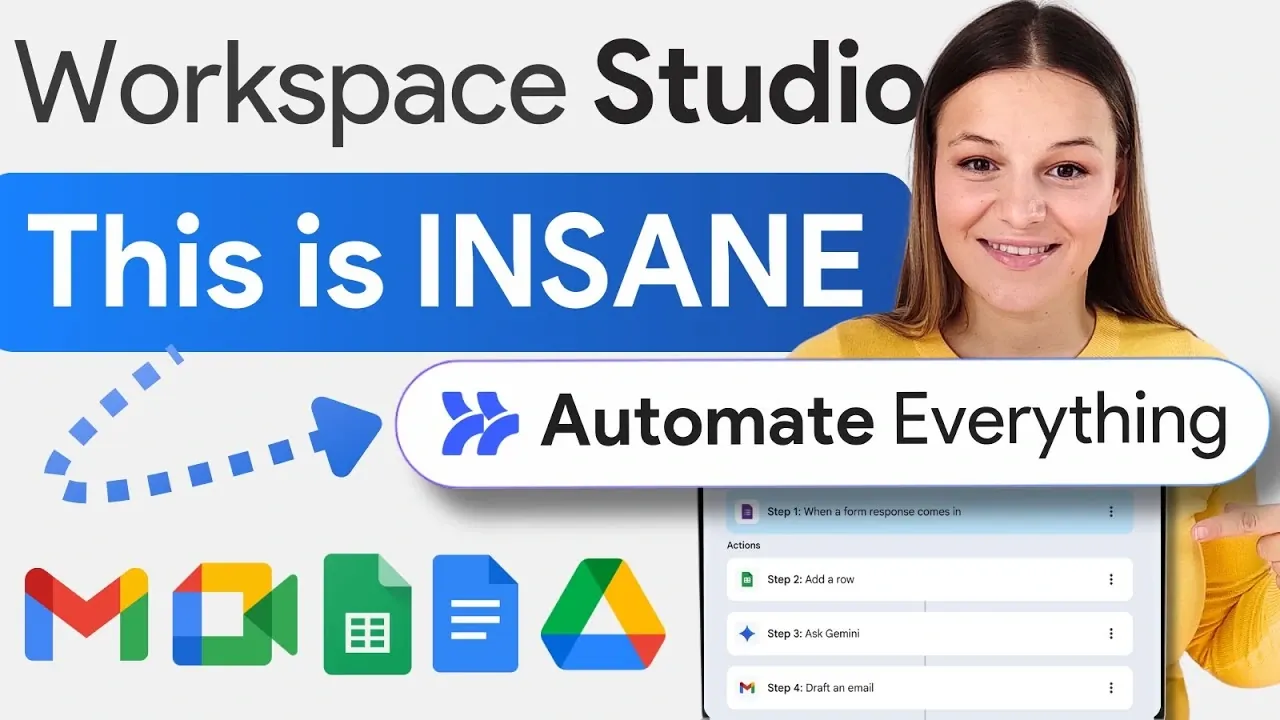
Imagine cutting hours of tedious, repetitive work from your weekly routine, all with just a few clicks. That’s the promise of Google Workspace Studio, a platform that’s transforming how we manage tasks with the power of AI and automation. Below the Your AI Workflow team breaks down six ingenious automations you can create to streamline everything from email management to job application tracking. Whether you’re a freelancer juggling multiple clients, a small business owner, or just someone drowning in digital clutter, these automations promise to save time, reduce stress, and help you focus on what truly matters.
Discover how to use Google Workspace Studio to tackle common productivity headaches in creative and surprisingly effective ways. From automating invoice generation to crafting personalized email replies, each workflow is designed to eliminate inefficiencies and boost your output. Curious about how AI can summarize industry news for you or send perfectly timed meeting reminders? These are just a few of the powerful possibilities waiting to be explored. By the end, you might find yourself rethinking how much of your day-to-day work could be handled effortlessly by smart automation.
Google Workspace Automation
TL;DR Key Takeaways :
- Google Workspace Studio integrates AI and automation to streamline workflows, reduce manual effort, and boost productivity across tasks like email management, invoice generation, and job application processing.
- Key automations include AI-powered email organization, automated meeting reminders, and tailored email replies, allowing users to save time and focus on high-priority tasks.
- The platform simplifies complex processes such as summarizing industry news, generating invoices, and managing recruitment, making sure accuracy and efficiency for professionals and businesses.
- Customizable templates, flexible scheduling, and seamless integration with Google Workspace tools make it user-friendly and adaptable to various industries and use cases.
- Google Workspace Studio enables users to achieve their goals by minimizing errors, enhancing productivity, and optimizing operations for freelancers, small businesses, and teams alike.
Email Management Automation
Managing an overflowing inbox can be a daunting and time-consuming task. With Google Workspace Studio, you can automate email organization using AI-powered labeling. For instance, incoming emails can be automatically sorted into categories such as “Collaborations,” “Low-Budget Inquiries,” or “Newsletters.” This ensures your inbox remains organized, allowing you to focus on high-priority messages without the distraction of clutter. By automating this process, you save valuable time and maintain better control over your email communication.
Weekly Industry News Recap
Staying updated on industry trends is essential, but manually gathering and summarizing news can take hours. Google Workspace Studio simplifies this by automating the process. It collects relevant news articles, summarizes the key points, and even generates an audio script for easy consumption. The script can be emailed directly to you, allowing you to stay informed while multitasking or commuting. This automation is particularly useful for professionals who need to remain current without sacrificing productivity.
6 Awesome Google Workspace Studio AI Automations
Explore further guides and articles from our vast library that you may find relevant to your interests in Google Workspace Studio.
- AI Video Roundup: Kling 2.6 Adds Native Audio Support
- How to Use Google Gemini AI for Free
- Firebase Studio: Google’s Free AI Code Editor
- How to use Google Firebase Studio for App Development
- Microsoft 365 vs Google Workspace which is best for you?
- How to Use Google Workspace: A Complete 2025 Guide & Hacks
- Google Workspace now features Gemini AI assistant
- Google Workspace Gemini Flows : Makes Creating AI Agents Easy
- Google Firebase Studio Guide to Free Templates, Gemini 3
- Gemini 3 Guide, from Coding to 3D Visuals with AI Studio
Meeting Link Reminders
Sharing meeting details manually can lead to missed appointments or unnecessary delays. Google Workspace Studio addresses this issue by automating email reminders with meeting links. For example, you can schedule reminders to be sent 10 minutes before a meeting begins, making sure all participants have the necessary information on time. This reduces the risk of oversight, enhances punctuality, and improves the overall efficiency of your meetings.
Invoice Generation
Manually creating invoices can be both tedious and error-prone. Google Workspace Studio automates this process by scanning emails for invoice-related details, such as client names, payment amounts, and due dates. It then generates editable invoice templates, which can be converted into downloadable PDFs. This automation not only saves time but also ensures accuracy in financial documentation, making it an invaluable tool for freelancers, small businesses, and finance teams.
Job Application Management
Recruitment processes often involve sorting through a large number of job applications, which can be overwhelming. Google Workspace Studio streamlines this task by analyzing applications submitted via Google Forms. It filters candidates based on predefined criteria, organizes qualified applicants into a spreadsheet, and drafts personalized interview invitation emails. This automation accelerates the hiring process while maintaining precision and consistency, making it ideal for HR teams and hiring managers.
Automated Email Replies
Responding to inquiries can consume a significant portion of your workday. Google Workspace Studio uses AI to draft tailored email replies based on a shared knowledge base. It identifies questions from incoming emails and prepares accurate responses for your review. This feature is particularly beneficial for addressing customer or prospect inquiries efficiently while maintaining a professional tone. By automating this process, you can focus on more strategic tasks without compromising communication quality.
Key Features of Google Workspace Studio
- Seamless integration with Google Workspace tools like Gmail, Google Docs, and Google Drive.
- AI-powered decision-making for tasks such as content extraction and email drafting.
- Customizable templates and workflows for specific use cases.
- Flexible scheduling options for recurring tasks.
- User-friendly interface for building and managing automations.
Benefits of Using Google Workspace Studio
- Save time by automating repetitive tasks.
- Boost productivity with AI-driven workflows.
- Minimize errors in manual processes like invoice creation and email management.
- Streamline operations for professionals, freelancers, and small businesses.
Applications Across Industries
Google Workspace Studio is a versatile platform that caters to a wide range of users and industries. It is particularly beneficial for professionals managing high email volumes, small businesses seeking workflow optimization, and teams striving for greater efficiency. For freelancers juggling multiple clients, it offers tools to simplify administrative tasks, while business owners can use it to oversee operations more effectively. By tailoring its features to meet diverse needs, Google Workspace Studio ensures that users can achieve their goals with greater ease and precision.
Why Google Workspace Studio Matters
Google Workspace Studio combines the power of AI and automation to simplify complex tasks and enhance productivity. From organizing emails to generating invoices, it provides a range of customizable workflows designed to meet the needs of modern professionals. By using these automations, you can save time, reduce errors, and focus on what truly matters, achieving your objectives and driving growth in your personal or professional endeavors.
Media Credit: Your AI Workflow
Latest Geeky Gadgets Deals
Disclosure: Some of our articles include affiliate links. If you buy something through one of these links, Geeky Gadgets may earn an affiliate commission. Learn about our Disclosure Policy.