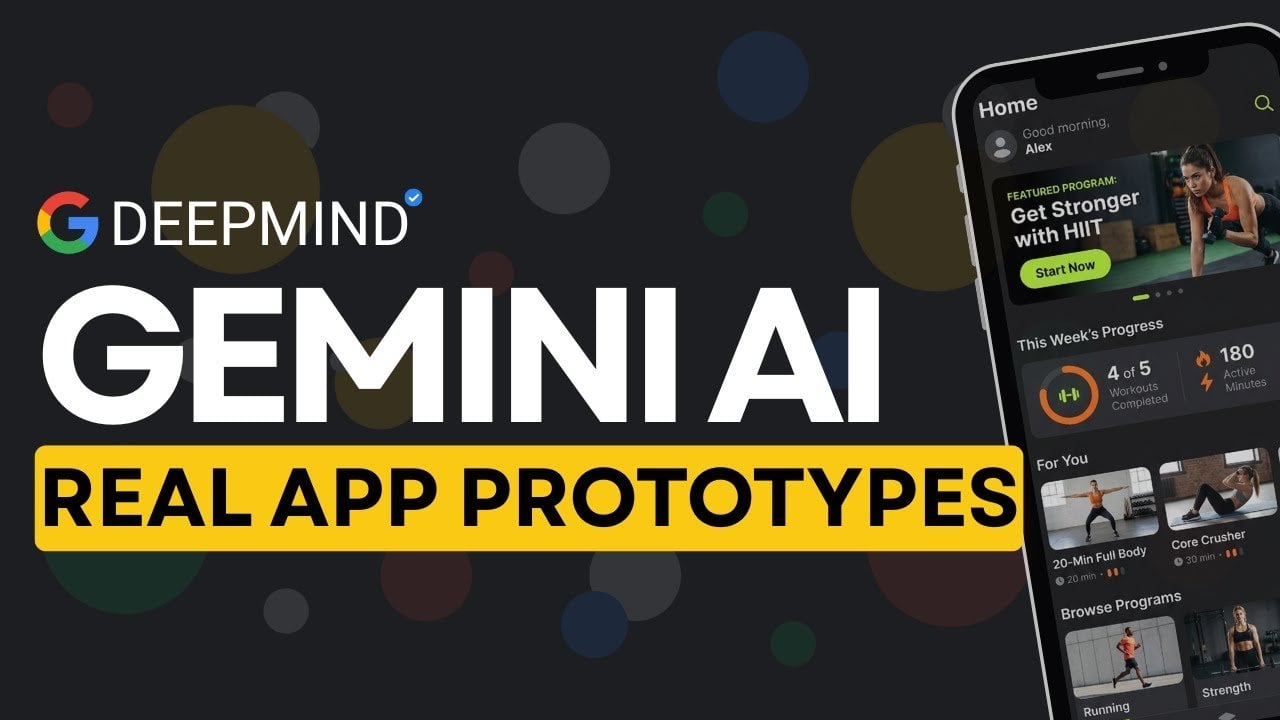
Google Stitch & Gemini 3 : Speed up Real App Prototypes with Smart Planning
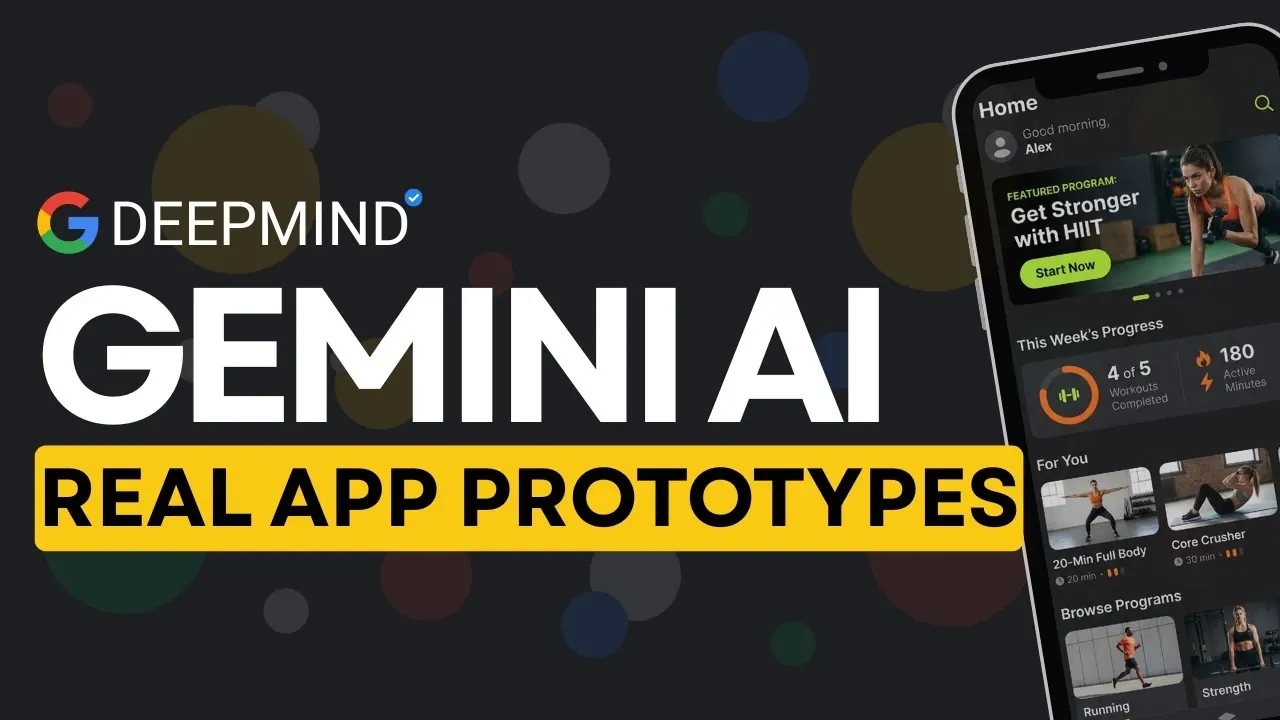
What if you could turn a simple idea into a fully functional app prototype in minutes? That’s no longer a distant dream, thanks to Google’s AI-powered design platform, Stitch, which has just received a innovative upgrade. In this guide, Universe of AI explains how the integration of Gemini 3 Pro has transformed Stitch into a powerhouse for app prototyping, capable of converting basic inputs like text prompts or screenshots into production-ready designs. Imagine skipping the tedious back-and-forth of traditional design workflows and instead watching your concepts come to life almost instantly. With features like predictive heat maps and interactive user flows, Stitch isn’t just another design assistant, it’s a bold step toward rethinking how apps are built.
Learn about the innovative features that make Stitch a standout in the world of app development. You’ll discover how it bridges the gap between conceptualization and implementation, offering seamless exports to platforms like Figma and Google AI Studio. Curious about how predictive heat maps can optimize user engagement or how the zen mode keeps your workspace distraction-free? These updates aren’t just about convenience, they’re about empowering developers and designers to focus on creativity and precision. By the end, you’ll see why Stitch, powered by Gemini 3 Pro, is poised to redefine the future of app prototyping.
AI-Driven App Prototyping
TL;DR Key Takeaways :
- Google’s AI-powered tool, Stitch, now enhanced by Gemini 3 Pro, transforms text prompts, screenshots, or URLs into fully functional app prototypes, streamlining app development and design workflows.
- Stitch introduces interactive user flows, animations, and predictive heat maps to optimize user experience and refine design layouts based on user attention patterns.
- New features like a command palette and zen mode improve productivity by allowing quick navigation and providing a distraction-free workspace.
- Gemini 3 Pro integration enhances Stitch’s ability to handle complex designs, making sure high-quality, pixel-perfect outputs for intricate layouts and dashboards.
- Stitch supports iterative design, customization, and seamless export options, fostering collaboration and allowing smooth transitions from prototyping to production.
Transforming Ideas into Production-Ready Designs
Stitch serves as a bridge between conceptualization and implementation, allowing you to generate user interfaces and front-end code directly from your inputs. Whether you provide a text description, upload a screenshot, or share a website URL, Stitch translates your vision into responsive layouts and production-ready HTML/CSS.
The tool supports seamless export options, allowing you to transfer your designs to platforms like Figma, Google AI Studio, or download them as code files. This ensures compatibility with your preferred development tools, facilitating a smooth transition from the design phase to production. By automating these processes, Stitch reduces manual effort and accelerates the development timeline.
Innovative Features Enhancing Prototyping
The latest updates to Stitch introduce several user-centric features designed to elevate the prototyping experience. One of the most impactful additions is the ability to link multiple screens into interactive user flows. This feature enables you to create prototypes with animations, editable elements, and responsive interactions, making it easier to visualize and test user journeys in real-time.
Another new feature is the inclusion of predictive heat maps. These maps analyze user attention and interaction patterns, helping you identify areas where users are most likely to focus. By using this data, you can optimize your designs to deliver a more intuitive and effective user experience. These insights are particularly valuable for refining layouts and making sure that key elements capture user attention.
This Google AI Agent Builds Real App Prototypes Fast
Take a look at other insightful guides from our broad collection that might capture your interest in Google AI.
- Google AI Studio Vibe Coding Update Adds Gemini AI Model
- How Google AI Studio Simplifies App Development for Everyone
- Gemini AI: The Future of Google Maps, Android Auto, and More
- Using Google AI Studio Apps with Real-Time Firebase Data in 2025
- Google Cloud Run Custom Domain Setup Guide for AI Studio
- Google AI Studio: The Future of Simplified App Development
- How Google AI Studio Makes Software Learning Faster and Easier
- Google AI for Marketing : Gemini 3, Notebook LM & Automations
- Google AI Glasses: Android XR Features, Applications and Future
- Google Android XR Glasses: Features, Benefits, and Challenges
Streamlined Workflow for Efficiency and Focus
To enhance productivity, Stitch now includes a command palette that allows for quick navigation and task execution. This feature minimizes the time spent searching through menus, allowing you to focus on your design tasks. Additionally, the introduction of a zen mode provides a distraction-free workspace, allowing you to concentrate fully on your projects without interruptions.
These workflow enhancements are designed to help you maintain focus and efficiency, making sure that your time is spent on creative and strategic tasks rather than navigating complex interfaces. Whether you’re working on a tight deadline or managing multiple projects, these tools simplify the design process.
Gemini 3 Pro: Mastering Complex Designs
The integration of Gemini 3 Pro significantly enhances Stitch’s capabilities, equipping it with advanced reasoning to tackle intricate layouts, dashboards, and pixel-perfect CSS. This upgrade enables Stitch to intelligently plan and structure designs before generating code, making sure that the final output meets high standards of functionality and aesthetics.
Whether you’re working on detailed dashboards, complex app interfaces, or multi-layered designs, Gemini 3 Pro ensures precision and adaptability. Its ability to handle complex requirements makes it an invaluable tool for developers and designers aiming to deliver high-quality results.
Iterative Design and Customization
Stitch supports an iterative design process, allowing you to refine both the visual and functional aspects of your prototypes. With predictive user behavior insights, you can test and adjust your designs to better align with user needs and preferences. This iterative approach ensures that your final product is not only visually appealing but also highly functional and user-friendly.
The tool also provides customization options, allowing you to tweak layouts, interactions, and design elements to achieve the desired outcome. By supporting continuous improvement, Stitch enables you to perfect your designs and deliver solutions that meet user expectations.
Seamless Collaboration and Export
Collaboration is a key focus of Stitch’s latest updates. The tool allows you to export prototypes and code effortlessly, making it easy to share your work with team members or integrate it into larger projects. Whether you’re collaborating with colleagues, presenting designs to stakeholders, or transitioning from prototyping to production, Stitch’s export functionality ensures a seamless workflow.
By simplifying the sharing and integration process, Stitch fosters collaboration and enables teams to work more cohesively. This feature is particularly beneficial for distributed teams or projects involving multiple contributors.
Empowering the Future of App Development
With its latest updates, Stitch emerges as a fantastic tool for developers and designers, offering a streamlined and user-focused approach to app prototyping. By combining advanced AI capabilities with practical design features, Stitch enables you to create functional, production-ready prototypes with ease. Whether you’re a seasoned developer looking to optimize your workflow or a designer aiming to bring your ideas to life, Stitch provides the tools and insights needed to succeed in today’s fast-paced app development landscape.
Media Credit: Universe of AI
Latest Geeky Gadgets Deals
Disclosure: Some of our articles include affiliate links. If you buy something through one of these links, Geeky Gadgets may earn an affiliate commission. Learn about our Disclosure Policy.