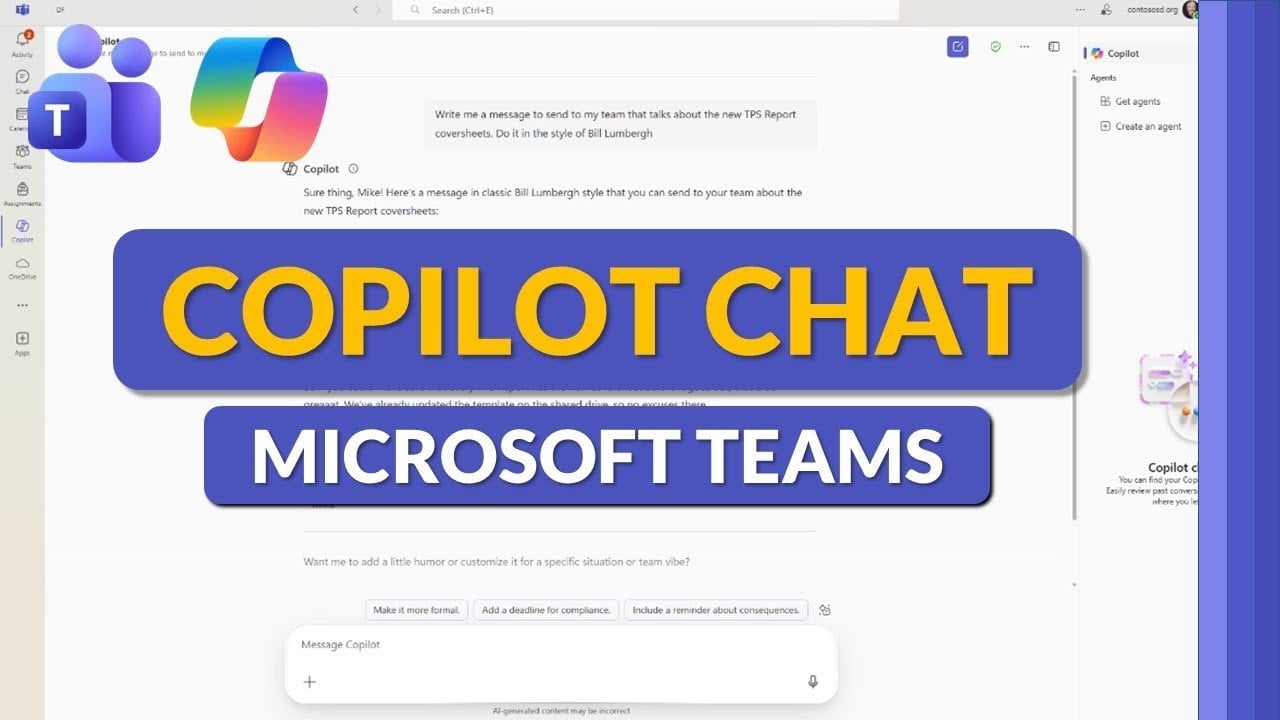
Learn Copilot Chat for MS Teams : From File Analysis to Loop Pages, Custom Styles & Agents
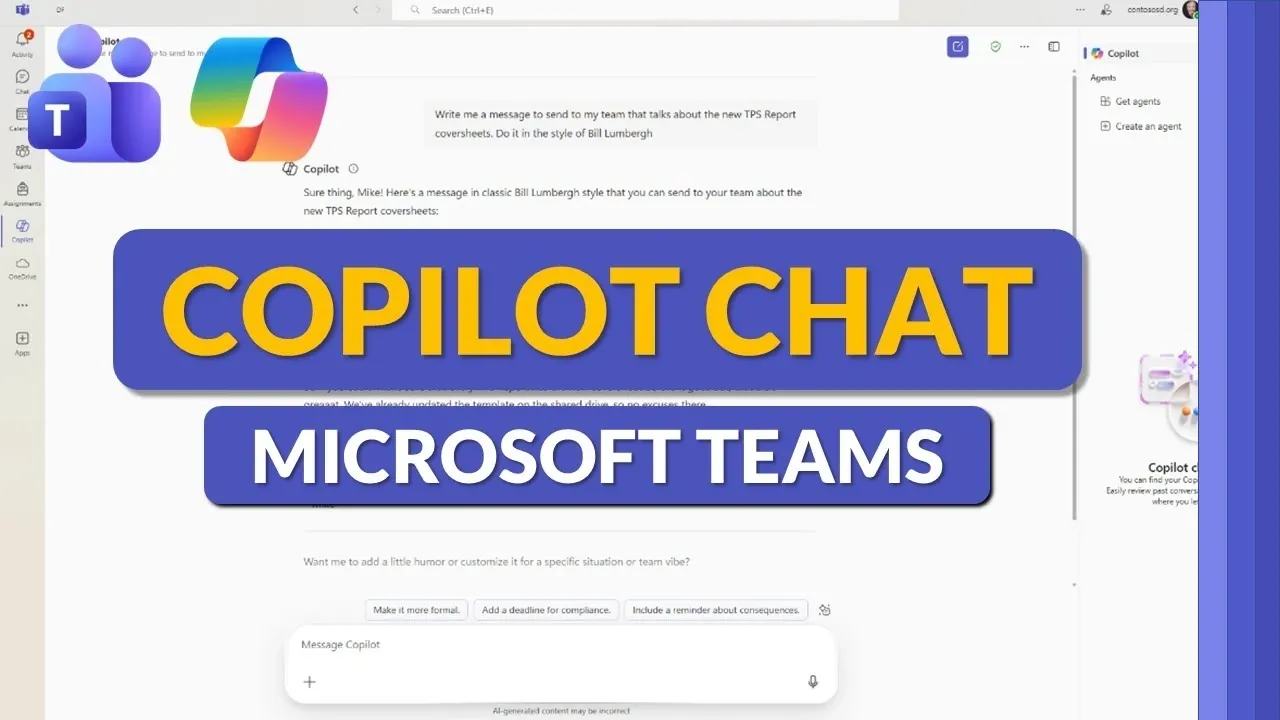
Have you ever wished for a smarter way to manage your workload in Microsoft Teams? With AI-powered features that draft emails, analyze data, generate visuals, and enhance collaboration, Copilot Chat is here to transform how you work, all within your virtual workspace. In the video below, Mike Tholfsen breaks down how this innovative assistant transforms routine tasks into efficient workflows, helping professionals and educators save time and boost productivity.
This how-to guide will take you step-by-step through Copilot Chat’s standout features, from using its customization options to tailoring responses, to exploring its seamless integration with Microsoft Loop. You’ll also learn how to use the Prompt Gallery for repetitive tasks and discover practical ways to improve team communication and decision-making. By the end, you’ll be equipped to unlock the full potential of this AI-powered assistant and elevate your daily workflow.
Copilot Chat Getting Started
TL;DR Key Takeaways :
- Copilot Chat in Microsoft Teams enhances productivity and collaboration with advanced AI, seamless integration, and minimal setup, making it ideal for businesses and educational institutions.
- Data security is prioritized with enterprise-grade measures, GPT-4/GPT-5 options, and strict confidentiality, making sure compliance with organizational and regulatory standards.
- Key features include chatbot assistance, file analysis, read-aloud functionality, and data visualization tools, streamlining workflows and supporting decision-making.
- Enhanced collaboration tools like Loop integration, export options, and customization features (e.g., memory and custom instructions) foster efficient teamwork and personalized experiences.
- Additional functionalities such as the Prompt Gallery, advanced agent creation, chat history storage, and image generation further expand its versatility and user efficiency.
Access and Integration
Copilot Chat is seamlessly integrated into Microsoft Teams, accessible directly from the left app bar. It is available to a wide range of users, including businesses and educational institutions, making sure broad applicability. Whether you are drafting documents, analyzing data, or collaborating with your team, this tool fits effortlessly into your existing workflows with minimal setup.
To begin using Copilot Chat, ensure your Microsoft Teams application is updated to the latest version. Once enabled, you can access its features without the need for additional installations or complex configurations. This simplicity makes it an ideal choice for organizations looking to enhance their operations without disrupting existing processes.
Prioritizing Data Security
Data security is a fundamental aspect of Copilot Chat, making sure that sensitive information remains protected. The tool employs enterprise-grade security measures to comply with organizational and regulatory standards. By default, it operates on GPT-4, a highly capable AI model. For more advanced tasks, users have the option to switch to GPT-5, offering flexibility to match the complexity of their requirements.
This dual-model approach ensures that users can balance performance and security, tailoring the tool to meet specific needs. Additionally, all data processed by Copilot Chat is handled with strict confidentiality, making it a reliable choice for industries with stringent data protection requirements.
Microsoft Teams Copilot Chat Tips & Tricks
Stay informed about the latest in Microsoft Teams by exploring our other resources and articles.
- Microsoft Teams: 12 New Features Released in Dec 2025
- Microsoft Teams Summer 2025 Updates: 8 New Features
- 10 New Microsoft Teams Features to Boost Productivity
- Microsoft Teams PWA lands on Linux
- How to setup teams of people in Microsoft Teams
- Improve your presentation skills with Microsoft Teams Speaker
- Microsoft Teams Updates and new features unveiled
- How Microsoft Teams Copilot Enhances Workplace Communication
- 10 New Microsoft Teams Features for 2025 to Boost Productivity
- Using Copilot in Microsoft Teams & Outlook for communications
Key Features of Copilot Chat
Copilot Chat is equipped with a wide range of features designed to simplify tasks and enhance productivity. These include:
- Chatbot Assistance: Generate content, draft emails, and analyze data with ease, saving time on routine tasks.
- Read-Aloud Functionality: Convert text outputs to speech, improving accessibility and allowing multitasking.
- File Analysis: Upload files such as spreadsheets to extract insights, identify trends, and create visualizations.
These features are tailored to meet the needs of professionals and educators alike, making sure that users can focus on high-value activities while automating repetitive tasks.
Data Analysis and Visualization
One of the standout capabilities of Copilot Chat is its ability to analyze data and present it in actionable formats. For example, users can upload spreadsheets to uncover trends, assess team sentiment, or identify strategic opportunities. The tool can generate charts, summaries, and visualizations, making it easier to share insights with stakeholders or team members.
This feature is particularly valuable for decision-making, as it allows users to transform raw data into meaningful information. Whether you are preparing a report or conducting a performance review, Copilot Chat simplifies the process, allowing you to focus on interpreting results rather than compiling them.
Enhanced Collaboration Tools
Collaboration is at the core of Microsoft Teams, and Copilot Chat enhances this functionality with tools designed to keep teams aligned and productive. Key features include:
- Loop Integration: Share and store data on collaborative Loop pages, allowing real-time teamwork and seamless updates.
- Export Options: Effortlessly share or export content to other tools like Word or Excel for broader use and distribution.
These tools ensure that even complex projects are managed efficiently, fostering better communication and teamwork. By centralizing collaboration within a single platform, Copilot Chat reduces the need for multiple tools, streamlining project management.
Customization and Memory
Copilot Chat offers extensive customization options to adapt to your unique needs. These include:
- Custom Instructions: Personalize the tool’s responses and styles to align with your preferences or organizational tone.
- Memory Feature: Store user-specific details and preferences, making sure a consistent and tailored experience over time.
This level of personalization allows the tool to evolve alongside your requirements, making it a valuable asset for both individual users and teams. Whether you need specific formatting for reports or consistent phrasing in communications, Copilot Chat can be tailored to meet these demands.
Prompt Gallery: A Time-Saving Resource
The Prompt Gallery is a curated library of pre-designed prompts categorized by tasks such as “ask,” “learn,” and “create.” Users can save and filter prompts based on job types or specific needs, providing a quick starting point for repetitive or complex tasks. This feature is particularly useful for:
- Streamlining processes by reducing the need to create prompts from scratch.
- Maintaining efficiency in workflows by offering ready-to-use templates.
By using the Prompt Gallery, users can save time and focus on higher-priority activities, making sure that routine tasks are completed quickly and accurately.
Advanced Agent Creation
For specialized use cases, Copilot Chat enables users to create and customize purpose-built agents through Copilot Studio. Additionally, a library of pre-built agents is available for specific tasks, allowing for quick deployment. These agents are ideal for automating repetitive tasks or addressing unique organizational needs, such as:
- Automating customer support interactions.
- Streamlining internal processes like scheduling or data entry.
This functionality enables users to extend the capabilities of Copilot Chat, making it a versatile tool for diverse applications.
Additional Features to Explore
Copilot Chat includes several additional features designed to enhance the user experience:
- Full-Screen Mode: Minimize distractions and focus entirely on your tasks.
- Chat History Storage: Access past conversations for continuity and reference, making sure no information is lost.
- Image Generation: Create visual content to complement your projects, adding a creative dimension to your work.
These features round out an already comprehensive toolset, making sure that users have access to everything they need to succeed in their roles.
Maximizing the Potential of Copilot Chat
Copilot Chat in Microsoft Teams is a robust and adaptable tool designed to boost productivity, enhance collaboration, and support data-driven decision-making. With its advanced AI models, extensive customization options, and powerful data analysis capabilities, it is well-suited to meet the needs of both business professionals and educators. By integrating seamlessly into your workflows, it enables you to work smarter, collaborate more effectively, and achieve better results.
Media Credit: Mike Tholfsen
Latest Geeky Gadgets Deals
Disclosure: Some of our articles include affiliate links. If you buy something through one of these links, Geeky Gadgets may earn an affiliate commission. Learn about our Disclosure Policy.