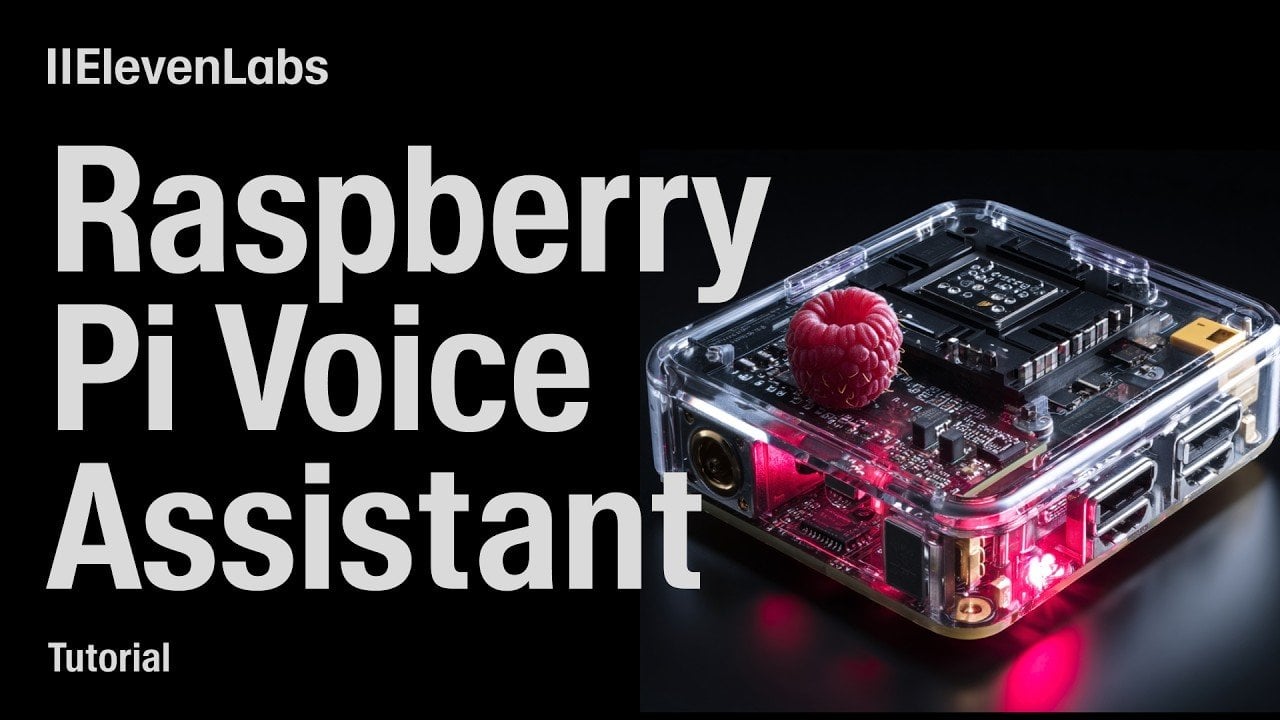
Build a Raspberry Pi AI Voice Assistant with ElevenLabs Conversational AI
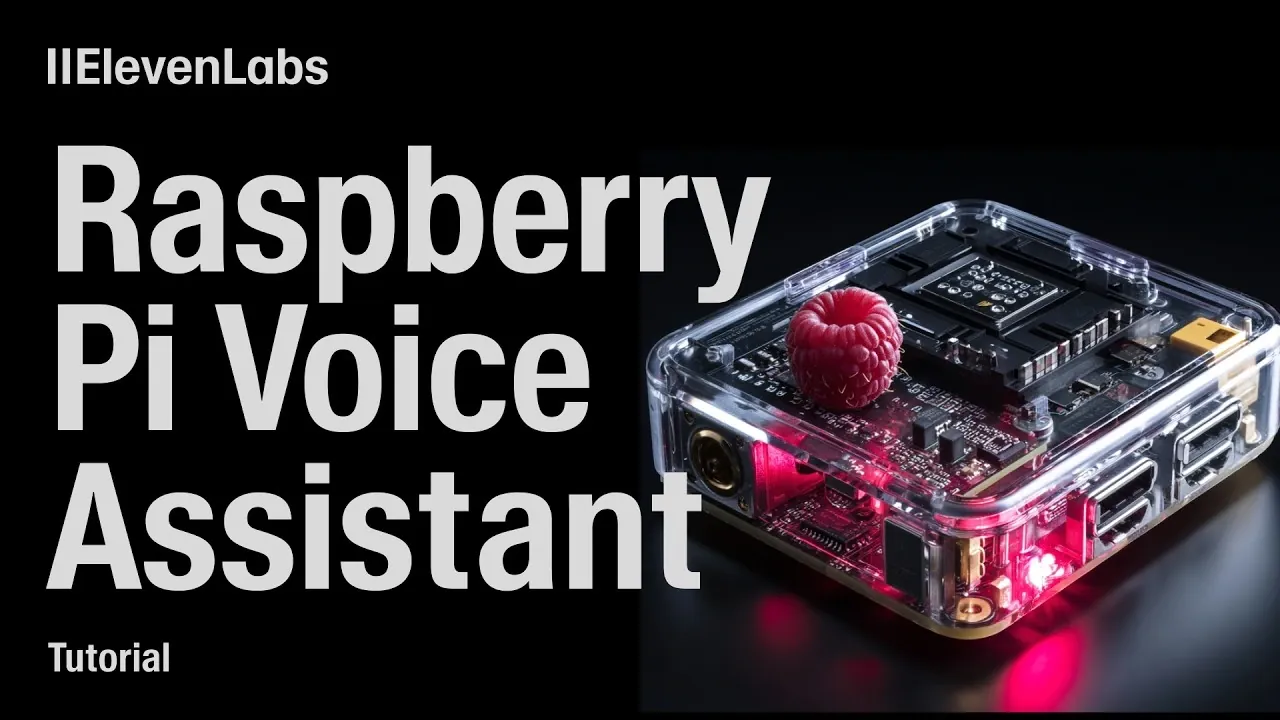
What if you could transform a Raspberry Pi into a multilingual voice assistant capable of delivering weather updates, recommending restaurants, and seamlessly switching languages? In this overview, ElevenLabs explores how their innovative conversational AI can elevate a modest piece of hardware into a personalized, intelligent assistant. With AI advancements making such projects more accessible than ever, this guide offers an exciting opportunity to create a smart assistant tailored to your needs, powered by state-of-the-art technology and your own creativity.
This step-by-step breakdown walks you through everything from setting up your hardware and allowing hotword detection to integrating APIs for dynamic features like real-time weather updates. You’ll discover how to harness the ElevenLabs Python SDK to enable natural, context-aware interactions while maintaining a secure and reliable system. Whether you’re a tech enthusiast looking for your next project or simply curious about the possibilities of conversational AI, this guide provides all the insights you need to bring your voice assistant to life.
Build a Custom Voice Assistant
TL;DR Key Takeaways :
- Conversational AI advancements enable the creation of personalized, multilingual voice assistants using tools like ElevenLabs and Raspberry Pi.
- Key setup requirements include a Raspberry Pi, microphone, speaker, stable internet connection, and software libraries like TensorFlow Lite and Librosa.
- Features such as hotword detection, real-time weather updates, restaurant recommendations, and seamless language switching enhance functionality and user experience.
- Security measures, including safeguarding API keys, allowing authentication, and updating dependencies, are critical for protecting user data and system integrity.
- This project serves as an accessible introduction to AI development, showcasing the potential of modern conversational AI technologies for personal or educational use.
What You’ll Need
Before starting, ensure you have the necessary hardware and software components to set up your voice assistant effectively:
- A Raspberry Pi: A recent model is recommended for optimal performance.
- Microphone and Speaker: These can be connected via USB or Bluetooth for audio input and output.
- Stable Internet Connection: Required for API integrations, updates, and real-time interactions.
Having the right tools and a reliable setup ensures smooth operation and enhances the overall user experience.
1: Hardware Setup
Begin by connecting your microphone and speaker to the Raspberry Pi. Test both devices to confirm they are functioning correctly. Clear audio input and output are essential for accurate voice recognition and seamless interactions. If you encounter any issues, check the Raspberry Pi’s audio settings and verify that the devices are properly configured. Making sure the hardware is set up correctly at this stage will save time and prevent complications during later steps.
Build a Pi AI Voice Assistant with ElevenLabs Conversational AI
Enhance your knowledge on AI assistants by exploring a selection of articles and guides on the subject.
- Build an Offline AI Assistant on a Pi 5 Using a RLM AA50
- Meet Claude Life: The AI Assistant That Does More Than Automate
- ElevenLabs 11ai Launches : The Voice-First AI Assistant
- How to Build an AI Assistant with n8n and OpenAI Chat Models
- How to Set Up a Local AI Assistant Using Cursor AI (No Code
- How to Use a Personal AI Assistant Without Coding
- AI Assistant Mode in Microsoft Excel : Step-by-Step Guide for 2026
- How to make your first Microsoft Copilot Studio AI assistant
- Boost Your Instagram Presence with This Automated AI Assistant
- Claude Flow AI Assistant : Make Claude Code 50x Smarter
2: Preparing the Software
Setting up the software environment is a critical step in building your voice assistant. Follow these instructions to prepare your Raspberry Pi:
- Create a Virtual Environment: This helps manage dependencies and isolate the project from other software on your Raspberry Pi.
- Install Required Libraries: Key libraries include:
- TensorFlow Lite: For efficient machine learning tasks.
- Librosa: For advanced audio processing and analysis.
- ElevenLabs Python SDK: To enable conversational AI functionalities.
- Clone the Project Repository: Organize the project files for easy access and future modifications.
Ensure all dependencies are installed within the virtual environment to prevent conflicts and maintain a clean development setup.
3: Implementing Hotword Detection
Hotword detection allows your assistant to remain idle until activated by a specific phrase, such as “Hey 11.” This feature conserves system resources and enhances user convenience. To implement hotword detection:
- Use tools like Efficient WordNet or Snowboy for reliable hotword recognition.
- Decide whether to train custom hotword embeddings or use pre-configured JSON files for faster deployment.
Testing the hotword detection thoroughly ensures that the assistant responds promptly and accurately when activated.
4: Configuring the ElevenLabs Agent
The ElevenLabs agent serves as the core of your voice assistant, allowing natural and context-aware interactions. To configure it effectively:
- Authenticate: Use your ElevenLabs API keys to enable access to the platform’s features.
- Enable Dynamic Variables: Personalize interactions by incorporating user-specific data.
- Integrate External APIs: For example, use the Open Meteo API for real-time weather updates.
- Add Multilingual Support: Include languages like Mandarin, German, or others to broaden accessibility.
For advanced users, consider adding custom server-side functionalities to expand the assistant’s capabilities. Always prioritize robust authentication and security measures to protect sensitive data.
5: Adding Features to Your Voice Assistant
Enhancing your voice assistant with practical features makes it more versatile and user-friendly. Here are some examples of tasks your assistant can perform:
- Weather Updates: Provide real-time weather information using APIs like Open Meteo.
- Restaurant Recommendations: Offer suggestions based on user preferences and location.
- Language Support: Enable seamless switching between multiple languages for diverse user needs.
These features not only improve functionality but also make the assistant adaptable to various scenarios and user requirements.
6: Writing and Testing the Code
The implementation phase involves writing code to manage audio streams, process user inputs, and generate responses. Key considerations include:
- Microphone Streams: Set up continuous listening for real-time interactions.
- Callbacks: Use callbacks to handle user transcripts and generate context-aware responses.
- Error Handling: Address edge cases and potential issues to ensure a smooth user experience.
Once the code is complete, test the assistant by performing tasks such as requesting weather updates, switching languages, and asking for restaurant recommendations. Review conversation logs to identify and resolve any issues, making sure the system operates reliably.
7: Making sure Security
Security is a vital aspect of any AI project. Protecting your voice assistant from vulnerabilities ensures user privacy and system integrity. Follow these best practices:
- Safeguard API Keys: Store keys securely to prevent unauthorized access.
- Enable Authentication: Implement mechanisms to verify user identity and restrict access.
- Update Dependencies: Regularly update libraries and software to address potential vulnerabilities.
By prioritizing security, you can build a trustworthy and reliable voice assistant that users can confidently interact with.
Building a Versatile Voice Assistant
By following these steps, you can create a customizable voice assistant on a Raspberry Pi using ElevenLabs Conversational AI. Tools like TensorFlow Lite, Librosa, and the ElevenLabs Python SDK enable seamless voice interactions, while features such as hotword detection, multilingual support, and real-time updates enhance functionality. Whether for personal use, educational purposes, or as a stepping stone into AI development, this project demonstrates the potential of modern conversational AI technologies.
Media Credit: ElevenLabs
Filed Under: AI, DIY Projects, Guides
Latest Geeky Gadgets Deals
Disclosure: Some of our articles include affiliate links. If you buy something through one of these links, Geeky Gadgets may earn an affiliate commission. Learn about our Disclosure Policy.