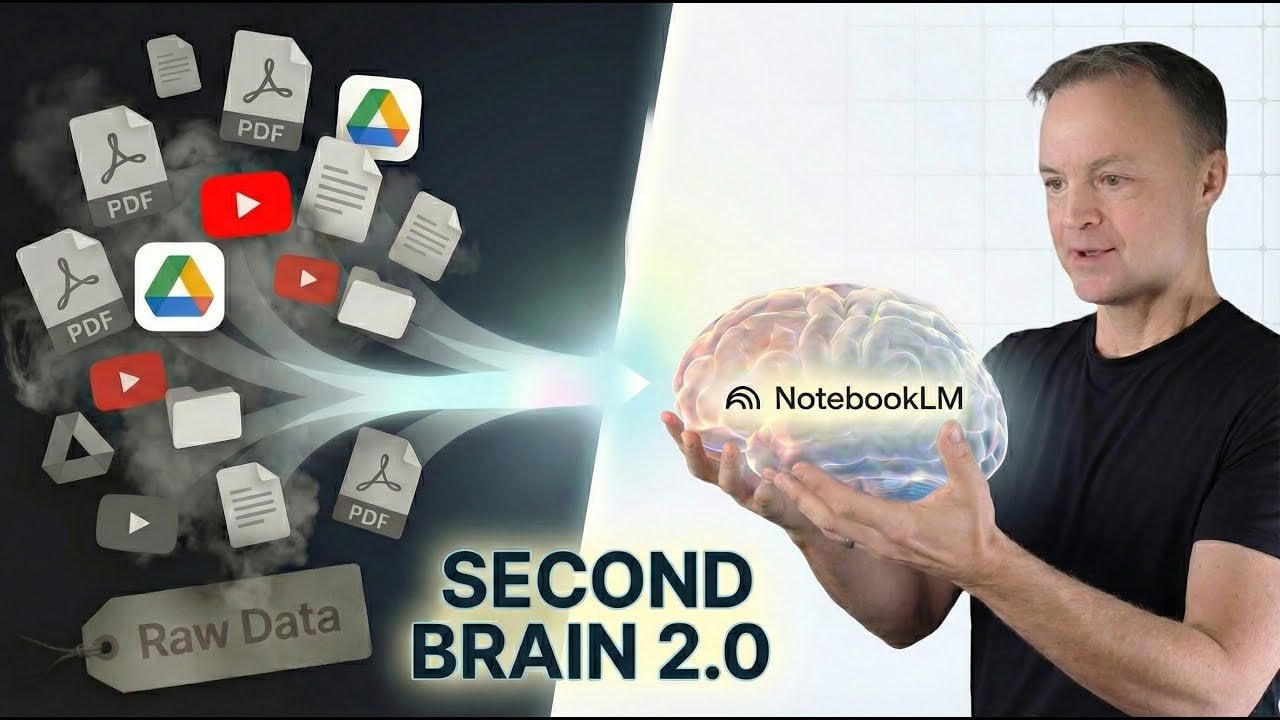
Building a Second Brain with NotebookLM : Turn Raw Sources into Clear, Fast Insights
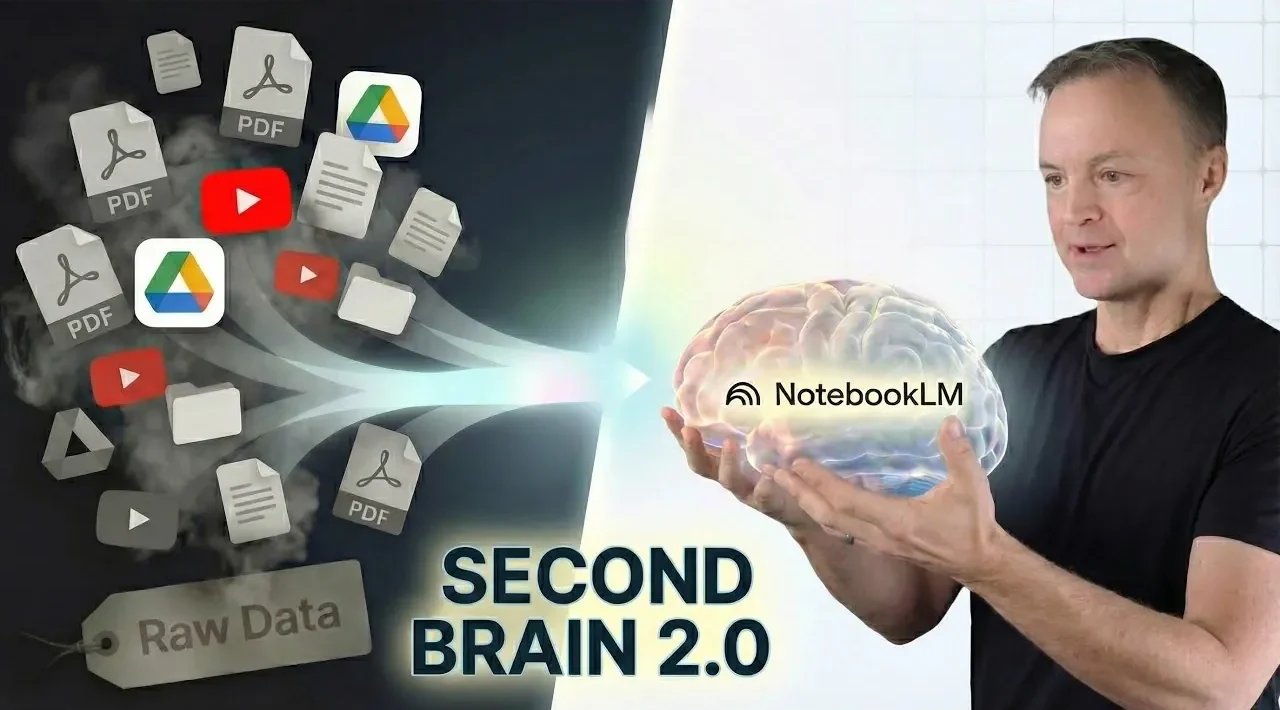
What if you could turn scattered notes, dense research, and endless PDFs into a single, cohesive resource that works like an extension of your own mind? Teacher’s Tech takes a closer look at how Google’s NotebookLM, powered by the innovative Gemini 3 model, is redefining the way we interact with information. Imagine effortlessly organizing everything from NASA mission overviews to video transcripts into one streamlined workspace, then transforming that data into actionable insights with stunning clarity. With its ability to break down complex topics and generate polished outputs, NotebookLM feels less like a productivity app and more like a personal research assistant that never sleeps. It’s a bold step toward what some are calling a “second brain,” and it’s already changing how professionals, students, and educators approach their most challenging projects.
In this feature, you’ll discover how NotebookLM goes beyond simple data organization to offer interactive learning, advanced analysis, and dynamic content creation. From creating structured markdown tables to generating personalized quizzes, the platform adapts to your needs, making it as versatile as it is powerful. Whether you’re tackling a detailed research overview or designing an engaging presentation, NotebookLM’s ability to turn raw data into clear, actionable insights is nothing short of fantastic. But it’s not just about efficiency, it’s about unlocking deeper understanding and creativity.
Google NotebookLM Overview
TL;DR Key Takeaways :
- NotebookLM, powered by the advanced Gemini 3 language model, transforms data interaction by transforming raw information into actionable insights for research, education, and project management.
- The platform streamlines data ingestion and organization by supporting diverse formats like PDFs, websites, and video transcripts, consolidating them into a centralized workspace for efficient analysis.
- Advanced tools like “Focus and Peel” and interactive learning features, such as personalized quizzes and Q&A sessions, enhance understanding and retention of complex topics.
- NotebookLM excels in content creation with tools for generating infographics, study guides, and slide decks, making it invaluable for educators, students, and professionals.
- Despite its robust capabilities, the platform requires human oversight to address occasional errors in AI-generated visuals and ensure the accuracy of critical outputs.
Streamlined Data Ingestion and Organization
NotebookLM simplifies the often tedious process of gathering and organizing information from multiple sources. The platform supports a wide range of data formats, including PDFs, websites, and YouTube transcripts, which can be uploaded into a centralized workspace. For example, if you’re researching NASA’s Artemis 2 mission, you can seamlessly integrate mission overviews, scientific articles, and video transcripts into a single, cohesive dataset.
The platform’s hybrid workflow combines manual uploads with real-time web searches, making sure that your research remains both comprehensive and up-to-date. By consolidating diverse information sources, NotebookLM eliminates the inefficiencies of switching between tools, allowing you to focus on extracting meaningful insights. This streamlined approach is particularly beneficial for professionals managing large-scale projects or students working on detailed assignments.
Extracting Insights with Advanced Prompting
NotebookLM uses advanced prompting techniques to help users distill complex datasets into clear, actionable insights. One standout feature, called “Focus and Peel,” enables you to break down intricate topics into smaller, more manageable components. For instance, when analyzing Artemis 2, you can create structured markdown tables to compare mission objectives, summarize potential risks, or outline critical findings.
These tools ensure precision and clarity, empowering users to navigate large volumes of data without overlooking essential details. By providing a structured framework for analysis, NotebookLM enhances your ability to identify patterns, draw conclusions, and present findings in a coherent manner. This capability is invaluable for researchers, educators, and professionals who need to process complex information efficiently.
How to Build a Second Brain with NotebookLM
Discover other guides from our vast content that could be of interest on Google’s NotebookLM.
- NotebookLM Update Expands Prompt Limit to 10,000 Characters
- NotebookLM Alternative Open Notebook Lets You Build a Private AI
- MS Copilot Notebooks vs Google NotebookLM : Which is Better
- 12 NotebookLM Use Cases to Boost Productivity and Creativity
- How NotebookLM Uses Gemini 3 to Build Decks, Visuals & Data
- NotebookLM Upgrade Speeds up Slides, Scripts & Content Writing
- How NotebookLM’s AI Quizzes and Tools Boost Learning Efficiency
- NotebookLM Guide for Fast, Professional Infographics Creation
- Google NotebookLM Deep Research, AI Research Assistant Update
- Create Professional Presentations in Minutes with NotebookLM AI
Interactive Learning for Deeper Understanding
NotebookLM goes beyond static data analysis by offering interactive learning tools that promote deeper understanding. The platform’s Socratic Tutor feature creates personalized quizzes and real-time Q&A sessions to test your comprehension of a topic. For example, after studying Artemis 2, you can engage in interactive exercises or listen to audio summaries that reinforce key concepts.
This dynamic approach to learning is particularly beneficial for students, educators, and lifelong learners. By actively engaging with the material, users can retain information more effectively and develop a more nuanced understanding of complex subjects. NotebookLM’s ability to adapt to individual learning styles makes it a versatile tool for a wide range of educational applications.
Versatile Content Creation Tools
NotebookLM excels in content creation, offering a variety of tools to simplify the presentation of complex ideas. Users can generate infographics, video explainers, and mind maps that make information more accessible and engaging. Additionally, the platform supports the creation of study guides, flashcards, and quizzes, making it an indispensable resource for educators and students alike.
For professionals preparing presentations, NotebookLM’s slide deck generation feature provides tailored visual suggestions that enhance the quality of your work while saving time. Whether you’re summarizing research findings or developing training materials, the platform’s content creation tools enable you to communicate ideas effectively and efficiently.
Efficient Data Analysis and Visualization
Data analysis is made more accessible with NotebookLM’s automated tools for creating tables, comparison charts, and visual summaries. For example, you can analyze Artemis 2’s budget allocation or mission timeline with minimal effort. The platform also allows users to export data to external tools like Google Sheets, providing additional flexibility for refining and customizing analyses.
These visualization tools are particularly useful for researchers and professionals who need to present data in a clear and compelling manner. By automating time-consuming tasks, NotebookLM enables users to focus on interpreting results and making informed decisions.
Applications in Education and Research
NotebookLM’s versatility makes it a valuable resource for both educators and researchers. Teachers can use the platform to design lesson plans, quizzes, and visual aids that enhance student engagement. Meanwhile, students benefit from interactive learning tools that reinforce understanding and improve retention.
For researchers, NotebookLM streamlines workflows by organizing and analyzing data efficiently. Whether you’re conducting a literature review or preparing a grant proposal, the platform’s tools enable faster and more accurate insights. By reducing the time spent on administrative tasks, NotebookLM allows users to dedicate more energy to critical thinking and innovation.
Customization and Accessibility
NotebookLM offers extensive customization options, allowing users to tailor outputs based on specific needs. Whether you require a concise summary or a detailed analysis, the platform adapts to your preferences. Additionally, its mobile accessibility ensures that you can work from anywhere, making it a practical solution for busy professionals and students.
The ability to customize tone, length, and visual style enhances the platform’s utility across a wide range of applications. Whether you’re preparing a formal overview or a creative presentation, NotebookLM provides the flexibility needed to meet your goals.
Recognizing Limitations and Areas for Improvement
While NotebookLM offers a robust set of features, it is not without limitations. Occasionally, generated visuals may contain typos or formatting errors, requiring manual corrections. Additionally, the accuracy of AI-generated content must be verified to ensure reliability, particularly for critical tasks.
These challenges highlight the importance of human oversight when using AI tools. By combining the platform’s capabilities with careful review, users can maximize its potential while minimizing risks. As AI technology continues to evolve, addressing these limitations will be essential to further enhancing the platform’s effectiveness.
Media Credit: Teacher’s Tech
Latest Geeky Gadgets Deals
Disclosure: Some of our articles include affiliate links. If you buy something through one of these links, Geeky Gadgets may earn an affiliate commission. Learn about our Disclosure Policy.