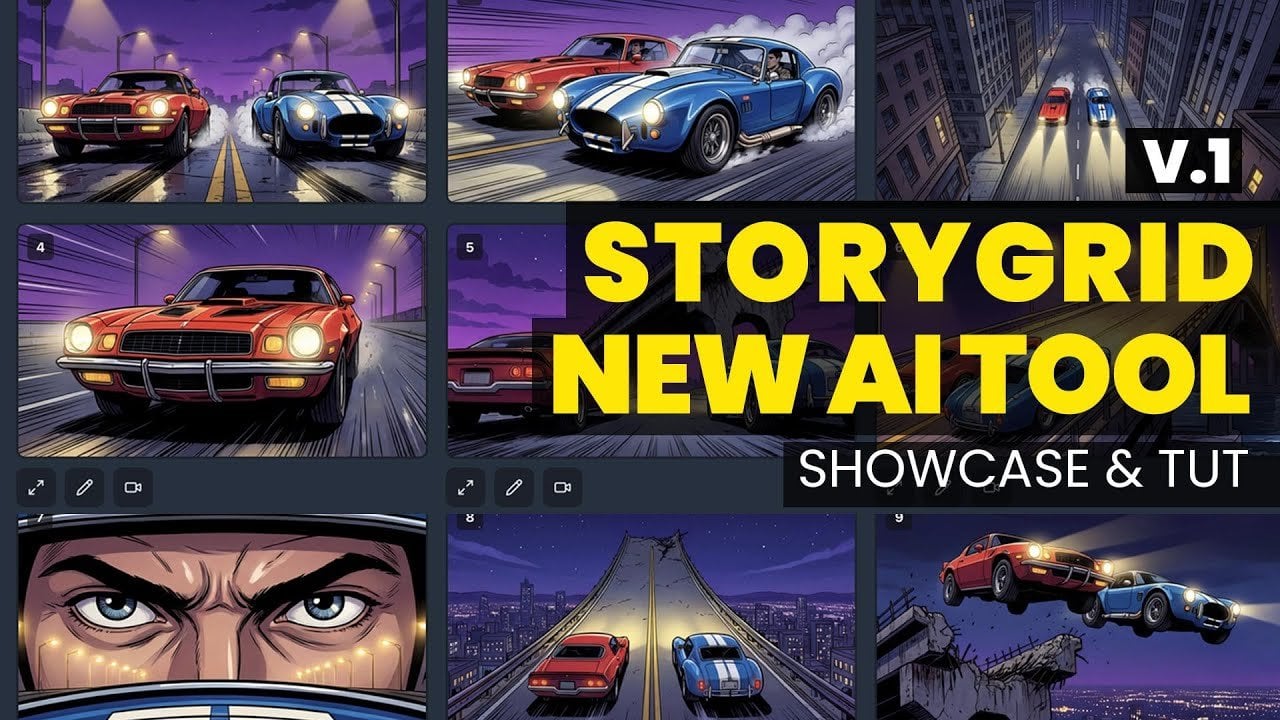
New Story Grid AI Tool : Produce Cohesive AI Visuals with Reusable Scenes
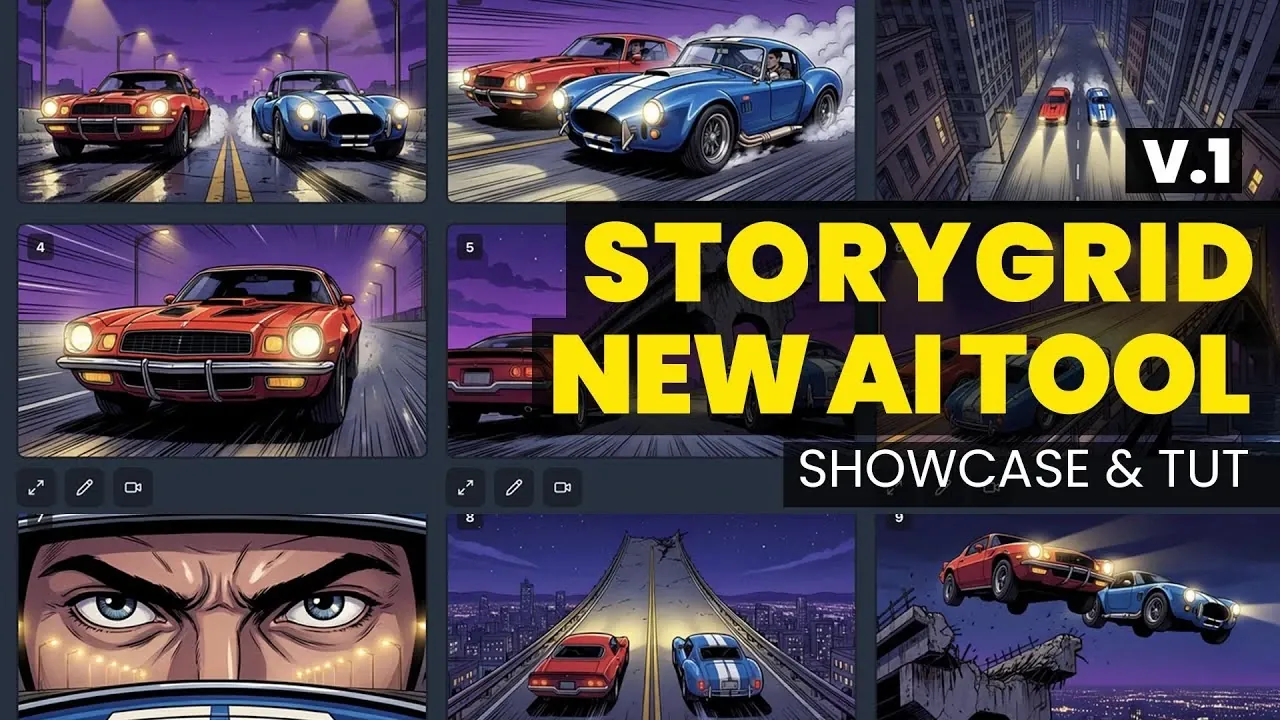
What if you could ensure every frame of your creative project felt like part of a seamless, cohesive story, without the painstaking guesswork? Below Jon Draper outlines how a new approach to visual storytelling is transforming the way creators work, offering a structured yet flexible framework to maintain consistency across AI-generated visuals. Whether you’re crafting intricate narratives or designing complex environments, this innovation addresses a common challenge: achieving professional-quality results while juggling the demands of creativity and efficiency. For anyone who’s ever struggled with disjointed visuals or mismatched styles, this could be a fantastic option.
In this overview, we’ll explore how this system not only simplifies the creative process but also enables you to refine your vision with precision. From customizable grids that align your storyboards to advanced features like image-to-video transformation, the possibilities are as dynamic as they are practical. You’ll discover how to maintain a consistent style across projects, optimize your workflow, and unlock new levels of creative control. If you’ve been searching for a way to bring clarity and cohesion to your storytelling, this might just be the solution you didn’t know you needed.
Transforming Visual Storytelling
TL;DR Key Takeaways :
- The Story Grid tool transforms visual storytelling by providing a structured yet flexible framework for creating cohesive and high-quality visuals, ideal for tasks like storyboarding, previsualization, and video production.
- It offers advanced customization options, such as adjustable shot intent, aspect ratio, and reference types, making sure adaptability for diverse creative projects like character design and environment creation.
- The platform supports robust image and video generation features, including text-to-image, image-to-image models, image upscaling, and video transformation, allowing creators to bring ideas to life with precision and versatility.
- Workflow optimization tools, such as project folder management, flexible editing, and image-to-video transformation, streamline the creative process, allowing creators to focus on innovation and efficiency.
- Comprehensive platform features, including a unified dashboard, advanced 3D modeling tools, and community engagement options, foster collaboration and provide a seamless experience for individual creators and teams.
How the Story Grid Tool Works
At its foundation, the Story Grid tool generates customizable image grids tailored to your specific project needs. You can adjust critical settings such as shot intent, aspect ratio, and reference types, making it adaptable for a wide range of creative applications. For example, it is particularly effective for tasks like developing character concepts, designing environments, or creating detailed asset references.
One of the tool’s standout features is the ability to reuse and refine previously created grids. This ensures visual continuity across your projects, a crucial factor when maintaining a consistent style in storyboarding or previsualization. By allowing you to align multiple frames seamlessly, the Story Grid enhances the overall narrative flow, making sure that your visual storytelling remains cohesive and engaging.
Expanding Possibilities with Image and Video Generation
The platform supporting the Story Grid tool extends its functionality beyond static images, offering robust image and video generation capabilities. These features are designed to help you bring your creative ideas to life with greater depth and versatility:
- Text-to-Image and Image-to-Image Models: Generate visuals from scratch or modify existing images to align with your creative vision.
- Image Upscaling: Improve resolution and detail, making sure your visuals are suitable for presentations or production-level quality.
- Video Generation: Transform static images into dynamic animations with customizable prompts and integrated audio for added impact.
These tools work in harmony to support a wide range of creative endeavors, from crafting individual images to producing full video sequences. Whether you’re visualizing a single concept or building an entire narrative, the platform’s capabilities ensure that your ideas are realized with clarity and precision.
Get Consistency Across Visuals : AI Story Grid Tool

Dive deeper into AI-driven image generation with other articles and guides we have written below.
- Ideogram 3.0 a Fantastic AI Tool for Authors and Marketers
- 5 Innovative AI Business Ideas Using ChatGPT’s Image Generator
- New Gemini 2.5 Nano Banana AI Image Editing and Design Tool
- New Microsoft Create App : AI Content Creation Made Simple
- Midjourney 7 version AI image generator is released
- Nano Banana Pro: Guide to AI Image Generation and Editing
- Portable AI Chatbot on Raspberry Pi 5 with Camera & Image Tools
- Nano Banana Pro vs Photoshop, AI Image Tool with 4K Output
- Google Gemini 2.0: Transforming Text into Stunning Visuals
- Nano Banana Pro Review, AI Image Generation Preview Early
Optimizing Your Creative Workflow
The Story Grid tool and its platform are designed to streamline your creative workflow, allowing you to focus on refining your ideas rather than managing cumbersome processes. Key workflow optimization features include:
- Project Folder Management: Organize and categorize your assets for quick access, making sure efficient handling of multiple projects.
- Flexible Editing Tools: Make real-time adjustments to images using text prompts or additional references. For instance, you can modify lighting, mood, or other visual elements without starting from scratch.
- Image-to-Video Transformation: Convert static visuals into videos with specific styles and animations, bridging the gap between concept development and production.
These features allow you to iterate on your designs quickly while maintaining a clear and organized workflow. By simplifying complex processes, the platform ensures that you can focus on creativity and innovation.
Comprehensive Platform Features
The platform integrates a wide range of tools and resources to support your creative projects, making it a comprehensive solution for both individual creators and teams. Key features include:
- Unified Dashboard: Manage your credits, subscriptions, and tools in one centralized location for a seamless user experience.
- Advanced 3D Modeling and Canvas Tools: Arrange and restyle scenes effortlessly, making it particularly useful for previsualization tasks that require precise spatial arrangement.
- Community Engagement: Share your portfolio, connect with other creators, and collaborate on projects through integrated networking features.
These capabilities not only enhance your creative process but also foster collaboration and inspiration, allowing you to grow as a creator while benefiting from a supportive community.
Tips for Maximizing the Story Grid Tool
To fully use the potential of the Story Grid tool, consider implementing these practical strategies:
- Start Small: Begin with smaller grids, such as 2×2, to produce higher-resolution images with better detail and clarity.
- Use Upscaling: Use the upscaling feature to enhance image quality for final presentations or production use, making sure your visuals meet professional standards.
- Experiment with Shot Intent: Adjust settings like action, dialogue, or mood to influence the tone and style of your outputs, tailoring them to your specific project needs.
By following these tips, you can refine your workflow and achieve optimal results, making sure that your creative projects are both efficient and impactful.
Unlocking the Full Potential of the Story Grid Tool
The Story Grid tool offers a powerful combination of flexibility, precision, and efficiency, making it an essential resource for creative professionals. By integrating advanced AI-driven image and video generation capabilities with practical workflow solutions, it simplifies the process of creating cohesive visual content. Whether you’re a storyboard artist, filmmaker, or designer, this tool provides the consistency and customization needed to bring your creative ideas to life. With its comprehensive features and user-friendly design, the Story Grid tool enables you to streamline your projects and achieve professional-quality results with ease.
Media Credit: AIAnimation – Jon Draper
Filed Under: AI, Technology News, Top News
Latest Geeky Gadgets Deals
Disclosure: Some of our articles include affiliate links. If you buy something through one of these links, Geeky Gadgets may earn an affiliate commission. Learn about our Disclosure Policy.