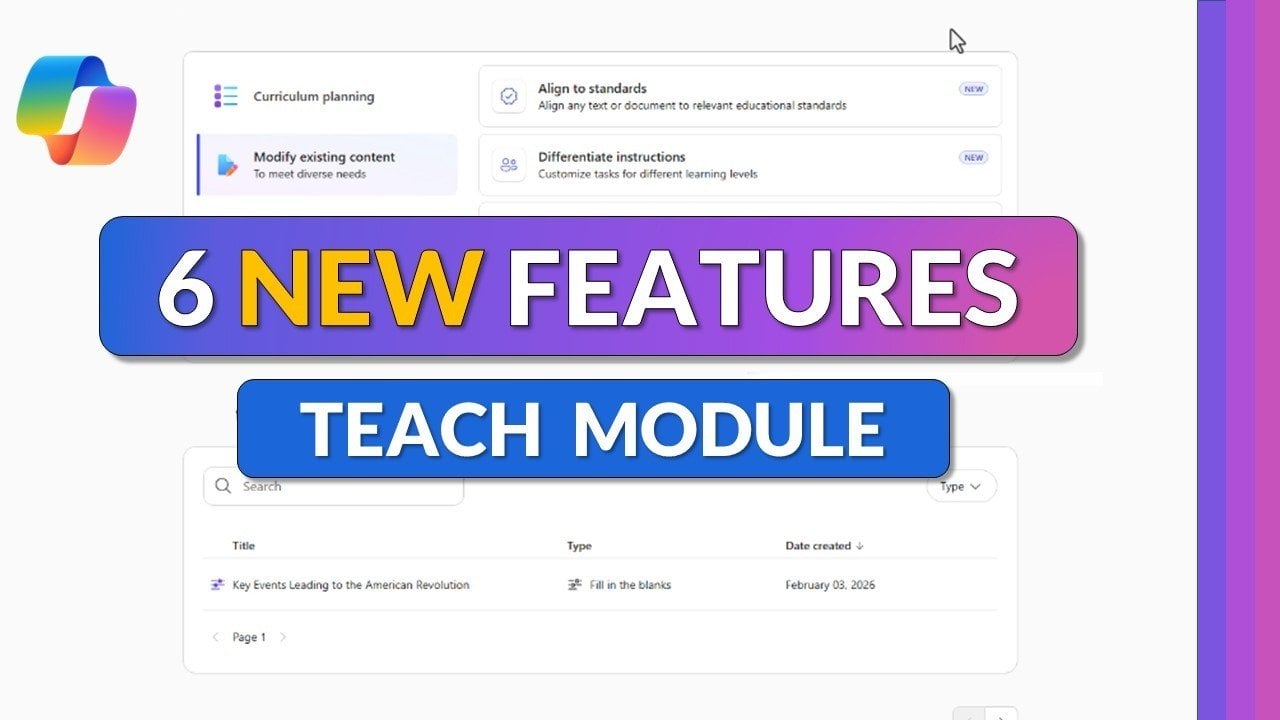
6 New Teacher Specific Copilot AI Tools Unlocked In Microsoft 365
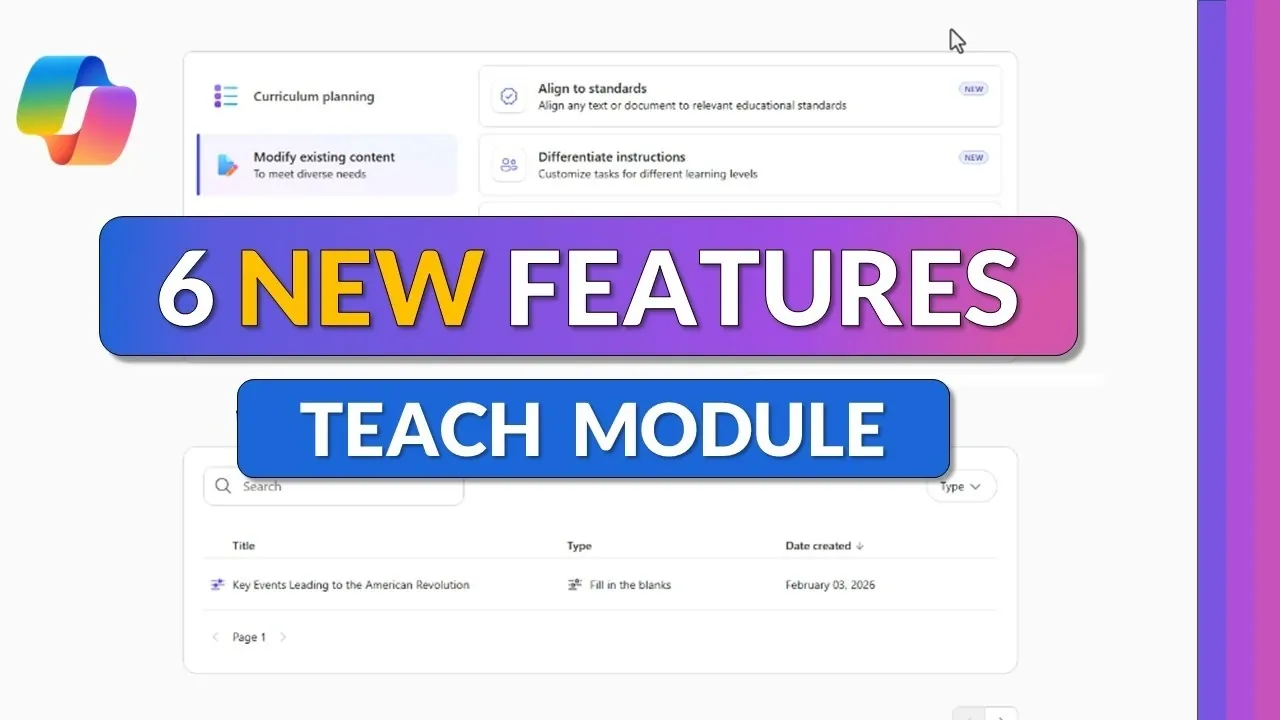
Microsoft 365 has introduced six AI-driven features within its Teach module, aimed at helping educators create more effective and accessible learning materials. These updates include options for aligning lesson content with educational standards across 35 countries, as well as features like “Add Supporting Examples,” which allows teachers to incorporate real-world scenarios into their lessons. According to Mike Tholfsen, this functionality helps make complex topics easier for students to understand by connecting them to practical applications.
Discover how these features support tasks such as generating fill-in-the-blank exercises with performance tracking and creating matching activities with built-in leaderboards to boost classroom engagement. Gain insight into how Teams for Education integrates with these updates for streamlined content sharing and explore upcoming additions like Minecraft Education lesson plans and unit planning resources.
Content Customization Tools
TL;DR Key Takeaways :
- Microsoft 365 has introduced six AI-powered features in its Teach module to assist educators with curriculum planning, content customization and student engagement.
- Key tools include aligning content to educational standards, differentiating instruction for diverse student needs, modifying reading levels and adding real-world examples to lessons.
- Interactive learning tools like fill-in-the-blank exercises and matching activities are designed to enhance student participation and provide performance analytics.
- Seamless integration with Teams for Education allows educators to manage and distribute interactive content, such as flashcards and games, directly through the Classwork tab.
- Future updates in 2026 will include Minecraft Education lesson plans and unit planning tools, further enhancing the Teach module’s capabilities for immersive and structured learning experiences.
The latest Microsoft 365 Copilot features are designed to help you tailor educational content to meet the diverse needs of your students. These tools enable alignment with educational standards, differentiation of instruction, adjustment of reading levels and the inclusion of practical examples to enrich lessons.
- Align to Standards: This feature allows you to upload or paste content and the system will automatically align it with educational standards from over 35 countries. Supporting multiple languages, it also offers customization options for regional or institutional requirements. A roadmap for expanding to additional standards is included, along with a request system to address any gaps.
- Differentiate Instruction: Adapt teaching materials to suit various grade levels and student abilities. This tool provides example answers, step-by-step guidance and hints, making sure that all learners, regardless of their skill level, can access and benefit from the content.
- Modify Reading Levels: Adjust the complexity of your content to accommodate different reading abilities or non-native speakers. The tool preserves essential terminology and can generate glossaries for technical terms, making complex concepts more accessible to all students.
- Add Supporting Examples: Enhance your lessons with real-world, scientific, or historical examples. You can customize the depth and type of examples to align with your teaching objectives, making sure that the content remains relevant and engaging for your students.
Interactive Learning Tools
To encourage active participation and deeper understanding, Microsoft 365 Copilot includes tools for creating interactive exercises. These features are designed to make lessons more engaging while providing effective ways to assess student comprehension.
- Fill in the Blanks: Generate customizable fill-in-the-blank exercises with adjustable difficulty levels. This tool allows you to edit exercises using AI and includes performance tracking to monitor student progress and identify areas for improvement.
- Matching Activities: Create matching exercises that feature built-in leaderboards to foster friendly competition among students. These activities are fully customizable and come with performance analytics to help you evaluate learning outcomes effectively.
Learn more about Microsoft 365 Copilot with other articles and guides we have written below.
- Use Microsoft Copilot for Event Agendas and Email Drafts
- Claude Code Concepts : Prompts, Permissions, Tools & Memory
- Microsoft 365 Copilot Tips for Faster Meeting Preparation
- Microsoft 365 Business Premium Pricing in 2026: Security Features & No Increase
- Inside the Major Microsoft Copilot Notebooks Redesign
- Microsoft Copilot 2026 Tutorial for Excel, PowerPoint, Teams, Outlook
- 7 New Microsoft 365 Copilot Features for Outlook, Voice & More
- Microsoft 365 Updates March 2026: Teams, Copilot, Entra
- 15 Best Copilot Tips for Outlook, Excel, Word, Teams & PowerPoint
- How to use Microsoft 365 Copilot to compare contracts
Seamless Integration with Teams for Education
Microsoft 365 Copilot integrates seamlessly with Teams for Education, simplifying the management and distribution of learning activities. Exercises such as flashcards, fill-in-the-blanks and matching games can be accessed directly through the Classwork tab in Teams. This integration allows you to create and share interactive content effortlessly, streamlining the delivery of engaging lessons to your students.
Future Updates
Microsoft has announced several upcoming features that will further enhance the Teach module in 2026, demonstrating their commitment to advancing educational technology.
- Minecraft Education Lesson Plans: Set to launch in April 2026, this feature will enable you to design immersive, game-based learning experiences using Minecraft Education. These lesson plans aim to make learning more interactive and enjoyable for students.
- Unit Plans: Expected later in spring 2026, this tool will assist you in creating comprehensive unit plans that align with curriculum goals and educational standards. It will provide a structured approach to long-term lesson planning.
The new Microsoft 365 Copilot features offer practical solutions for educators, simplifying lesson planning and enhancing student engagement. With tools for content customization, interactive activities and seamless integration with Teams, these updates aim to make teaching more efficient while improving the overall learning experience. The addition of features like Minecraft Education lesson plans and unit planning tools further underscores Microsoft’s dedication to supporting educators and students with innovative technology.
Media Credit: Mike Tholfsen
Disclosure: Some of our articles include affiliate links. If you buy something through one of these links, Geeky Gadgets may earn an affiliate commission. Learn about our Disclosure Policy.