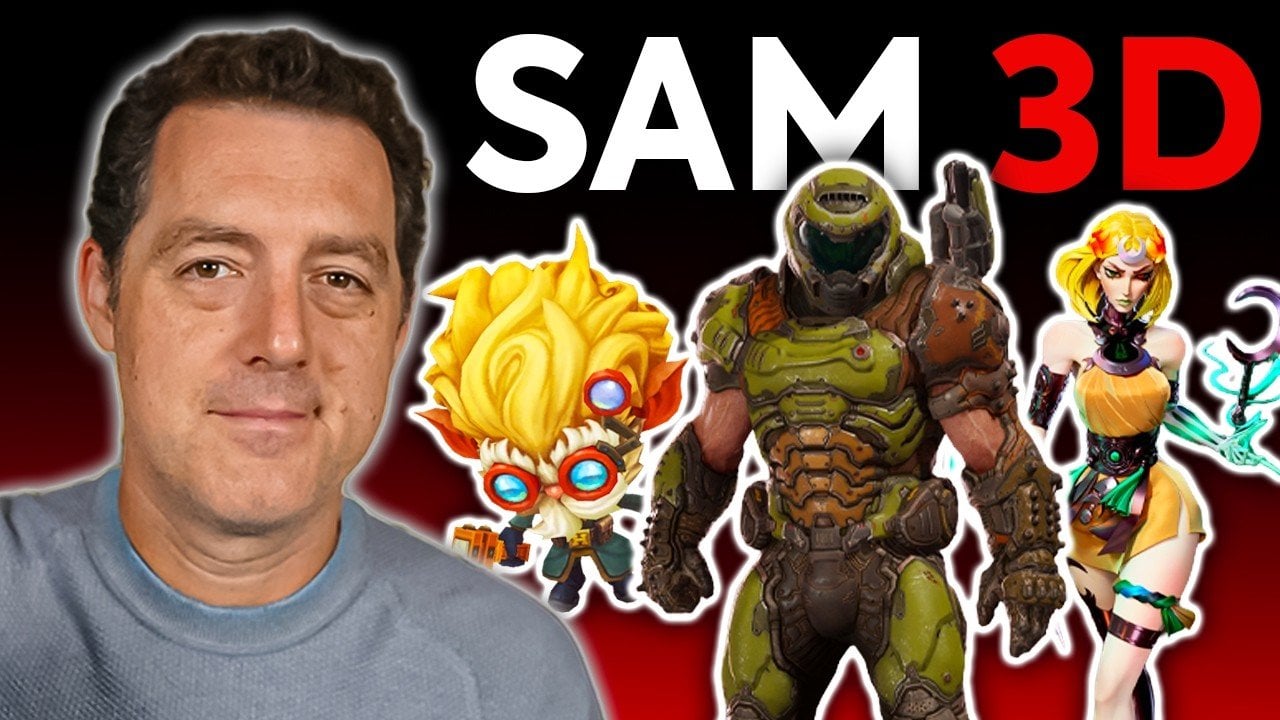
Convert Any Image or Photo into Editable 3D Models for Makers & Creators : SAM 3D
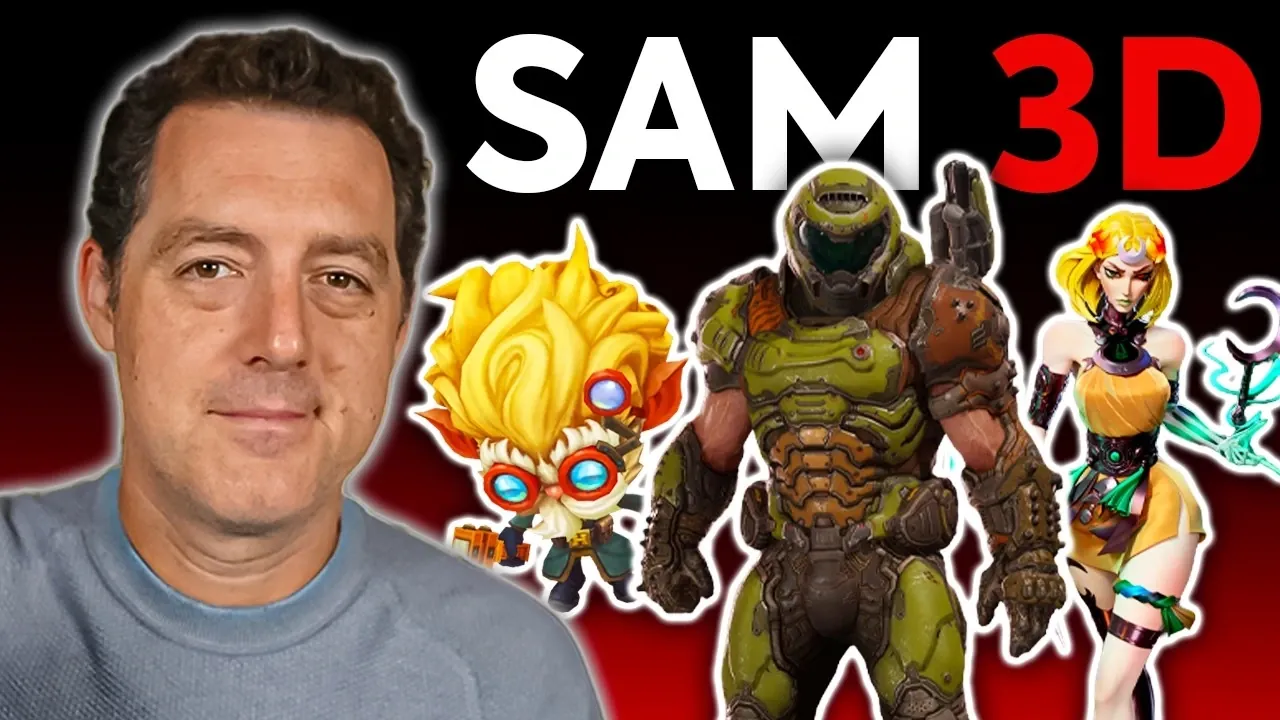
What if you could turn a simple photo into a fully realized 3D model, all without spending a dime? Below, Matthew Berman takes you through how SAM 3D, an open source platform from Meta, is transforming the way we approach 3D modeling. Imagine snapping a picture of an object and watching it transform into a detailed, customizable 3D creation right before your eyes. This isn’t just for seasoned designers or tech experts; SAM 3D is built to be accessible for everyone, from hobbyists to professionals. With its intuitive interface and powerful features, it’s not just breaking down barriers, it’s redefining what’s possible in digital creation. The best part? It’s completely free.
In this guide, you’ll uncover how SAM 3D bridges the gap between flat imagery and immersive 3D models, opening doors to endless creative possibilities. From designing assets for video games to crafting prototypes for 3D printing, the platform caters to a wide range of applications. You’ll also explore its standout features, like object extraction and skeletal approximation, which make it easier than ever to bring your ideas to life. Whether you’re curious about how it works or eager to see what you can create, this breakdown will leave you inspired to experiment. What will you turn into 3D next?
Meta’s SAM 3D Overview
TL;DR Key Takeaways :
- SAM 3D by Meta is a free, open source platform that converts 2D images into detailed 3D models, making 3D modeling accessible to users of all skill levels.
- The platform supports widely used file formats like PLY, GB, and STL, allowing seamless integration with design tools and 3D printing workflows.
- Key features include 3D scene creation, object extraction, skeletal approximation, manual model editing, and visual effects to enhance creativity and functionality.
- SAM 3D has diverse applications across industries, including 3D printing, video games, animations, visual effects, prosthetics design, and education.
- Its user-friendly interface and open source nature make it accessible to professionals, educators, students, and hobbyists, fostering innovation and creativity without financial barriers.
How SAM 3D Works: From Flat Images to 3D Models
At the heart of SAM 3D is its ability to transform flat, 2D images into fully realized 3D models. The process begins with uploading an image to the platform, which then generates a 3D representation that captures the structure, texture, and details of the original object. This transformation is made possible through advanced algorithms that analyze the image and reconstruct it in three dimensions.
SAM 3D supports widely used file formats such as PLY and GB, making sure compatibility with various design tools. Additionally, it allows users to convert these files into STL formats, which are essential for 3D printing. This seamless integration between digital design and physical production makes SAM 3D a practical solution for creators looking to bring their ideas into the real world.
Features That Empower Your Creativity
SAM 3D is equipped with a comprehensive suite of tools designed to enhance and simplify the 3D modeling process. These features provide users with the flexibility to create, refine, and customize their models to suit specific needs. Key features include:
- 3D Scene Creation: Combine multiple models to construct immersive environments, allowing users to design complex scenes with ease.
- Object Extraction: Isolate specific objects from images to create standalone 3D models, offering precision and control over the design process.
- Skeletal Approximation: Generate detailed skeletal structures, making models more realistic and functional for applications like animation or simulation.
- Manual Model Editing: Refine designs with tools for scaling, rotation, and other adjustments, making sure the final product aligns with your creative vision.
- Visual Effects: Add shading, weather effects like rain or snow, and stylistic touches such as cell shading to enhance the aesthetic appeal of your models.
These tools not only streamline the modeling process but also provide the creative freedom to tailor designs for artistic or functional purposes. Whether you’re building a simple object or a complex scene, SAM 3D equips you with the resources to achieve your goals.
Make 3D models from Anything : Free & Open Source
Here are additional guides from our expansive article library that you may find useful on 3D models.
- SAM 3D by Meta, Fast 3D from Photos with Mesh Export Options
- AI 3D models from text prompts – How close are we?
- MateNova M3 handheld polishing pen tool for 3D models and more
- How to Convert 2D Images into 3D Models with PartCrafter
- Create 3D Models from Photographs Using AI for free – Full Guide
- Stable 3D AI creates 3D models from text prompts in minutes
- Stable ProjectorZ Turns Your 3D Models into Masterpieces
- New 3D AI tools for creating and animating 3D models
- Nano Banana Image-to-3D Tips for Accurate 3D Printable Models
- Meshy v4 AI 3D modelling tool
Applications Across Diverse Fields
The versatility of SAM 3D makes it a valuable tool across a wide range of industries. Its ability to generate high-quality 3D models from 2D images opens up opportunities for innovation and creativity in various fields. Key applications include:
- 3D Printing: Design prototypes, custom parts, or even medical devices like prosthetics by converting models into printable formats.
- Video Games and Animations: Create characters, objects, and environments for interactive media, enhancing the realism and engagement of digital experiences.
- Visual Effects (VFX): Add realistic 3D elements and dynamic effects to films, videos, and other multimedia projects.
- Prosthetics Design: Develop functional, personalized prosthetics tailored to individual needs, improving accessibility and quality of life.
- Education and Training: Use 3D models to create interactive learning tools, simulations, or visual aids for academic and professional training purposes.
The ability to integrate 3D models into such diverse fields highlights the platform’s potential to drive innovation, streamline workflows, and inspire creativity.
User-Friendly and Accessible
SAM 3D is designed to be user-friendly, making sure that anyone, regardless of technical expertise, can begin creating 3D models with ease. The process starts with uploading an image, after which the platform guides users through generating and refining their models. Intuitive editing tools allow for precise adjustments, making sure the final product meets the creator’s expectations.
As an open source platform, SAM 3D is freely available to everyone, removing financial barriers and encouraging widespread adoption. Its open weights also enable developers to adapt and expand its capabilities, making it a flexible and customizable solution for a variety of creative and technical needs. This accessibility ensures that SAM 3D is not only a tool for professionals but also a resource for educators, students, and hobbyists.
Why SAM 3D Stands Out
SAM 3D distinguishes itself through its combination of advanced features, ease of use, and open source accessibility. Whether you’re designing for 3D printing, crafting assets for video games, or experimenting with visual effects, SAM 3D equips you with the tools to bring your ideas to life. Its ability to transform 2D images into detailed 3D models makes it an invaluable resource for creators across various disciplines.
By offering a platform that is both powerful and accessible, SAM 3D enables users to explore the possibilities of 3D modeling without the need for expensive software or extensive technical knowledge. With SAM 3D, the boundaries of creativity are expanded, allowing users to turn their visions into reality with precision and ease.
Media Credit: Matthew Berman
Latest Geeky Gadgets Deals
Disclosure: Some of our articles include affiliate links. If you buy something through one of these links, Geeky Gadgets may earn an affiliate commission. Learn about our Disclosure Policy.