Google’s Gemini 3 Command Line Update Adds Skill Add-Ons for Devs
What if your coding assistant could not only understand your tasks but also adapt to them with precision, like a skilled teammate? In this overview, World of AI explores how the latest Gemini CLI v0.23 update is redefining what’s possible with AI-powered coding. At the heart of this release is the new “Agent Skills” feature, which allows developers to create modular, task-specific expertise for the AI, making it more versatile than ever. Paired with the innovative Gemini Conductor framework, which streamlines project context management, this update promises to transform how developers interact with AI in terminal environments. Whether you’re tackling complex workflows or simply looking to boost productivity, these features are designed to meet you where you are and take your coding to the next level.
This breakdown dives into the fantastic updates that make Gemini CLI v0.23 a standout, from its expanded free-tier access to its seamless integration of advanced capabilities like structured knowledge graph creation and usage tracking dashboards. You’ll discover how these enhancements not only simplify your workflows but also empower you to customize the AI’s functionality to suit your unique needs. With the ability to manage project context through persistent markdown files and dynamically load new skills, the possibilities for tailoring your development process are virtually limitless. Could this be the future of coding assistance? Let’s explore what makes this update so compelling.
Gemini CLI v0.23 Overview
TL;DR Key Takeaways :
- The new “Agent Skills” feature in Gemini CLI v0.23 allows modular, task-specific AI expertise, allowing developers to customize workflows and enhance productivity through reusable modules.
- The Gemini Conductor framework introduces persistent markdown files for streamlined project context management, improving organization and collaboration in terminal-based environments.
- Expanded free-tier access now includes the Gemini 3 model, offering advanced AI capabilities at no additional cost, alongside usability improvements like clipboard image support and automatic background detection.
- A usage tracking dashboard and a yearly usage summary command provide insights into AI interactions, helping developers optimize their workflows and track productivity.
- Gemini CLI v0.23 simplifies setup with a marketplace for managing Agent Skills and offers seamless integration, empowering developers with advanced tools for coding and project management.
Agent Skills: Modular AI Expertise for Tailored Workflows
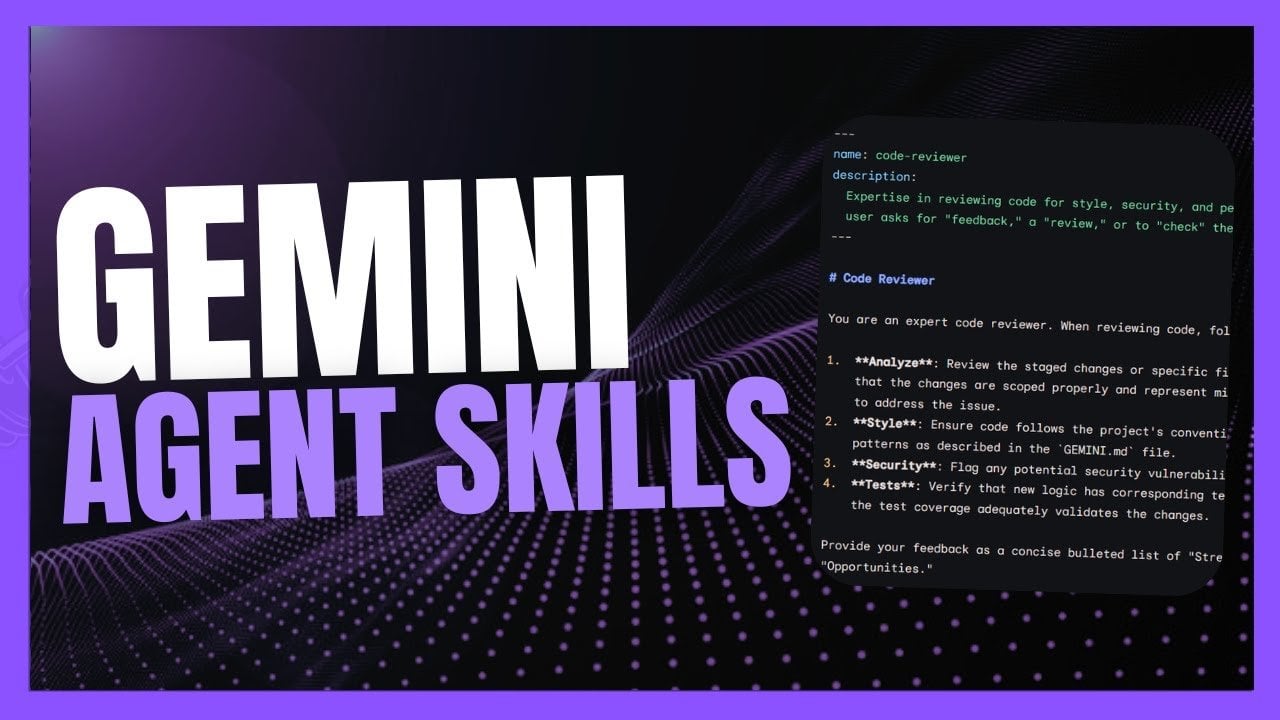
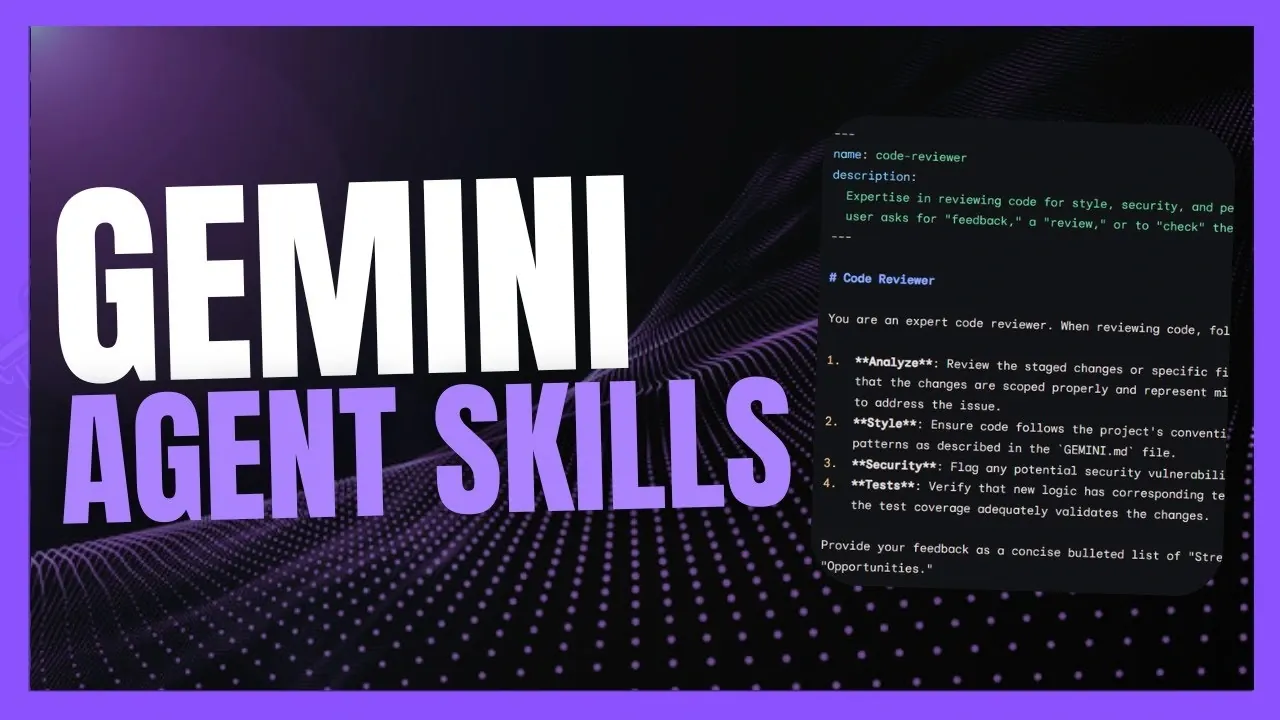
The “Agent Skills” feature introduces a modular approach to AI coding assistance, allowing you to dynamically load and manage task-specific expertise. This functionality allows the AI to adapt to a wide range of coding and general-purpose tasks, making it a valuable asset for diverse workflows. By using reusable modules, you can create highly customized solutions tailored to your unique development needs.
For instance, Agent Skills can assist in transforming unstructured notes into structured knowledge graphs, simplifying data organization and retrieval. This capability is particularly useful for developers managing complex datasets or collaborating on large-scale projects. The modular design ensures that you can seamlessly integrate new skills into your workflows without disrupting existing processes.
Configuring Agent Skills is straightforward. You can define their scope and functionality using terminal commands or configuration files, giving you full control over how the AI operates. Whether you’re addressing a specific coding challenge or managing a broader workflow, this feature provides the flexibility and adaptability needed to enhance productivity.
Gemini Conductor: Streamlining Context Management
The Gemini Conductor framework offers a novel approach to managing project context, addressing a common challenge faced by developers. Unlike traditional chat-based interactions, this feature uses persistent markdown files as a centralized repository for project information. This ensures that your development environment remains consistent and well-organized, whether you’re working on an existing codebase or starting a new project.
By integrating Gemini Conductor directly into the terminal, the update simplifies your workflow and enhances collaboration. This is particularly valuable for complex projects that require meticulous organization and adaptability. With Gemini Conductor, you can maintain a clear overview of your project, making sure that critical details are always accessible. This feature not only improves efficiency but also reduces the cognitive load associated with managing multiple tasks and contexts simultaneously.
Superchaged AI Coding Agent : Gemini CLI Update
Below are more guides on Gemini CLI from our extensive range of articles.
- How Gemini CLI 0.9 Enhances Productivity for Developers
- Gemini CLI Review : Features, Benefits, and Challenges Explained
- Gemini CLI : The Open Source Tool for Smarter AI App Development
- Gemini CLI : Google’s Open source AI Coding Assistant
- Gemini CLI Extensions: Custom Tools for Smarter Web
- Build Complex Apps from Prompts with the Gemini 3.0 Model & CLI
- Why Gemini CLI is the Ultimate Tool for Developers in 2025
- Gemini 3 vs Claude vs Codex, IDE and CLI Features Explained
- How Gemini CLI Transforms Coding with AI-Powered Features
- Google DeepMind Gemini CLI 3.0 & GenKit Extension Framework
Enhanced Usability and Expanded Free-Tier Access
Gemini CLI v0.23 introduces several enhancements aimed at improving usability and accessibility. These updates are designed to make your interaction with the tool more intuitive and efficient, regardless of your operating system or project requirements. Key improvements include:
- A usage tracking dashboard that provides detailed performance metrics and interaction summaries, offering insights into how the AI is used and helping you optimize its application.
- Expanded free-tier access, now including the Gemini 3 model, which allows you to explore advanced AI capabilities without incurring additional costs.
- Clipboard image support for Windows users, allowing you to paste images directly into the terminal using the Alt + V shortcut, streamlining workflows that involve visual data.
- Automatic detection of background settings, making sure optimal display and usability across various environments, enhancing the overall user experience.
These updates reflect a commitment to making Gemini CLI a more user-friendly and versatile tool, catering to the diverse needs of developers across different platforms.
Streamlined Setup and Configuration for Seamless Integration
Updating to Gemini CLI v0.23 is a simple process that ensures you can quickly access the latest features. By running the `npm install` command and allowing preview features in the settings, you can unlock the full potential of this update. The introduction of a marketplace for managing Agent Skills further simplifies the process of discovering and integrating new capabilities into your workflows.
Additionally, the update includes a yearly usage summary command (`MPX Gemini-w`), which provides an overview of your interactions with the AI over the past year. This feature is particularly useful for tracking productivity and identifying areas for improvement. By analyzing these insights, you can refine your approach to development tasks, making sure that you make the most of the tool’s capabilities.
Empowering Developers with Advanced AI Tools
Gemini CLI v0.23 represents a significant advancement in terminal-based AI coding assistance. With features like Agent Skills, Gemini Conductor, and expanded free-tier access, the tool offers unparalleled customization and efficiency for developers. Whether you’re organizing data, managing complex projects, or exploring the potential of AI, this update equips you with the tools needed to succeed.
By adopting these enhancements, you can transform your approach to coding and development, unlocking new levels of productivity and innovation. Gemini CLI v0.23 not only simplifies your workflows but also enables you to tackle challenges with confidence, making it an indispensable resource for modern developers.
Media Credit: WorldofAI
Filed Under: AI, Technology News, Top News
Latest Geeky Gadgets Deals
Disclosure: Some of our articles include affiliate links. If you buy something through one of these links, Geeky Gadgets may earn an affiliate commission. Learn about our Disclosure Policy.