Using Gemini 3 AI Easily Create Fully Animated Websites
Have you ever wondered how Apple manages to create websites that feel so effortlessly sleek and innovative? Their secret lies in the perfect balance of design, animation, and user experience, a trifecta that traditionally required a team of skilled developers and designers. But here’s the exciting part: with Google’s Gemini free AI tools, you can now replicate that same level of sophistication without writing a single line of code. Whether you’re a small business owner, a creative professional, or just someone who loves experimenting with tech, this walkthrough will show you how to build an Apple-style AI-powered website faster than you’d think possible. Let’s demystify the process and put the power of AI into your hands.
In this step-by-step guide by Andy Lo, you’ll discover how to use tools like Nano Banana and Google Flow to craft a visually stunning, animated website that rivals professional-grade designs. From defining a cohesive visual identity to adding dynamic animations and making sure responsiveness, this walkthrough covers it all. But it’s not just about aesthetics, these tools make the process intuitive, accessible, and surprisingly fun. Ready to see how AI can transform your creative workflow? By the end, you might just rethink what’s possible when design meets automation.
Create Apple-Style Websites Easily
TL;DR Key Takeaways :
- Google’s Gemini suite of free AI tools enables users to create professional, animated websites without any coding or design expertise.
- The suite includes tools like Nano Banana for visual frames, Google Whisk for refining aesthetics, Google Flow for animations, and Firebase Studio for structure and interactivity.
- AI-powered tools streamline the website creation process, saving time, making sure consistency, and making it accessible to non-technical users.
- Key benefits include cost-effectiveness, polished designs, and responsive layouts optimized for both desktop and mobile devices.
- Practical applications, such as designing a soda brand website, demonstrate how these tools can create engaging, visually appealing, and functional websites efficiently.
The Importance of Design and Functionality
Your website’s design is often the first interaction users have with your brand. A clean layout, smooth animations, and engaging visual effects can create a lasting impression. These elements not only enhance the website’s visual appeal but also improve usability and engagement. A well-designed website communicates trust, innovation, and professionalism, qualities that resonate with users and build credibility.
Traditionally, achieving this balance between aesthetics and functionality required significant time, technical expertise, and creative effort. Designers and developers often spent countless hours refining layouts, animations, and responsiveness. However, with the advent of AI-powered tools, this process has become more streamlined and accessible, allowing anyone to create high-quality websites with ease.
Exploring Google’s Gemini AI Tools
Google’s Gemini platform offers a comprehensive suite of AI tools designed to simplify and accelerate website creation. These tools eliminate the need for coding while making sure professional-grade results. Here’s a closer look at the key tools and their roles in the design process:
- Nano Banana: This tool generates the initial and final visual frames for your website, setting the foundation for its overall look and feel. It helps establish a cohesive design direction from the start.
- Google Whisk: Focused on refining visual elements, this tool adjusts lighting, color tones, and composition to ensure a polished and professional appearance.
- Google Flow: Responsible for animations and transitions, this tool adds depth and motion to your website, creating a dynamic and engaging user experience.
- Firebase Studio: This tool assembles the website’s structure, integrates visuals, and applies advanced effects like parallax scrolling to enhance interactivity and responsiveness.
Vibecode an Apple-Style AI Website Fast Using Gemini 3 AI
Expand your understanding of AI website design with additional resources from our extensive library of articles.
- Streamline Your Web Design Workflow with AI Coding Platforms
- How to Design Websites Using Figma and AI Tools (No Code
- How to use the Relume AI website builder
- Guide to Creating Responsive Apps with Figma Make AI in 2025
- Cursor AI Setup for Cloning Any Website Fast : Image to Code
- Convert website designs into code using AI Visual Copilot
- 15 Practical Vibe Coding Ideas to Elevate Your Website Design
- Say Goodbye to Web Dev Chaos : Meet Drawbridge AI UI Designer
- How to Create Stunning Presentations & Websites with Gamma AI
- Vibe Scraping with Cursor AI’s MCP Tools for Web Development
Guide to Building Your Animated Website
Using Google’s Gemini tools, you can follow a clear and efficient process to create a responsive, animated website. Here’s how to get started:
- Define Your Visual Identity: Begin with Nano Banana and Google Whisk to establish the website’s aesthetic. Focus on elements like lighting, textures, and color schemes to create a cohesive and professional design.
- Design Animations: Use Google Flow to craft smooth transitions and animations. For example, you can incorporate parallax scrolling effects or animated buttons to enhance user engagement.
- Optimize Visual Assets: Convert animations and images into lightweight formats such as WebP to ensure fast loading times without compromising quality.
- Build the Website: In Firebase Studio, integrate your visuals and animations into a structured layout. Apply responsive design principles to ensure the website performs seamlessly on both desktop and mobile devices.
Benefits of AI-Powered Website Creation
AI tools like those in Google’s Gemini suite offer several advantages that make website creation faster, easier, and more accessible. Here’s why they stand out:
- Time-Saving: AI tools significantly reduce the time required to design and build a website, allowing you to focus on content and strategy instead of technical details.
- Accessibility: No coding skills are necessary, making professional website creation available to a broader audience, including those without technical expertise.
- Consistency: AI ensures that design elements such as animations, color schemes, and layouts are cohesive and visually appealing, resulting in a polished final product.
- Cost-Effective: By eliminating the need for professional developers or designers, these tools provide a budget-friendly solution for creating high-quality websites.
Practical Example: Designing a Website for a Soda Brand
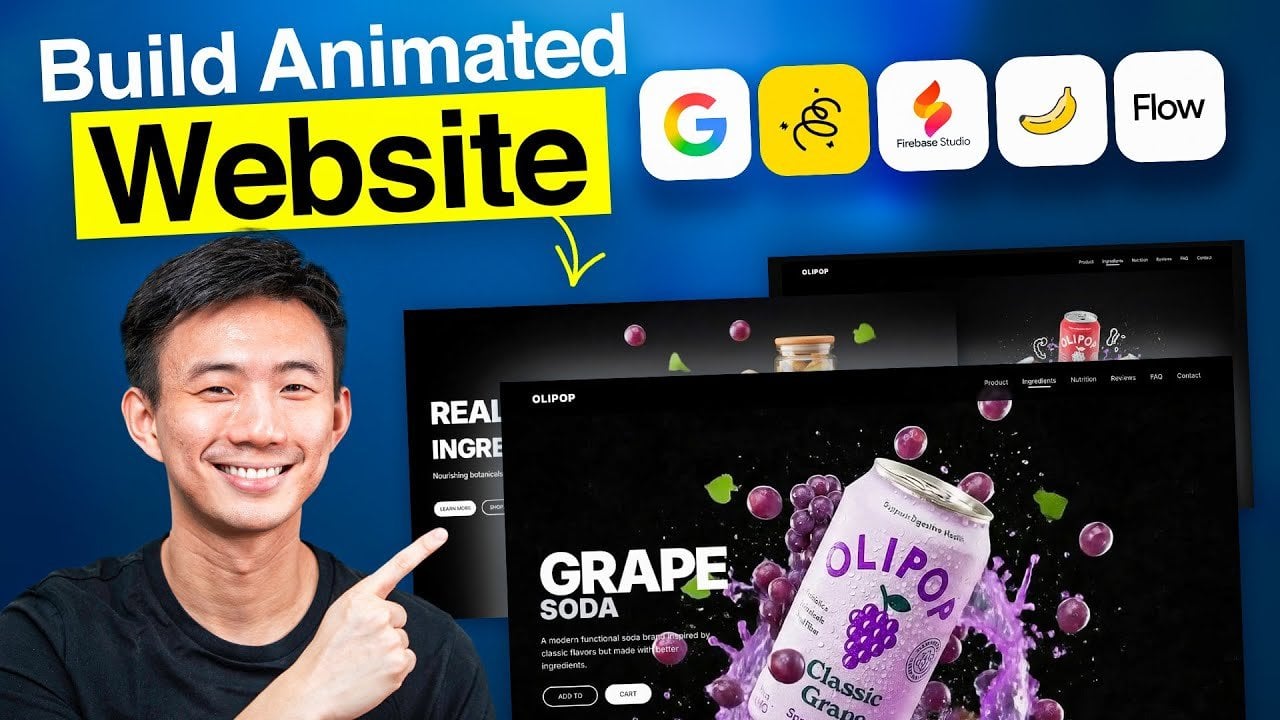
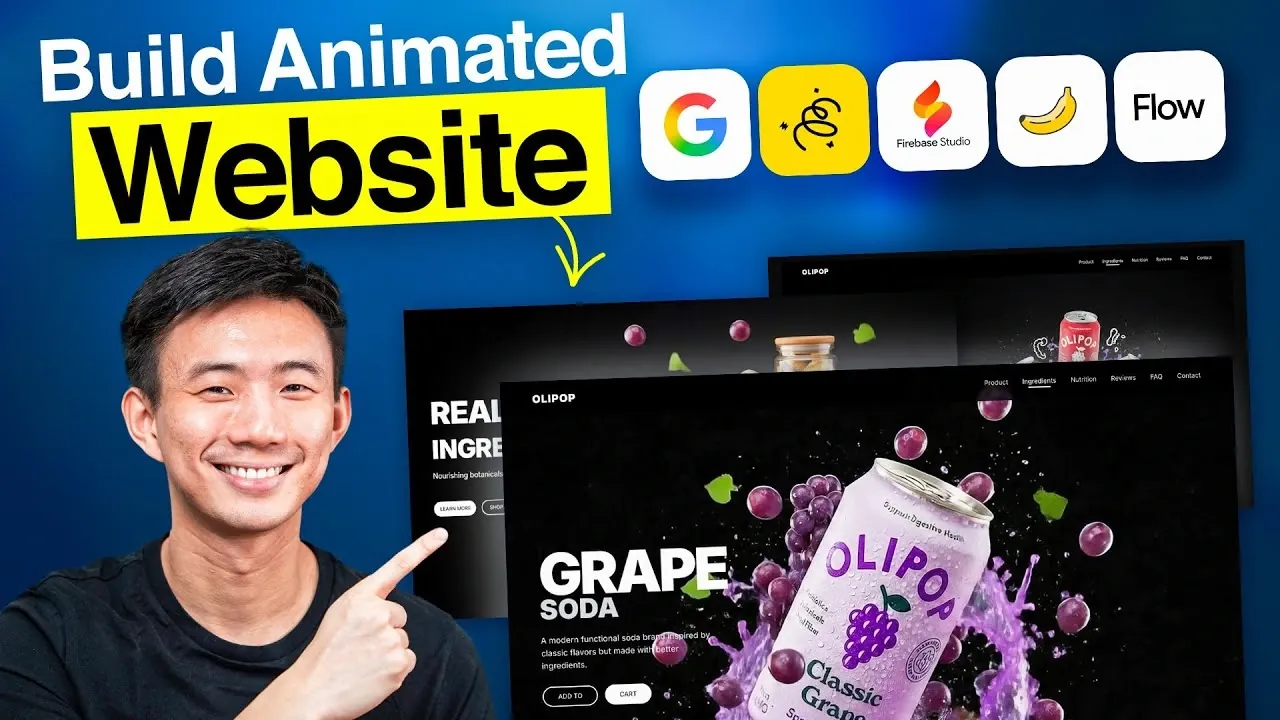
Imagine you’re tasked with creating a website for a soda brand. Using Nano Banana, you can define a sleek, minimalist aesthetic with vibrant, bubbly color tones that reflect the brand’s identity. Google Whisk refines the lighting and composition, making sure the visuals are cohesive and professional. Google Flow adds engaging animations, such as a parallax effect that mimics the motion of soda bubbles rising, creating a dynamic and interactive experience. Finally, Firebase Studio brings all the elements together into a responsive layout that works seamlessly on both desktop and mobile devices, making sure a smooth user experience.
Key Takeaways for Effective Website Creation
Google’s Gemini AI tools are transforming the way websites are designed and built. By eliminating the need for coding and streamlining the design process, these tools empower users of all skill levels to create professional, animated websites. By following a clear workflow and focusing on visual direction, you can deliver a responsive, aesthetically pleasing website that provides a premium user experience. Whether you’re working on a brand project or a personal site, these tools offer the efficiency and precision needed to achieve exceptional results.
Media Credit: Andy Lo
Latest Geeky Gadgets Deals
Disclosure: Some of our articles include affiliate links. If you buy something through one of these links, Geeky Gadgets may earn an affiliate commission. Learn about our Disclosure Policy.