Author: theplanetclicker_jgyx66

  • Hands-On with ChatGPT 5.2 : Faster Instant to Deep Thinking & Pro Extras
    Hands-On with ChatGPT 5.2 : Faster Instant to Deep Thinking & Pro Extras

    Hands-On with ChatGPT 5.2 : Faster Instant to Deep Thinking & Pro Extras

    Diagram shows a 256K token window keeping long chats coherent across steps, with fewer lost details over time.

    What if your AI assistant could not only remember the details of your last 50 conversations but also analyze images, craft complex spreadsheets, and deliver professional-grade presentations, all in one seamless experience? With the release of ChatGPT 5.2, OpenAI has taken a bold step forward, redefining what we can expect from artificial intelligence. This latest iteration doesn’t just refine, it transforms, offering users a tailored experience through three distinct models: Instant, Thinking, and Pro. Whether you’re a busy professional needing quick answers, a researcher diving into intricate analyses, or a creative building detailed projects, ChatGPT 5.2 promises to meet you where you are. But as with any leap in technology, it’s not without its growing pains, leaving some to wonder: is this the AI breakthrough we’ve been waiting for, or just another step in the journey?

    In this breakdown, Skill Leap AI explore the powerful new capabilities that make ChatGPT 5.2 a standout in the AI landscape. From its improved memory retention that enables coherent long-form conversations to its advanced image analysis and reduced hallucination rates, this update is packed with features designed to elevate productivity and creativity. But it’s not all smooth sailing, challenges like auto-selection inconsistencies and accessibility hurdles for free users reveal areas where the model still has room to grow. Whether you’re curious about how these updates could transform your workflow or wondering if the Pro model is worth the investment, this exploration will give you the insights you need to decide how ChatGPT 5.2 fits into your world. After all, every innovation sparks both excitement and questions, so let’s see where this one leads.

    ChatGPT 5.2 Overview

    TL;DR Key Takeaways :

    • ChatGPT 5.2 introduces three tailored model versions, Instant, Thinking, and Pro, offering flexibility for diverse user needs, though the auto-selection feature requires further optimization.
    • Key performance enhancements include improved memory retention with a 256K token context window, advanced image analysis, and a 30% reduction in hallucination rates for more reliable outputs.
    • The model excels in content creation, allowing users to generate complex spreadsheets, professional presentations, and responsive websites, with improved adherence to formatting and word count guidelines.
    • Challenges include inconsistencies in the auto-selection feature, slower response times for the Thinking model, and task variability, highlighting areas for refinement.
    • While offering significant value for Pro and Business subscribers, the advanced features may feel overwhelming for beginners, and subscription costs could limit accessibility for some users.

    Three Model Versions for Tailored Experiences

    ChatGPT 5.2 introduces three specialized model versions, each optimized for specific use cases, making sure flexibility and adaptability for users:

    • Instant: This version prioritizes speed and efficiency, delivering quick, concise responses. It is particularly well-suited for straightforward tasks where time is of the essence, such as answering simple queries or providing brief explanations.
    • Thinking: Focused on depth and accuracy, this model is ideal for handling complex queries and conducting detailed analyses. While its slower response time may not suit urgent tasks, it excels in scenarios requiring thoughtful and precise outputs.
    • Pro: Exclusively available to Pro and Business subscribers, this version offers advanced capabilities, including enhanced task processing and access to premium features. It is designed to cater to professionals and organizations with demanding requirements.

    These options empower users to select the model that best aligns with their specific goals. However, the auto-selection feature, which dynamically switches between Instant and Thinking modes, has been reported to occasionally produce inconsistent results, underscoring the need for further optimization.

    Performance Enhancements: What’s New?

    Building on the foundation of GPT 5.1, ChatGPT 5.2 introduces several significant improvements that enhance its performance, reliability, and overall user experience:

    • Improved Memory Retention: With an expanded 256K token context window, the model can maintain context over extended conversations. This improvement ensures more coherent and contextually aware interactions, even during lengthy exchanges.
    • Advanced Image Analysis: The model now interprets visual inputs, such as screenshots and photos, with greater precision. This capability is particularly valuable for tasks like troubleshooting technical issues, reviewing design elements, and analyzing visual data.
    • Reduced Hallucination Rates: A 30% reduction in hallucinations enhances the model’s reliability, resulting in more factually accurate outputs. This addresses a common issue in earlier versions, making the model more dependable for critical tasks.

    These enhancements significantly broaden the model’s utility, making it a versatile tool for casual users, professionals, and organizations alike.

    ChatGPT 5.2 is Here With Powerful New Capabilities
    Enhance your knowledge on ChatGPT 5 by exploring a selection of articles and guides on the subject.

    Content Creation and Productivity Boosts

    One of the standout features of ChatGPT 5.2 is its ability to generate high-quality, detailed outputs across a variety of formats. This capability makes it an invaluable resource for professionals in fields such as marketing, education, and project management. The model excels in producing:

    • Complex spreadsheets with structured and organized data.
    • Professional-grade presentations tailored to specific themes and audiences.
    • Responsive, fully functional websites designed to meet precise requirements.

    Additionally, ChatGPT 5.2 demonstrates improved adherence to specific word counts and formatting guidelines, making sure outputs meet exact specifications. These features enhance productivity and streamline workflows, particularly for users who require precision and attention to detail in their projects.

    Challenges and Limitations

    Despite its advancements, ChatGPT 5.2 is not without its challenges. Several limitations have been identified that may impact the user experience:

    • Auto-Selection Issues: The feature that toggles between Instant and Thinking models can sometimes produce inconsistent or suboptimal results, leading to frustration for users relying on seamless transitions.
    • Processing Speed: While the Thinking model offers greater depth and accuracy, its slower response times may hinder productivity for time-sensitive tasks, making it less suitable for users with urgent needs.
    • Task Inconsistencies: Some users have reported variability in outputs for tasks such as app creation and filtering systems. In certain cases, GPT 5.1 demonstrated more reliable performance in these areas.

    These challenges highlight areas where further refinement is needed to enhance the model’s reliability and user satisfaction.

    User Accessibility and Experience

    ChatGPT 5.2 is designed to accommodate a broad spectrum of users, ranging from casual individuals to heavy professional users. However, its advanced features, particularly those available in the Pro model, may feel overwhelming for beginners. Additionally, many of the most powerful tools and capabilities are locked behind subscription plans, limiting access for free users. While Pro and Business subscriptions unlock premium features, the associated costs may deter some users, particularly those with limited budgets.

    Implications for Education

    The rapid evolution of AI models like ChatGPT 5.2 presents both opportunities and challenges for the education sector. On the positive side, the model can enhance learning experiences by providing personalized tutoring, generating educational content, and supporting research efforts. For example, educators can use the model to create lesson plans, design interactive learning materials, and assist students with complex topics. However, the frequent updates to AI models require educators to continually adapt their teaching methods and materials, which can be resource-intensive and time-consuming. This dynamic underscores the need for ongoing professional development and support for educators as they integrate AI tools into their workflows.

    Looking Ahead

    ChatGPT 5.2 represents a significant advancement in artificial intelligence, offering improved functionality and a range of new features that enhance its utility across various domains. With better memory retention, advanced image analysis, and reduced hallucination rates, the model addresses many of the shortcomings of its predecessor. However, challenges such as auto-selection inconsistencies and task variability highlight areas for further improvement. For users willing to invest in Pro or Business subscriptions, the model provides substantial value, while casual users may find the free version sufficient for basic tasks. As AI technology continues to evolve, ChatGPT 5.2 sets a high standard for innovation while leaving room for further refinement and growth.

    Media Credit: Skill Leap AI

    Filed Under: AI, Technology News, Top News

    Latest Geeky Gadgets Deals

    Disclosure: Some of our articles include affiliate links. If you buy something through one of these links, Geeky Gadgets may earn an affiliate commission. Learn about our Disclosure Policy.
  • GPT-5.2 Hints, Mistral’s Devstral Two, 42 MW Turbines, and Laser-Linked Satellites

    GPT-5.2 Hints, Mistral’s Devstral Two, 42 MW Turbines, and Laser-Linked Satellites

    GPT-5.2 Hints, Mistral’s Devstral Two, 42 MW Turbines, and Laser-Linked Satellites

    Boom Superpower unveils a 42 MW natural gas turbine designed to supply consistent power for AI.

    What if the future of technology wasn’t just something you read about but something you actively lived, shaped, and experienced every day? From the new release of GPT-5.2, redefining how we interact with AI, to the audacious vision of space-based data centers, the world of artificial intelligence is evolving faster than ever before. These aren’t just incremental updates, they’re seismic shifts that are reshaping industries, sparking ethical debates, and challenging the limits of what’s possible. Whether you’re a developer, a tech enthusiast, or simply curious about how AI is weaving itself into the fabric of our lives, these developments are impossible to ignore.

    In this AI news coverage, Matthew Berman explores the most latest updates in AI, from Mistral AI’s open source Devstral 2, empowering developers with unprecedented coding tools, to the Boom Superpower energy solution, addressing the growing demand for sustainable AI infrastructure. You’ll also discover how public awareness of AI is fueling global conversations about its societal impact and how new standards like the Model Context Protocol are setting the stage for safer, more reliable AI systems. These innovations aren’t just shaping the future, they’re defining it. As you read on, consider this: what role will you play in this rapidly changing landscape?

    Key AI Innovations Overview

    TL;DR Key Takeaways :

    • GPT-5.2 Release: The latest AI model, GPT-5.2, offers enhanced natural language understanding, improved contextual comprehension, and precision, redefining AI interactions for professional and personal use.
    • Mistral AI’s Devstral 2: An open source coding model with 123 billion and 24 billion parameters, designed to empower developers with accessible tools for coding and automation, fostering innovation in the AI ecosystem.
    • Agentic AI Foundation: OpenAI and Anthropic have introduced standardized protocols like MCP and Agents.md to ensure safe, consistent, and reliable AI agent behavior, now adopted by major platforms.
    • Boom Superpower Energy Solution: A 42 MW natural gas turbine designed for AI data centers, addressing energy efficiency and scalability to support AI infrastructure growth sustainably.
    • Space-Based Data Centers: Emerging solutions like Google’s Project Starcatcher use space technology for continuous solar energy, efficient cooling, and faster data transmission, transforming AI infrastructure.

    GPT-5.2 Release: A Leap Forward in AI Capabilities

    On December 11, 2025, the release of GPT-5.2 marks a significant milestone in AI development. This model builds upon its predecessors with enhanced natural language understanding and generation capabilities. It offers improved contextual comprehension, adaptability, and precision, making it a powerful tool for both professional and personal applications.

    The model’s release has been met with widespread anticipation, with prediction markets and industry insiders speculating on its potential impact. For users, GPT-5.2 promises more accurate and nuanced interactions, whether you’re automating workflows, generating creative content, or conducting research. Its ability to process complex queries and provide detailed responses could redefine how you engage with AI technologies.

    Mistral AI’s Devstral 2: Open source AI for Developers

    Mistral AI has introduced Devstral 2, an open source coding model available in two configurations: 123 billion and 24 billion parameters. These models are licensed under MIT and Apache 2.0, making sure accessibility for developers and researchers. Devstral 2 is designed to empower innovation in the open source AI ecosystem, offering robust tools for coding and automation.

    Accompanying this release is Vibe, a command-line interface that simplifies automation tasks. With competitive performance benchmarks, Devstral 2 positions itself as a valuable resource for developers seeking to streamline workflows and enhance productivity. By providing accessible and high-performing tools, Mistral AI is fostering a collaborative environment for AI development.

    GPT-5.2, Devstral 2, Boom Superpower, MCP Nonprofit & More

    Discover other guides from our vast content that could be of interest on Artificial Intelligence (AI).

    Public AI Awareness: A Growing Global Dialogue

    AI has transitioned from a niche topic to a subject of widespread public interest. This shift is exemplified by OpenAI CEO Sam Altman’s recent appearance on a popular talk show, where discussions ranged from practical applications to ethical considerations and societal implications. Such conversations reflect the growing awareness of AI’s role in shaping the modern world.

    This increased visibility is crucial as AI becomes an integral part of daily life. From virtual assistants to automated systems, AI is influencing how you interact with technology. Public engagement and dialogue are essential for addressing ethical concerns, making sure transparency, and fostering trust in AI systems.

    Agentic AI Foundation: Setting Standards for AI Agents

    OpenAI and Anthropic have collaborated to establish the Agentic AI Foundation, a nonprofit initiative aimed at standardizing protocols for AI agents. Key contributions include the Model Context Protocol (MCP) and Agents.md, which provide guidelines for AI agent behavior and instructions. These standards are designed to ensure consistency, reliability, and safety in AI interactions.

    MCP has already been adopted by major AI platforms and is now part of the Linux Foundation. For developers, these protocols offer a framework for creating trustworthy and efficient AI agents. For users, they ensure a more reliable and secure experience when interacting with AI systems.

    AI Certification: Building Knowledge and Expertise

    To meet the growing demand for AI expertise, OpenAI has launched an AI certification program through ChatGPT. This initiative provides structured credentials for individuals seeking to deepen their understanding of AI technologies and implementation strategies.

    Whether you’re a seasoned professional looking to enhance your skills or a newcomer eager to explore AI, this program offers a clear pathway to mastering AI concepts. By equipping participants with practical knowledge, the certification program aims to bridge the skills gap and empower individuals to contribute to the evolving AI landscape.

    Boom Superpower Energy Solution: Supporting AI Growth

    The rapid adoption of AI has led to an increased demand for energy-efficient infrastructure. The Boom Superpower energy solution addresses this challenge with a 42 MW natural gas turbine specifically designed for AI data centers. Its modular design allows for scalability, making it a practical choice for meeting the growing energy needs of AI infrastructure.

    This innovation highlights the importance of sustainable energy solutions, particularly in regions where energy constraints could hinder AI development. By providing a reliable and efficient energy source, the Boom Superpower solution supports the continued growth of AI technologies.

    Space-Based Data Centers: The Next Frontier in AI Infrastructure

    Space-based data centers are emerging as a new solution to some of AI’s most pressing challenges. By deploying data centers in orbit, companies can use continuous solar energy, achieve efficient cooling, and enable faster data transmission through laser-linked satellites.

    Google’s Project Starcatcher is at the forefront of this effort, proposing satellite networks to support next-generation data centers. For users, this development could translate to faster, more reliable AI services powered by innovative space technology. The potential for reduced latency and increased efficiency underscores the fantastic potential of space-based infrastructure.

    Shaping the Future of AI

    The AI landscape is undergoing rapid transformation, driven by advancements in technology, infrastructure, and public engagement. From the release of GPT-5.2 and the launch of Devstral 2 to innovative energy solutions and space-based data centers, these developments are redefining the possibilities of AI. As these technologies continue to evolve, they promise to make AI more accessible, efficient, and sustainable, shaping how you interact with technology and the world around you.

    Media Credit: Matthew Berman

    Filed Under: AI, Technology News, Top News

    Latest Geeky Gadgets Deals

    Disclosure: Some of our articles include affiliate links. If you buy something through one of these links, Geeky Gadgets may earn an affiliate commission. Learn about our Disclosure Policy.

  • Devstral’s New Coding Model Rivals Bigger Systems, 72.2% Swaybench and Low Token Costs

    Devstral’s New Coding Model Rivals Bigger Systems, 72.2% Swaybench and Low Token Costs

    Devstral’s New Coding Model Rivals Bigger Systems, 72.2% Swaybench and Low Token Costs

    Developer explores code trees with Vibe command line, running Devstral v2 to stage multifile fixes in a repository.

    What if the future of coding wasn’t just faster, but smarter, more accessible, and surprisingly affordable? Enter Mistral Devstral 2, the latest open source large language model (LLM) that’s rewriting the rules of back-end development. With a staggering 72.2% score on the Swaybench test, this model doesn’t just compete with proprietary giants like Deepseek 3.2, it outpaces them in cost-efficiency and adaptability. Imagine a tool that not only automates multifile changes and debugs with precision but also modernizes legacy code seamlessly, all while running on consumer-grade hardware. It’s not just a coding assistant; it’s a fantastic option for developers, enterprises, and enthusiasts alike.

    In this coverage, World of AI explore how Devstral 2 is setting a new benchmark for agentic coding models by combining innovative performance with unprecedented accessibility. You’ll discover why its compact yet powerful architecture is reshaping workflows, from automating repetitive tasks to addressing security vulnerabilities. We’ll also dive into its unique features, like the Mistral Vibe CLI, which simplifies codebase exploration and execution. Whether you’re curious about its open source licensing, intrigued by its ability to run on an RTX 4090 GPU, or eager to see how it stacks up against competitors, this breakdown will reveal why Devstral 2 is more than just a tool, it’s a vision for the future of coding.

    Open Source Devstral 2 AI Coding Model

    TL;DR Key Takeaways :

    • Mistral AI’s Devstral 2 is an advanced open source large language model (LLM) optimized for back-end development, available in two versions: a 123-billion-parameter model and a smaller 24-billion-parameter version.
    • Devstral 2 achieves top-tier performance with a 72.2% score on the Swaybench test, outperforming many competitors while being up to seven times more cost-efficient than alternatives like Claude Sonnet.
    • The model is designed to streamline workflows with features like automating multifile changes, debugging, addressing security vulnerabilities, and modernizing legacy code, with fine-tuning options for specific programming languages and systems.
    • It is accessible and hardware-friendly, running efficiently on consumer-grade devices like an RTX 4090 GPU or a Mac with 32GB RAM, with pricing starting at $0.40 per 1 million input tokens and free access via platforms like Kilo Code.
    • Devstral 2 includes tools like the Mistral Vibe CLI for enhanced codebase exploration and automation, but it has limitations in front-end development and a 256k token context window, making it ideal for back-end-focused applications.

    Unmatched Performance in a Compact Framework

    Devstral 2 delivers exceptional results, achieving a 72.2% score on the Swaybench test, a benchmark that evaluates coding model performance. This places it among the highest-performing open-weight coding models available today. Despite its relatively compact architecture, it competes directly with proprietary systems like Deepseek 3.2 and Google’s advanced models, while outperforming competitors such as GLM 4.6 and Miniax Quen 3.

    A key differentiator for Devstral 2 is its remarkable cost-efficiency. It is up to seven times more economical than alternatives like Claude Sonnet, making it an attractive option for developers and organizations operating on tight budgets. For those requiring a lighter model, Devstral Small provides a scaled-down yet highly capable alternative, making sure flexibility for a variety of use cases.

    Optimized for Back-End Development

    Devstral 2 is purpose-built to meet the specific demands of back-end development, offering a range of features that streamline complex workflows. Its core capabilities include:

    • Automating multifile changes to enhance productivity
    • Debugging and tracking dependencies for seamless code management
    • Identifying and addressing security vulnerabilities
    • Modernizing legacy code to align with current standards

    The model also supports fine-tuning for specific programming languages and enterprise systems, allowing it to adapt to diverse coding environments. These features make Devstral 2 an indispensable tool for production-grade workflows, allowing developers to focus on innovation rather than repetitive tasks.

    Mistral Devstral 2 : New Agentic Coding LLM With Vision

    Browse through more resources below from our in-depth content covering more areas on Mistral AI.

    Accessible, Hardware-Friendly, and Cost-Effective

    One of the standout features of Devstral 2 is its ability to run efficiently on consumer-grade hardware. You can deploy the model using an RTX 4090 GPU or a Mac with 32GB of RAM, making it accessible to a wide range of users, from individual developers to large organizations.

    The pricing structure further enhances its appeal. Devstral 2 is priced at $0.40 per 1 million input tokens and $2 per 1 million output tokens, while Devstral Small offers even lower costs. Additionally, free access is available through platforms like Kilo Code and Open Router, making sure that developers with limited financial resources can still use its capabilities.

    Enhanced Tools for Seamless Integration

    To complement the model, Mistral AI has introduced the Mistral Vibe CLI, a command-line interface designed to simplify codebase exploration, modification, and execution. This tool enhances Devstral 2’s capabilities by providing:

    • Deep code understanding for better insights
    • Agentic automation to handle repetitive tasks
    • Streamlined workflows to improve efficiency

    By integrating these tools, developers can focus on higher-level problem-solving while automating routine coding processes. This combination of advanced functionality and user-friendly tools ensures that Devstral 2 can be seamlessly incorporated into existing workflows.

    Considerations and Limitations

    While Devstral 2 excels in back-end development, it does have certain limitations. Its capabilities in front-end development, such as generating user interface elements or animations, are minimal. Additionally, the model’s context window is capped at 256k tokens, which may pose challenges for extremely large codebases. However, for the majority of back-end applications, these constraints are unlikely to significantly impact performance.

    Open source Licensing and Deployment Flexibility

    Both versions of Devstral 2 are available under open source licenses, encouraging widespread adoption and collaboration. The larger model operates under a modified MIT license, while the smaller version uses the Apache 2.0 license.

    Developers can access the models through Mistral’s console, chatbot, or third-party integrations, making sure seamless deployment into existing systems. This flexibility makes it easier to incorporate Devstral 2 into diverse coding environments, whether for individual projects or enterprise-scale applications.

    Driving Innovation in Back-End Development

    Mistral Devstral 2 represents a significant step forward in the evolution of open source coding models. Its combination of high performance, cost-efficiency, and accessibility makes it a valuable resource for developers and enterprises alike. Whether you’re automating debugging processes, modernizing legacy systems, or optimizing workflows, Devstral 2 equips you with the tools needed to excel in today’s fast-paced development landscape. By addressing the challenges of back-end development with precision and efficiency, Devstral 2 is poised to shape the future of coding automation and innovation.

    Media Credit: WorldofAI

    Filed Under: AI, Top News

    Latest Geeky Gadgets Deals

    Disclosure: Some of our articles include affiliate links. If you buy something through one of these links, Geeky Gadgets may earn an affiliate commission. Learn about our Disclosure Policy.
  • Using Nano Banana for 3D Modeling : Multi-View Workflow Nailed a Printable Mini

    Using Nano Banana for 3D Modeling : Multi-View Workflow Nailed a Printable Mini

    Using Nano Banana for 3D Modeling : Multi-View Workflow Nailed a Printable Mini

    Multiview renders created from images, assembled into a clean 3D mesh ready for slicing on an FDM machine.

    Have you ever imagined turning a simple sketch into a fully detailed 3D model without the usual headaches of trial and error? Enter Nano Banana, a tool so unexpected in its origins, yet so innovative in its application, it’s shaking up the world of 3D printing. Originally designed for AI-driven image generation, this software has found a surprising second life in creating intricate, customizable 3D models. Whether you’re a seasoned designer or a curious hobbyist, Nano Banana promises to eliminate the frustration of inconsistent results and clunky workflows, offering instead a seamless, precision-driven experience. But does it live up to the hype? I tested it to find out, and the results were nothing short of insane.

    In this guide, Katsby the ArchiTECH explains what makes Nano Banana a fantastic option for 3D modeling and printing. From its innovative multiplanar projection workflow to its ability to produce highly detailed miniatures, this tool is rewriting the rules for creators. You’ll discover how it tackles the common pitfalls of traditional AI tools, why it’s perfect for crafting everything from tabletop game miniatures to prototypes, and how it streamlines the journey from concept to print. If you’ve ever struggled with unreliable AI tools or dreamed of designing models that are both intricate and customizable, you’re in for a treat. Let’s see how Nano Banana transforms the ordinary into the extraordinary.

    Transforming 3D Modeling

    TL;DR Key Takeaways :

    • Nano Banana, originally an AI image generation tool, has expanded into 3D modeling and printing, offering a precise and customizable solution for creating detailed 3D models.
    • Its unique multiplanar projection workflow ensures consistent proportions and details across all angles, addressing common challenges in traditional AI-based 3D modeling.
    • The process involves uploading a 2D image, generating multiplanar views for refinement, and converting them into a 3D mesh, making it ideal for intricate designs like tabletop game miniatures.
    • Nano Banana outputs are compatible with FDM 3D printers, allowing users to produce high-quality, durable models with remarkable detail and customization.
    • Key advantages include precision, customization, cost efficiency, consistency, and accessibility, making it a versatile tool for hobbyists, artists, and professionals alike.

    Overcoming the Limitations of Traditional AI Tools in 3D Modeling

    Traditional AI tools for 3D modeling often come with significant limitations. Many users encounter issues with precision, where even minor adjustments to one part of a model can inadvertently alter other sections. This lack of control can make the design process frustrating and unpredictable. Additionally, these tools frequently produce inconsistent results, requiring repeated trial and error to achieve the desired outcome. For those working with limited free outputs or resources, this process can become both time-consuming and costly.

    Nano Banana offers a refreshing alternative. Although not originally intended for 3D modeling, its innovative workflow directly addresses these challenges. By integrating multiplanar projections and image-to-3D conversion, it ensures consistent and customizable designs. This makes it a more reliable and user-friendly option compared to traditional AI tools, particularly for those seeking precision and efficiency.

    What Sets Nano Banana Apart?

    The core of Nano Banana’s success lies in its unique multiplanar projection workflow. This approach generates accurate views of a model from multiple perspectives, front, back, sides, and top, making sure that proportions and details remain consistent across all angles. This method forms a robust foundation for creating precise 3D meshes.

    The process unfolds in three straightforward steps:

    • Step 1: Upload a 2D image or sketch of your desired design.
    • Step 2: The AI generates multiplanar views, allowing you to refine specific details without disrupting the overall structure.
    • Step 3: These views are converted into a 3D mesh using external tools like Heighten 3D, resulting in a model ready for printing.

    This workflow is particularly advantageous for creating intricate designs, such as custom miniatures for tabletop games. For example, you can design a detailed Elf Archer miniature, modifying elements like the bow, quiver, or facial expression while maintaining the overall integrity of the model. This level of precision and customization makes Nano Banana an invaluable tool for hobbyists and professionals alike.

    Nano Banana For 3D Printing : It’s Insane

    Find more information on Nano Banana by browsing our extensive range of articles, guides and tutorials.

    Seamless Transition from Design to 3D Printing

    Once the 3D mesh is finalized, the next step is to bring the design to life through 3D printing. Nano Banana’s outputs are compatible with FDM printers, which are among the most widely used types of 3D printers. These printers construct objects layer by layer using thermoplastic filaments, making them ideal for producing durable and high-quality models.

    To ensure the best possible results, tools like Heighten 3D can be used to fine-tune the mesh before printing. This additional step helps to capture intricate details, such as textures and small features, with remarkable accuracy. The final product is a detailed, customizable miniature that rivals the quality of expensive, pre-made alternatives. Whether you’re creating prototypes, artistic pieces, or gaming miniatures, Nano Banana simplifies the process while delivering professional-grade results.

    The Advantages of Nano Banana in 3D Modeling and Printing

    Nano Banana offers a range of benefits that make it a standout tool for 3D modeling and printing:

    • Precision: The multiplanar projection workflow allows for detailed adjustments without compromising the overall design.
    • Customization: Users can create unique, tailored models for gaming, prototyping, or artistic projects.
    • Cost Efficiency: By generating your own models, you can avoid the expense of purchasing pre-made designs.
    • Consistency: The AI’s reliable outputs minimize the need for trial and error, saving both time and effort.
    • Accessibility: Its user-friendly interface makes it suitable for both beginners and experienced designers.

    These features make Nano Banana an appealing choice for a wide range of users, from hobbyists and artists to engineers and designers. Its ability to streamline the modeling process while delivering high-quality results sets it apart as a versatile and practical tool.

    Unlocking New Possibilities in 3D Modeling

    Nano Banana has redefined the potential of AI in 3D modeling. By incorporating multiplanar projections and image-to-3D conversion, it offers a reliable and efficient workflow for creating detailed, customizable models. Whether you’re designing tabletop game miniatures, prototypes, or artistic creations, Nano Banana provides the precision and control that traditional AI tools often lack.

    For those looking to explore the creative possibilities of 3D printing, Nano Banana opens the door to new opportunities. Its innovative approach not only simplifies the modeling process but also enables users to produce high-quality designs without relying on expensive software or pre-made models. As 3D printing continues to grow in popularity, tools like Nano Banana are poised to play a pivotal role in shaping the future of design and manufacturing.

    Media Credit: Katsby the ArchiTECH

    Filed Under: AI, Guides

    Latest Geeky Gadgets Deals

    Disclosure: Some of our articles include affiliate links. If you buy something through one of these links, Geeky Gadgets may earn an affiliate commission. Learn about our Disclosure Policy.
  • YOLO Mode : Plan, Code, Verify & Repair Apps Autonomously With Full Control

    YOLO Mode : Plan, Code, Verify & Repair Apps Autonomously With Full Control

    YOLO Mode : Plan, Code, Verify & Repair Apps Autonomously With Full Control

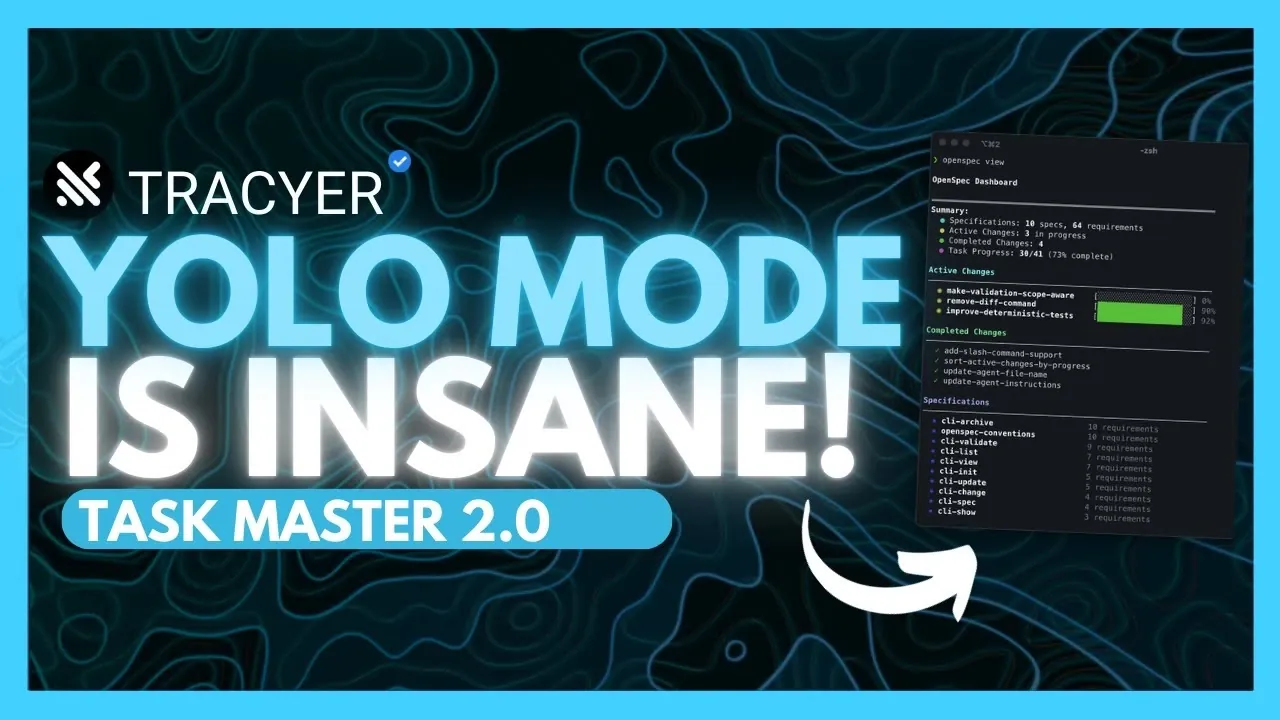
    Dashboard showing YOLO Mode in Tracer running planning, coding, and verification automatically for a complex app build.

    What if you could code faster than ever before, with fewer errors, and without the constant grind of repetitive tasks? Enter YOLO Mode, the latest innovation in AI-powered development tools that’s turning heads across the tech world. Boldly claiming to be 100x more efficient than traditional coding workflows, this new feature doesn’t just enhance productivity, it redefines it. Imagine an AI agent that not only writes your code but also plans, reviews, and verifies it, all while seamlessly integrating into your favorite IDE. Whether you’re building complex applications or tackling routine projects, YOLO Mode promises to transform how you approach software development.

    In this comprehensive coverage, World of AI explore how YOLO Mode automates every stage of coding, from task planning to error resolution, while offering unparalleled flexibility through customizable presets and operational modes. You’ll discover how its three distinct modes, Phases, Plan, and Review, empower developers to handle even the most intricate projects with confidence and clarity. But that’s not all: we’ll also dive into its real-world applications, from managing multi-component systems to accelerating tight deadlines. By the end, you’ll see why YOLO Mode isn’t just another tool, it’s a fantastic option for developers ready to embrace the future of coding.

    Streamlining Development with YOLO Mode

    TL;DR Key Takeaways :

    • YOLO Mode automates the entire software development lifecycle, from planning to verification, allowing developers to focus on strategic tasks while reducing manual errors and enhancing productivity.
    • It integrates seamlessly with popular IDEs like Visual Studio Code and supports user-defined presets, offering flexibility and ease of use for developers of all skill levels.
    • YOLO Mode features three operational modes, Phases, Plan, and Review, designed to streamline complex tasks, generate detailed plans, and optimize code quality through advanced analysis.
    • The tool excels in error detection and resolution, autonomously identifying and fixing critical issues to ensure stable and reliable codebases for large-scale projects.
    • With its adaptability, continuous workflow capabilities, and focus on efficiency, YOLO Mode enables developers to handle diverse and complex projects with precision and speed.

    By using YOLO Mode, developers can streamline their workflows, reduce manual errors, and allocate more time to creative problem-solving. Its ability to adapt to diverse project requirements makes it a versatile tool for professionals across various industries.

    Automation as the Backbone of Modern Development

    YOLO Mode excels in automating every stage of the coding process, making sure precision and consistency throughout. From task planning and code generation to error detection and resolution, the system operates with a high degree of reliability. Its autonomous capabilities allow you to trust the tool to handle critical aspects of development, making sure your code remains functional and free of major issues.

    With user-defined presets, YOLO Mode adapts to the specific needs of your project. Whether you need to skip redundant steps or generate detailed plans for complex tasks, the system provides the flexibility to align with your workflow. This adaptability ensures that developers can maintain control while benefiting from the efficiency of automation.

    Customizable Features for Enhanced Flexibility

    YOLO Mode is designed with flexibility in mind, allowing you to tailor its functionality to suit your unique development process. Key customization options include configuring handoff rules, defining planning steps, and setting verification thresholds. These features ensure that the tool aligns with your preferred workflow, offering a personalized experience that enhances efficiency.

    Its integration with widely-used IDEs, such as Visual Studio Code, ensures a seamless user experience. Developers can quickly incorporate YOLO Mode into their existing workflows without significant adjustments. Additionally, user-defined presets enable you to standardize repetitive tasks, reducing the time and effort required for future projects. This combination of flexibility and ease of use makes YOLO Mode a valuable asset for developers of all skill levels.

    YOLO Mode: NEW AI Coding Agent Is INSANE! 100x Better Than Vibe Coding (Full Tutorial)

    Explore further guides and articles from our vast library that you may find relevant to your interests in YOLO Mode.

    Three Modes to Support Every Stage of Development

    YOLO Mode offers three distinct operational modes, each tailored to address specific phases of the development process. These modes provide a structured approach, making sure clarity and precision at every step:

    • Phases Mode: Breaks down complex tasks into manageable steps, making sure alignment with your project’s objectives and reducing the risk of oversight.
    • Plan Mode: Generates detailed, file-level plans for large or intricate codebases, helping you maintain organization and clarity throughout the development process.
    • Review Mode: Analyzes your code to identify potential issues, offering suggestions and refinements to optimize performance and maintain high-quality standards.

    These modes empower you to handle projects of varying complexity with confidence, making sure that every stage of development is executed efficiently and effectively.

    Real-World Applications and Benefits

    YOLO Mode is particularly well-suited for managing complex, multi-component projects. Whether you’re developing a cryptocurrency trading platform, automating authentication systems, or building admin dashboards and API endpoints, this tool ensures that each component is handled with precision. Its ability to autonomously manage intricate workflows makes it an invaluable resource for developers tackling large-scale applications.

    The practical benefits of YOLO Mode extend beyond efficiency. By automating routine tasks, it allows you to focus on innovation and strategic problem-solving. This shift in focus not only enhances the quality of your work but also contributes to faster project completion times, making it a critical tool for meeting tight deadlines.

    Seamless Integration and Continuous Workflow

    One of YOLO Mode’s standout features is its ability to maintain uninterrupted workflows. Once activated, the system operates continuously, making sure smooth progress even during extended development cycles. This capability is particularly beneficial for large-scale projects that require sustained effort over long periods.

    Designed for real-world codebases, YOLO Mode delivers high-quality outputs that meet professional standards. Its integration with IDE extensions allows for quick installation and immediate usability, making it accessible to developers regardless of their experience level. This seamless integration ensures that you can start benefiting from YOLO Mode’s capabilities without a steep learning curve.

    Advanced Error Detection and Resolution

    Error handling is a critical component of any development process, and YOLO Mode excels in this area. During the verification phase, the system autonomously identifies and resolves major or critical errors, making sure that your application remains functional and reliable. This feature not only saves time but also enhances the stability and robustness of your code.

    By automating error detection and resolution, YOLO Mode reduces the need for constant oversight, allowing you to focus on higher-level tasks. This capability is particularly valuable for developers working on complex projects where manual error handling can be time-consuming and prone to oversight.

    Empowering Developers with Efficiency and Precision

    YOLO Mode represents a significant advancement in AI-driven development tools, offering a comprehensive solution for automating and streamlining coding workflows. By handling planning, coding, verification, and review processes, it allows you to focus on innovation and strategic decision-making. Its flexibility, seamless integration, and robust error-handling capabilities make it an essential tool for developers working on projects of any scale.

    Whether you’re a seasoned professional or a newcomer to the field, YOLO Mode provides the tools you need to achieve a more efficient and hands-free development process. With its ability to adapt to diverse project requirements and deliver high-quality results, YOLO Mode is poised to become an indispensable resource for the modern developer.

    Media Credit: WorldofAI

    Filed Under: AI, Guides

    Latest Geeky Gadgets Deals

    Disclosure: Some of our articles include affiliate links. If you buy something through one of these links, Geeky Gadgets may earn an affiliate commission. Learn about our Disclosure Policy.
  • NYT Lawsuit Forces OpenAI to Hand Over 20M User ChatGPT Chat History

    NYT Lawsuit Forces OpenAI to Hand Over 20M User ChatGPT Chat History

    NYT Lawsuit Forces OpenAI to Hand Over 20M User ChatGPT Chat History

    A judge orders OpenAI to share 20 million de-identified ChatGPT entries, spotlighting new worries about user privacy.

    Have you ever wondered who might be watching your conversations with AI? In a new legal twist, a U.S. court has ordered OpenAI to hand over 20 million anonymized ChatGPT user logs as part of a copyright lawsuit with the New York Times. While the logs are stripped of identifying details, privacy experts warn that anonymization isn’t always foolproof, raising unsettling questions about how much control users truly have over their data. This case doesn’t just pit AI innovation against copyright law, it thrusts user privacy into the spotlight, forcing us to confront the hidden vulnerabilities of cloud-based AI systems.

    This legal battle is more than just a courtroom drama; it’s a wake-up call for anyone who uses AI platforms. What does it mean for your ChatGPT history to be part of a legal dispute? And how secure is the information you share with these systems? In this feature, AI Grid unpack the far-reaching implications of this court ruling, from the risks of prolonged data retention to the ethical dilemmas facing AI companies. Whether you’re an avid AI user or a cautious observer, this case offers critical lessons about the fragile balance between innovation, privacy, and accountability. As the dust settles, one thing is clear: the way we interact with AI may never be the same.

    AI, Privacy, and Copyright

    TL;DR Key Takeaways :

    • A U.S. court has ordered OpenAI to release 20 million anonymized ChatGPT user logs as part of a copyright lawsuit filed by the New York Times, raising concerns about user privacy and data retention policies.
    • The lawsuit alleges that OpenAI used copyrighted materials, including New York Times articles, to train its AI models without authorization, potentially setting a precedent for stricter regulations on AI data sourcing.
    • Experts warn that anonymized data is not entirely foolproof, as it can potentially be re-identified, highlighting vulnerabilities in cloud-based AI systems and the risks of prolonged data retention.
    • OpenAI has appealed the ruling, emphasizing the challenges of making sure complete deidentification and the potential erosion of public trust in AI systems.
    • This case underscores the need for clearer legal frameworks and ethical AI development, balancing innovation with intellectual property rights and user privacy, while encouraging collaboration among stakeholders to address these challenges.

    Legal Ruling and Copyright Dispute

    The lawsuit revolves around allegations by the New York Times that OpenAI used copyrighted materials, including news articles, to train its AI models without proper authorization. The court’s decision to compel OpenAI to provide anonymized user logs is intended to uncover whether the AI models were trained on protected content. These logs, which document user interactions with ChatGPT, are expected to shed light on the datasets used during the training process.

    This ruling underscores the growing tension between AI innovation and copyright law. The New York Times is seeking compensation for what it claims is the unauthorized use of its intellectual property. If the court rules in favor of the New York Times, it could establish a precedent that reshapes how AI companies handle copyrighted materials. Such a decision may lead to stricter regulations on data sourcing and could compel AI developers to adopt more transparent practices when training their models.

    Privacy Concerns and Anonymization Challenges

    The court’s decision has sparked widespread concerns about the privacy of ChatGPT users. Although the user logs will be anonymized, experts warn that anonymization is not always foolproof. There is a risk that anonymized data could be re-identified, particularly when combined with other datasets. This highlights the inherent vulnerabilities of cloud-based AI systems, where even anonymized information can be subject to legal scrutiny or unintended exposure.

    The case has also reignited debates about data retention policies. OpenAI has been ordered to preserve user logs, including those previously deleted, for potential examination. This raises critical questions about how long AI companies should retain user data and the risks associated with prolonged storage. Prolonged retention increases the likelihood of data breaches or misuse, further emphasizing the need for robust privacy safeguards.

    ChatGPT Privacy Cracks : The Court Now Has Your ChatGPT History

    Gain further expertise in ChatGPT  by checking out these recommendations.

    OpenAI’s Response and Transparency Efforts

    In response to the ruling, OpenAI has filed an appeal, emphasizing its commitment to user privacy and transparency. The company argues that releasing user logs, even in anonymized form, could undermine public trust in AI systems. OpenAI has also highlighted the technical challenges of making sure complete deidentification, particularly given the sensitive nature of some user interactions.

    This legal battle has prompted OpenAI and other AI developers to reevaluate their data collection and retention practices. Transparency regarding how user data is stored, processed, and shared is becoming increasingly critical as legal and ethical scrutiny intensifies. OpenAI’s appeal reflects broader concerns within the tech industry about balancing compliance with legal mandates and maintaining user trust.

    What This Means for AI Users

    For users, this case serves as a stark reminder to exercise caution when interacting with cloud-based AI systems like ChatGPT. Sharing sensitive or confidential information on such platforms could expose you to unforeseen risks, particularly in cases where legal actions compel companies to disclose user data. While anonymization provides a degree of protection, it is not an absolute safeguard.

    If privacy is a primary concern, you may want to explore alternatives such as local AI models. Unlike cloud-based systems, local models operate entirely on your device, eliminating the need to transmit data to external servers. This approach offers greater control over your information and minimizes the risk of exposure in legal disputes or data breaches. However, local models may require more technical expertise and resources to implement effectively.

    Industry-Wide Implications

    The implications of this case extend far beyond OpenAI and its users, highlighting the urgent need for clearer legal frameworks to address the intersection of AI development, copyright law, and data privacy. Other AI companies may face similar challenges as courts and regulators scrutinize how training data is sourced and how user information is managed.

    This lawsuit also underscores the importance of ethical AI development. Companies must navigate the delicate balance between fostering innovation and respecting intellectual property rights and user privacy. As the AI industry continues to expand, these issues will remain central to public and legal discourse. The outcome of this case could influence how AI companies approach transparency, accountability, and compliance with legal standards.

    The broader industry must also consider the potential for collaborative solutions. Governments, legal experts, and AI developers may need to work together to establish guidelines that protect intellectual property while allowing technological progress. Such collaboration could help mitigate conflicts and foster a more sustainable approach to AI development.

    Broader Lessons for the Future of AI

    The court’s decision to compel OpenAI to release anonymized ChatGPT user logs marks a critical turning point in the ongoing debates over AI, copyright law, and data privacy. For users, this case serves as a cautionary tale about the risks of sharing sensitive information on cloud-based platforms. It also highlights the importance of understanding how your data is stored and used by AI systems.

    As legal and ethical challenges mount, the AI industry must navigate a complex landscape to ensure transparency, accountability, and respect for user rights. Whether through enhanced privacy measures, the adoption of local AI alternatives, or the establishment of clearer legal standards, the path forward will require collaboration and vigilance from all stakeholders. The decisions made today will shape the future of AI, influencing how technology interacts with society and the legal frameworks that govern it.

    Media Credit: TheAIGRID

    Filed Under: AI, Technology News, Top News

    Latest Geeky Gadgets Deals

    Disclosure: Some of our articles include affiliate links. If you buy something through one of these links, Geeky Gadgets may earn an affiliate commission. Learn about our Disclosure Policy.

  • Make Claude Code Ship Faster with a Four-Step Workflow

    Make Claude Code Ship Faster with a Four-Step Workflow

    Make Claude Code Ship Faster with a Four-Step Workflow

    GitHub pull requests created by AI tools run in parallel, speeding reviews while keeping changes small and easy to track.

    What if your next software project could practically run itself? Imagine an AI-powered assistant that not only writes code but also refines your designs, scales your workflows, and even handles non-coding tasks like documentation and research. Bold claim? Perhaps. But with tools like Claude Code, this vision is becoming a reality for developers worldwide. By using AI effectively, you can transform tedious, repetitive tasks into opportunities for creativity and innovation. The result? A streamlined process that lets you focus on what truly matters: building exceptional products. AI isn’t just a helper, it’s a fantastic option for how we approach development.

    In this guide Matt Maher explains how to make AI tools like Claude Code your ultimate coding companion. You’ll uncover strategies to define clear project goals, refine your work through iterative improvements, and scale your efforts with automation, all while expanding AI’s reach beyond traditional coding tasks. From generating detailed PRDs to automating pull requests and even managing datasets, AI offers a wealth of possibilities to enhance your workflow. But this isn’t just about efficiency; it’s about unlocking a new level of creativity and problem-solving. How can you make AI not just a tool but a true collaborator in your development process? Let’s find out.

    AI-Powered Software Development

    TL;DR Key Takeaways :

    • AI tools like Claude Code transform software development by streamlining workflows, automating repetitive tasks, and allowing applications beyond traditional coding.
    • The structured workflow, Define, Refine, Multiply, Expand, ensures clarity, efficiency, and adaptability in project execution and optimization.
    • AI enhances productivity through features like automated test case generation, iterative improvements, and scaling efficiency with parallel workflows and reusable scripts.
    • Slash commands and custom scripts standardize processes, reduce errors, and improve consistency, particularly in large-scale projects with multiple contributors.
    • AI’s applications extend beyond coding to areas like research, dataset validation, and documentation, making it a versatile tool for both technical and non-technical tasks.

    Define Phase: Laying the Groundwork

    The Define phase is the foundation of any successful project. At this stage, the focus is on identifying “what” needs to be built, leaving the “how” for later. AI tools like Claude Code or ChatGPT can assist in creating detailed Product Requirements Documents (PRDs), which clearly outline project goals, features, and constraints.

    For example, if you’re designing a new user interface (UI), AI can generate a comprehensive list of required components, their functionalities, and potential user interactions. This ensures your project begins with a solid foundation, reducing ambiguities and aligning your team on shared objectives. By using AI to clarify project requirements, you can save time and avoid costly misunderstandings later in the development cycle.

    Refine Phase: Iterative Improvement

    Once your plan is in place, the Refine phase focuses on improving and validating it through iterative processes. This stage is critical for making sure your project remains robust and adaptable. AI tools excel in this phase by offering targeted suggestions and automating repetitive tasks.

    For instance, managing context windows effectively allows AI to focus on relevant information, avoiding distractions or irrelevant suggestions. Incorporating visual context, such as annotated screenshots, can further enhance AI’s understanding of your project. When refining a UI design, annotated visuals can help AI identify inconsistencies or suggest improvements.

    Testing frameworks play a pivotal role in this phase. AI can generate and automate test cases, whether unit, visual, or end-to-end, making sure your project meets quality standards. By analyzing test results, AI can quickly identify potential issues, saving both time and effort. This iterative approach ensures your project evolves seamlessly while maintaining its core objectives.

    How I Make Claude Code Cook

    Master Claude Code with the help of our in-depth articles and helpful guides.

    Multiply Phase: Scaling Efficiency

    The Multiply phase emphasizes scaling efficiency by allowing parallel workflows and automating repetitive tasks. Cloud-based AI tools are particularly effective in this phase, allowing you to run multiple processes simultaneously and significantly reduce development time.

    For example, AI can automate pull requests (PRs) and manage GitHub workflows, streamlining tasks like code reviews, merging changes, and deploying updates. This automation frees you to focus on strategic aspects of development, such as innovation and problem-solving.

    Custom commands and scripts are invaluable during this phase. These reusable tools can handle repetitive tasks like setting up environments or running specific tests, making sure consistency and efficiency across projects. By using AI to scale your workflows, you can achieve more in less time without compromising on quality.

    Expand Phase: Beyond Traditional Coding

    The Expand phase explores the broader applications of AI tools beyond traditional coding tasks. AI can automate research, validate datasets, and manage files, among other functions. For instance, AI can enhance datasets by identifying gaps, validating images, or generating detailed descriptions, making sure data integrity and usability.

    Non-coding applications are particularly valuable in areas like product research and documentation. AI can summarize complex topics, generate actionable insights, and draft comprehensive reports. These capabilities make AI an indispensable tool for both technical and non-technical tasks, broadening its utility across various domains.

    Streamlining with Slash Commands

    Slash commands are a powerful feature for optimizing workflows. These reusable commands can be stored within projects and tailored to specific needs, making sure tasks are executed consistently and efficiently. For example, you can create slash commands for testing, installation, or deployment, reducing the cognitive load on your team and minimizing the risk of errors.

    Integrating slash commands into your workflow is particularly beneficial for large-scale projects with multiple contributors. By standardizing processes, you can maintain consistency across teams and ensure that all tasks are completed accurately and on time.

    Testing and Iteration: Making sure Quality

    Continuous testing and iteration are essential for maintaining project stability and quality. Robust testing frameworks allow you to adapt to changes and address issues proactively. AI tools can automate this process, from generating test cases to analyzing results, making sure your project meets the highest standards.

    For example, end-to-end testing can simulate user interactions across an entire application, identifying potential bottlenecks or bugs. By incorporating AI into this process, you can enhance precision and reliability, delivering a polished final product that meets user expectations.

    Practical Applications of AI in Development

    The practical applications of AI tools in software development are vast and varied. AI can improve UI components, validate datasets, and automate research tasks. For instance, AI can analyze user feedback, identify trends, and suggest design improvements, allowing you to create more user-centric products.

    Beyond development, AI can autonomously handle complex, multi-step processes. This includes generating detailed reports, managing large datasets, and automating documentation. These capabilities make AI a valuable asset across multiple domains, from technical development to strategic planning.

    Key Takeaways

    AI tools like Claude Code offer fantastic potential for software development, allowing you to streamline workflows, automate repetitive tasks, and explore new possibilities beyond traditional coding. By following a structured workflow, Define, Refine, Multiply, Expand, you can ensure clarity, efficiency, and adaptability in your projects.

    Customizations such as slash commands and tailored scripts further enhance the development process, reducing errors and improving consistency. Ultimately, AI enables you to focus on innovation and strategic goals, making it an indispensable tool for achieving success in today’s fast-paced digital landscape. Whether you’re developing software, managing data, or conducting research, AI provides the tools you need to enhance productivity and drive meaningful results.

    Media Credit: Matt Maher

    Filed Under: AI, Guides

    Latest Geeky Gadgets Deals

    Disclosure: Some of our articles include affiliate links. If you buy something through one of these links, Geeky Gadgets may earn an affiliate commission. Learn about our Disclosure Policy.

  • How Authors Use AI Automations to Write Faster & Research More Effectively

    How Authors Use AI Automations to Write Faster & Research More Effectively

    How Authors Use AI Automations to Write Faster & Research More Effectively

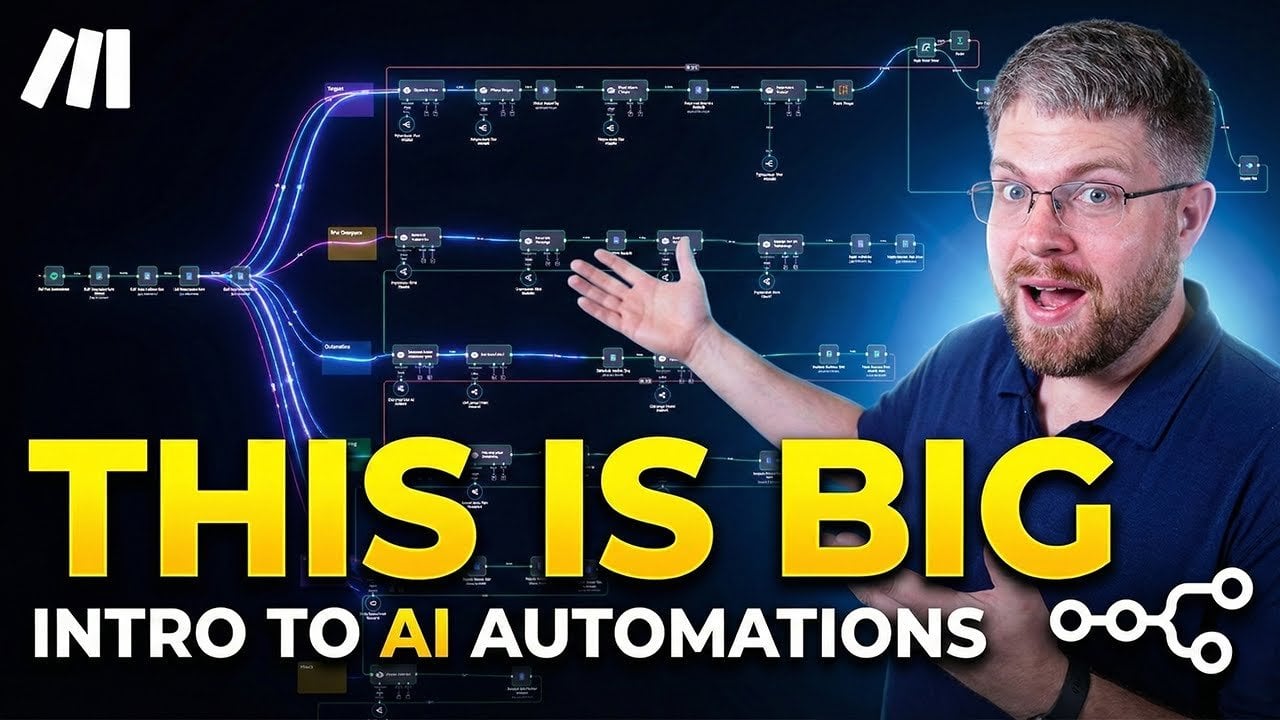
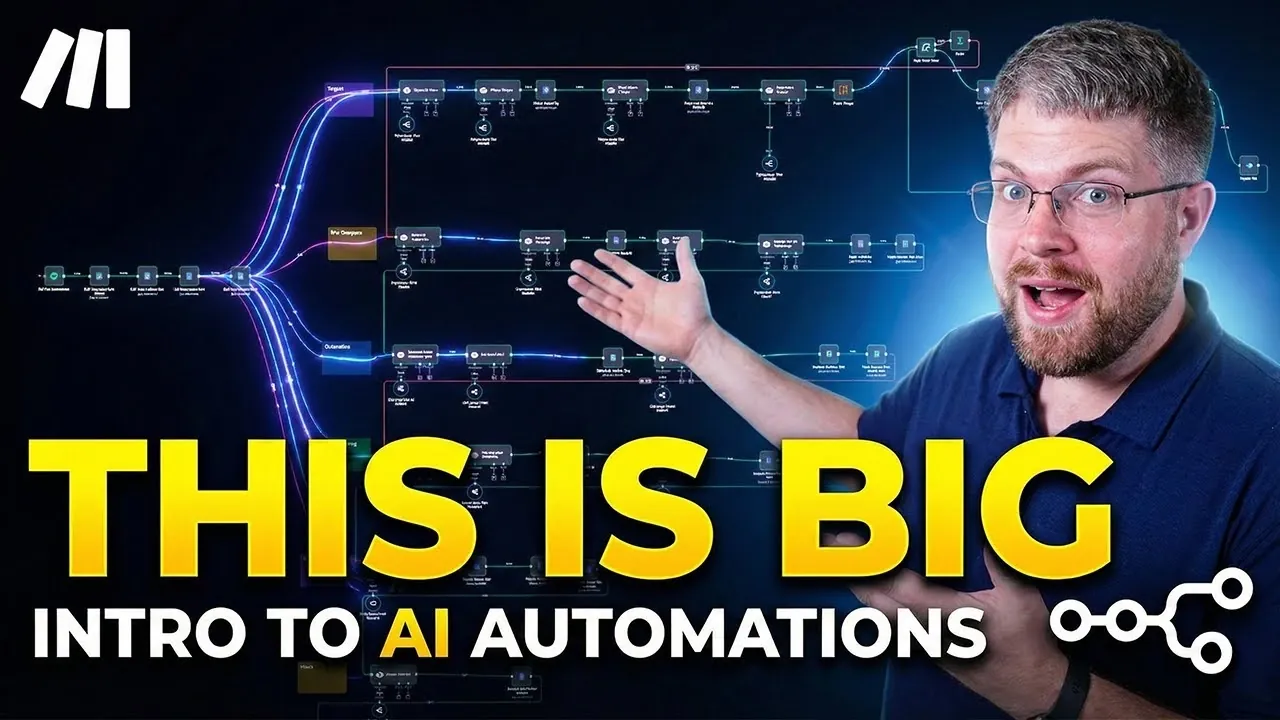
    Side-by-side view of Make and n8n, illustrating different paths to build custom writing workflows.

    Have you ever felt like the creative spark that drives your writing is constantly competing with the grind of repetitive tasks? From organizing research notes to tracking plot threads, the administrative side of writing can feel like a relentless drain on your energy. Here’s the bold truth: in a world where technology is reshaping every industry, authors who ignore tools like AI automations risk falling behind. These innovations are no longer just for tech-savvy professionals, they’re accessible, adaptable, and designed to help you reclaim your time. Imagine focusing entirely on your storytelling while a system in the background handles the tedious details. That’s the power of automation, and it’s transforming how writers approach their craft.

    Below the Nerdy Novelist takes you through how AI automations can transform your writing process. From analyzing your manuscript’s themes to streamlining your workflow, these tools offer more than just convenience, they provide insights that can elevate your storytelling. Whether you’re curious about how automation can save you hours of editing or intrigued by its ability to unlock new creative possibilities, this guide will show you why these tools are becoming essential for modern authors. The question isn’t whether you should embrace automation, it’s how far it can take your writing.

    AI Automations for Writers

    TL;DR Key Takeaways :

    • AI automations streamline repetitive tasks in writing, allowing authors to focus on creativity and improve productivity through data-driven insights.
    • AI automations are structured workflows for handling specific tasks, while AI agents are autonomous systems that assist within these workflows, requiring human oversight.
    • Modern AI automation tools like Make and n8n have made advanced workflows accessible to authors without requiring extensive technical skills.
    • Practical applications for authors include story analysis, genre research, workflow management, and learning from successful works to enhance writing quality.
    • AI automations can be customized to fit unique writing goals, fostering collaboration, learning, and innovation within writing communities and beyond.

    AI automations are predefined workflows powered by artificial intelligence, designed to efficiently handle repetitive or complex tasks. For authors, these tools can automate processes such as story analysis, genre research, and workflow management. By integrating automations into your writing routine, you can save time, minimize errors, and focus on the creative elements of storytelling.

    For instance, instead of manually identifying recurring themes or tracking character arcs, automations can analyze your text and provide detailed insights within minutes. This not only accelerates the editing process but also ensures a more thorough and accurate analysis, allowing you to refine your narrative with greater confidence. By embracing these tools, you can elevate your writing process and focus on what truly matters, your creativity.

    AI Automations vs. AI Agents: Understanding the Difference

    It is crucial to distinguish between AI automations and AI agents, as both serve different purposes in the writing process. AI automations consist of structured workflows that execute specific tasks in a sequence, often combining multiple tools or prompts. In contrast, AI agents are autonomous systems capable of performing tasks within these workflows but typically require human oversight to ensure accuracy and alignment with your goals.

    For example, an automation might extract key themes from your manuscript, while an AI agent within that workflow could summarize those themes or suggest improvements. Together, these systems create a powerful synergy that supports your creative process without compromising your unique voice. By understanding their roles, you can better harness their potential to enhance your writing.

    Authors, You Need to Learn Automations!

    Find more information on AI automations by browsing our extensive range of articles, guides and tutorials.

    The Evolution of AI Automations

    AI automations have undergone significant advancements over the years. Early iterations required extensive technical expertise and constant micromanagement, making them inaccessible to many authors. Today, platforms like Make and n8n have provide widespread access tod access to these tools by offering user-friendly interfaces that simplify the process, allowing you to build workflows with minimal coding knowledge.

    This evolution has transformed automations from basic productivity tools into indispensable creative partners. By handling non-creative tasks such as data analysis and workflow optimization, these tools free you to focus on storytelling, character development, and other aspects of writing that require human intuition and imagination. The accessibility and adaptability of modern AI automations make them an invaluable resource for authors at all levels.

    Practical Applications of AI Automations for Authors

    AI automations offer a wide range of practical applications tailored to the needs of writers. These tools can streamline various aspects of the writing process, providing both time savings and valuable insights. Here are some examples of how you can use them effectively:

    • Story Analysis: Automate the identification of plot structures, character dynamics, and thematic elements in your manuscript to gain a deeper understanding of your narrative.
    • Learning from Success: Analyze award-winning novels or bestsellers to uncover patterns, techniques, and strategies that can inspire and elevate your writing.
    • Genre Research: Study common tropes, plot devices, and audience preferences within specific genres to align your work with market expectations.
    • Workflow Management: Streamline your writing schedule by automating tasks such as deadline tracking, document organization, and collaboration with editors or co-authors.

    These applications not only enhance efficiency but also provide insights that would be challenging to achieve manually. By incorporating AI automations into your routine, you can gain a competitive edge and unlock new possibilities in your writing process.

    Top Tools for Building AI Automations

    Several platforms make it easy to create and customize AI automations for writing. These tools cater to a variety of needs, from simple workflows to highly specialized processes. Here are two of the most popular options:

    • Make (Make.com): This platform offers a user-friendly interface that allows you to design complex workflows without requiring advanced technical skills. It is ideal for authors seeking an intuitive solution to automate their writing tasks.
    • n8n: Known for its flexibility, n8n provides extensive customization options, making it a great choice for authors who want to tailor automations to their specific needs and preferences.

    Other tools, such as Zapier and Google’s automation solutions, also offer valuable functionality. However, platforms like Make and n8n stand out for their ability to address the unique challenges faced by writers, making them particularly well-suited for creative professionals.

    Customizing AI Automations to Fit Your Writing Goals

    One of the greatest advantages of AI automations is their adaptability. Unlike pre-built software with fixed features, these tools can be customized to meet your unique requirements. Whether you are analyzing a specific genre, developing a collaborative workflow, or experimenting with new storytelling techniques, AI automations can be tailored to support your goals.

    For example, you could create an automation that not only identifies recurring themes in your manuscript but also compares them to popular works in your genre. This level of customization ensures that the technology works for you, rather than forcing you to conform to its limitations. By taking the time to personalize your automations, you can maximize their value and make them an integral part of your creative process.

    Fostering Collaboration and Learning Through AI Automations

    AI automations are not limited to individual use, they also have the potential to foster collaboration and learning within writing communities. Groups like StoryHacker Gold are using these tools to teach writing techniques, encourage collaboration, and explore new possibilities for AI in storytelling. By sharing workflows and participating in challenges, members can learn from one another and push the boundaries of what is possible with AI.

    One innovative approach involves quarterly challenges where participants write stories without AI assistance but use automations for analysis and feedback. This highlights the complementary role of AI, emphasizing its value as a tool for growth and learning rather than a replacement for human creativity. By engaging with these communities, you can expand your understanding of AI automations and discover new ways to enhance your writing.

    The Future of AI Automations in Writing

    As AI technologies continue to advance, the potential for automations in writing is growing rapidly. Future developments may include more sophisticated tools for genre-specific analysis, seamless integration with popular writing platforms, and enhanced customization options. Comparisons of platforms like Make and n8n will also help authors make informed decisions about which tools best suit their needs.

    By embracing these innovations, you can not only improve your productivity but also gain deeper insights into your craft. The writing landscape is evolving, and AI automations are at the forefront of this transformation. Are you ready to harness their potential and take your writing to the next level?

    Media Credit: The Nerdy Novelist

    Filed Under: AI, Guides

    Latest Geeky Gadgets Deals

    Disclosure: Some of our articles include affiliate links. If you buy something through one of these links, Geeky Gadgets may earn an affiliate commission. Learn about our Disclosure Policy.

  • 5 Nano Banana Pro Tips to Transforms Your UX/UI Design Workflows

    5 Nano Banana Pro Tips to Transforms Your UX/UI Design Workflows

    5 Nano Banana Pro Tips to Transforms Your UX/UI Design Workflows

    Interface view showing AI notes on buttons and sidebars, guiding clearer states and cleaner layouts for stronger UX.

    What if you could cut your UX/UI design time in half while delivering more polished, user-friendly results? It might sound too good to be true, but tools like Nano Banana Pro are proving it’s possible. By blending AI-driven insights with advanced design capabilities, this innovative platform is reshaping how designers approach their workflows. Imagine a tool that not only critiques your layouts but also suggests actionable improvements, generates realistic mockups, and even adapts your designs for global audiences, all in a fraction of the time it would normally take. Nano Banana Pro isn’t just a tool; it’s a fantastic option for anyone looking to elevate their design process without sacrificing creativity or quality.

    In this guide, Lukas Margerie explains five fantastic ways Nano Banana Pro can transform your UX/UI workflow. From streamlining accessibility improvements to making sure consistent branding across platforms, this tool offers solutions to some of the most common, and frustrating, challenges designers face. But that’s not all. You’ll also discover how its localization features can help you connect with diverse audiences and how its mockup creation tools can make your presentations more impactful. Whether you’re a seasoned designer or just starting out, these insights will inspire you to rethink how you approach your craft. After all, innovation doesn’t just simplify your work, it redefines what’s possible.

    AI-Powered UX/UI Design

    TL;DR Key Takeaways :

    • AI-Driven UX Optimization: Nano Banana Pro uses AI to analyze designs, offering actionable insights to improve layout simplicity, navigation clarity, and user interaction for intuitive and user-friendly designs.
    • Efficient Mockup Creation: The tool generates high-quality mockups for various environments and devices, making sure visual consistency and saving time during presentations.
    • Simplified Localization: Automatically adapts designs to different languages and cultural norms, allowing global reach with culturally relevant and high-quality interfaces.
    • Enhanced Accessibility: Identifies areas for accessibility improvements, such as color contrast and alt text, making sure compliance with standards like WCAG and inclusivity for all users.
    • Consistent Branding: Automates the creation of uniform thumbnails and branding elements, maintaining cohesive visual identity across platforms and reinforcing professionalism.

    1. Streamlined UX Optimization

    Nano Banana Pro employs AI-driven analysis to evaluate your designs and provide actionable insights for improvement. It examines critical aspects such as layout simplicity, navigation clarity, and the visibility of active states. For instance, it might suggest implementing collapsible sidebars to reduce visual clutter or highlight areas where user interactions could be enhanced. These insights enable you to craft intuitive, user-friendly designs that resonate with your target audience. By addressing these key elements, Nano Banana Pro ensures your designs are not only visually appealing but also functionally effective.

    2. Efficient Mockup Creation

    Creating realistic mockups is essential for visualizing how designs will function in real-world scenarios, and Nano Banana Pro excels in this domain. The tool generates high-quality mockups for websites, apps, and products, adapting them to various environments such as office spaces, outdoor settings, or even specific device screens. For example, you can preview a website design on an Apple Studio Display or showcase a product in a construction site setting. This feature not only saves valuable time but also ensures that your designs maintain visual consistency across diverse contexts, making presentations more impactful and professional.

    Nano Banana Pro for Mockups, Localization & Accessibility

    Uncover more insights about Nano Banana Pro in previous articles we have written.

    3. Simplified Localization

    Designing for a global audience requires careful adaptation to diverse languages, cultural norms, and user expectations. Nano Banana Pro simplifies this process by automatically adjusting layouts, text, and visual elements to align with regional preferences. For example, it can modify a design to reflect Japanese UX principles, making sure the interface feels natural and intuitive for users in that market. This capability allows you to create culturally relevant designs without compromising on quality or functionality. By addressing localization challenges, Nano Banana Pro helps you expand your reach and connect with a broader audience.

    4. Accessibility Made Easy

    Inclusivity is a fundamental aspect of effective UX/UI design, and Nano Banana Pro makes it easier than ever to achieve. The tool identifies areas where accessibility improvements are needed, such as enhancing color contrast, adding alt text for images, or simplifying navigation paths. By implementing these recommendations, you can ensure your designs are accessible to all users, including those with disabilities. This not only broadens your audience but also aligns your work with modern accessibility standards, such as WCAG (Web Content Accessibility Guidelines). Nano Banana Pro enables you to create designs that are both inclusive and compliant with industry best practices.

    5. Consistent Branding with Thumbnails

    Maintaining a cohesive brand identity across platforms is crucial, and Nano Banana Pro automates the creation of uniform thumbnails to achieve this. Whether you’re designing for YouTube, educational websites, or corporate presentations, the tool customizes elements like colors, logos, and typography while preserving your brand identity. For example, it can generate a series of thumbnails with consistent color schemes and fonts, making sure a unified visual presence across all platforms. This feature not only saves time but also reinforces your brand’s professionalism and credibility.

    Additional Features and Seamless Integrations

    Beyond these core functionalities, Nano Banana Pro offers a range of additional features designed to enhance collaboration and efficiency. It integrates seamlessly with platforms like Google AI Studio, requiring only an API key for access. The tool also supports live design previews and real-time adjustments through its Magic Path feature, allowing you to fine-tune your projects on the go. These capabilities make Nano Banana Pro a versatile and indispensable resource for teams looking to optimize their workflows and deliver high-quality designs efficiently.

    Nano Banana Pro is more than just a design tool, it’s a comprehensive solution for optimizing UX/UI workflows. By combining AI-driven features for optimization, mockup creation, localization, accessibility, and branding consistency, it enables you to create designs that are both functional and visually appealing. Whether you’re tackling a small project or managing a large-scale design system, Nano Banana Pro ensures your work meets the highest standards of quality and efficiency.

    Media Credit: Lukas Margerie

    Filed Under: AI, Guides

    Latest Geeky Gadgets Deals

    Disclosure: Some of our articles include affiliate links. If you buy something through one of these links, Geeky Gadgets may earn an affiliate commission. Learn about our Disclosure Policy.
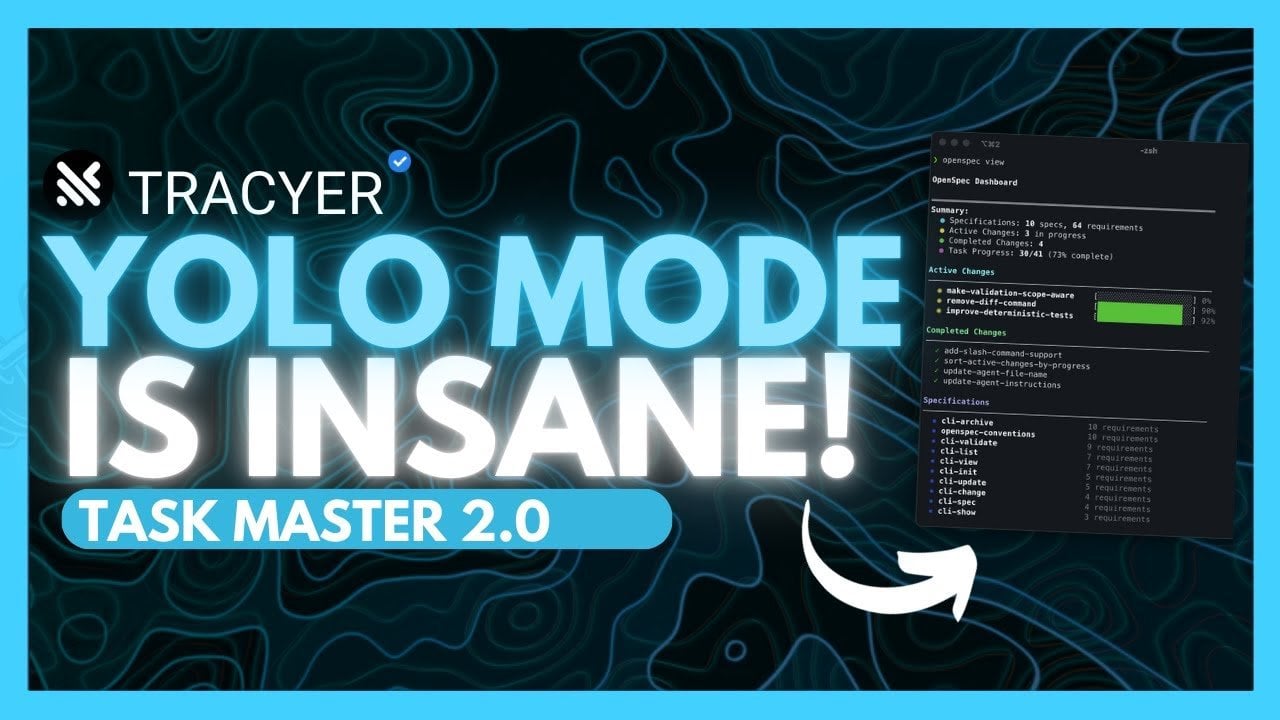
  • Microsoft Foundry Unifies Building, Testing, and Governance for Secure AI Agents at Scale

    Microsoft Foundry Unifies Building, Testing, and Governance for Secure AI Agents at Scale

    Microsoft Foundry Unifies Building, Testing, and Governance for Secure AI Agents at Scale

    Model gallery view compares OpenAI, Meta, and Anthropic options with cost, safety, and throughput ratings side by side.

    What if building innovative AI applications wasn’t a daunting challenge but an accessible, streamlined process? Imagine a platform where developers, regardless of their expertise, could design, deploy, and manage intelligent agents with ease, without sacrificing security, scalability, or innovation. Enter Microsoft Foundry, a fantastic solution that redefines how we approach AI development. With its unified development environment and a rich catalog of tools, Foundry enables teams to tackle complex workflows, craft multi-agent systems, and fine-tune models to perfection. It’s not just another platform; it’s a fantastic option for anyone looking to harness the full potential of artificial intelligence.

    In this guide the Microsoft Mechanics team take you through how Microsoft Foundry equips developers and organizations with everything they need to build AI applications that are not only innovative but also secure and efficient. From its visual workflow editor to advanced governance features, Foundry offers a comprehensive toolkit designed to simplify the entire lifecycle of AI development. Whether you’re curious about its seamless integration capabilities, robust customization options, or post-deployment monitoring tools, this deep dive will illuminate why Foundry is quickly becoming the go-to platform for AI innovation. The possibilities are vast, and the tools are at your fingertips, what will you create?

    Why Choose Microsoft Foundry?

    TL;DR Key Takeaways :

    • Microsoft Foundry provides a unified development environment that simplifies AI application creation, deployment, and management, integrating seamlessly with existing workflows.
    • The platform offers access to a diverse catalog of AI models, including foundational, open source, and specialized options, with tools for comparison and seamless integration.
    • It supports the development of multi-agent systems with visual workflow editors, human-in-the-loop processes, and multi-source knowledge bases for enhanced decision-making.
    • Advanced customization options, including fine-tuning and reinforcement learning, allow for tailored AI solutions with built-in safety measures and context retention.
    • Robust governance and security features, such as compliance controls, guardrails, and quota management, ensure secure and scalable AI deployment across industries.

    Microsoft Foundry distinguishes itself as a versatile and comprehensive platform for AI development. Its unique features and capabilities make it a preferred choice for developers and enterprises alike. Key highlights include:

    • A unified development environment that integrates seamlessly with your existing workflows, reducing complexity and improving productivity.
    • Access to a diverse catalog of AI models, including foundational, open source, and specialized options, making sure flexibility and adaptability.
    • Support for multi-agent systems and complex workflows, enhanced by visual tools and human-in-the-loop capabilities for better decision-making.
    • Advanced customization options for fine-tuning models to meet specific requirements, making sure tailored solutions for diverse use cases.
    • Robust governance and security features, making sure compliance with regulations and mitigating risks associated with AI deployment.

    These features collectively make Microsoft Foundry a comprehensive solution for addressing the challenges of modern AI development while allowing innovation and scalability.

    Unified Development Environment

    At the core of Microsoft Foundry is its unified development environment, which simplifies the process of building AI agents and workflows. This environment integrates directly with the Microsoft Foundry SDK, allowing you to work seamlessly within your existing coding tools. From initial ideation to production deployment, the platform supports the entire development lifecycle. By making sure smooth transitions between stages, it minimizes disruptions and allows you to focus on innovation and efficiency. The unified environment also promotes collaboration, allowing teams to work together effectively on complex projects.

    Microsoft Foundry : Everything You Need to Build AI Apps & Agents

    Check out more relevant guides from our extensive collection on Microsoft Foundry that you might find useful.

    Extensive AI Model Catalog

    Microsoft Foundry provides access to a rich catalog of AI models, offering a wide range of options to suit different needs. The catalog includes models from leading providers such as OpenAI, Meta, and Anthropic. A built-in model leaderboard allows you to compare models based on critical metrics like quality, safety, throughput, and cost, helping you make informed decisions. With over 1,000 connectors and MCP servers, integrating these models into your workflows becomes seamless. This extensive catalog ensures that you can tailor AI solutions to meet your specific requirements, whether you are working on customer service automation, predictive analytics, or other applications.

    Building Multi-Agent Systems

    The platform excels in supporting the development of multi-agent applications, allowing you to design and manage complex workflows with ease. Using the visual workflow editor, you can define logic, connect agents, and incorporate human-in-the-loop processes to enhance decision-making. Multi-source knowledge bases further expand agent capabilities, allowing them to deliver context-aware and informed responses in real-world scenarios. This feature is particularly valuable for applications requiring collaboration between multiple AI agents or integration with human oversight, making sure reliability and accuracy in decision-making processes.

    Advanced Customization and Fine-Tuning

    Microsoft Foundry offers powerful customization options to help you fine-tune AI models for specific use cases. Techniques such as supervised learning, preference optimization, and reinforcement learning enable you to adapt models to your unique requirements. The platform also includes memory and guardrails to retain context and enforce safety measures, reducing the risk of errors or unintended behaviors. These advanced customization capabilities allow you to create AI solutions that are not only effective but also aligned with your organizational goals and standards.

    Evaluation and Observability Tools

    Making sure the reliability and quality of AI applications is critical, and Microsoft Foundry provides a suite of evaluation and observability tools to support this goal. These tools allow you to monitor agent performance, identify bottlenecks, and improve safety and quality scores. By adhering to open telemetry standards, Foundry integrates seamlessly with Azure Monitor and other reporting tools, giving you full visibility into your AI operations. This level of observability ensures that your applications remain robust and reliable, even as they scale to meet increasing demands.

    Governance and Security

    Governance and security are integral to Microsoft Foundry’s design. The platform includes built-in guardrails to mitigate risks such as jailbreak attacks and content safety violations. Compliance features allow you to set default policies and governance controls, making sure adherence to regulatory requirements. Additionally, quota management tools help you monitor costs and token usage, giving you greater control over your resources. These features make Microsoft Foundry a secure and compliant choice for organizations operating in highly regulated industries or handling sensitive data.

    Streamlined Post-Deployment Operations

    Once your AI applications are live, Microsoft Foundry provides a centralized control plane for monitoring operational metrics and alerts. You can track agent performance, error rates, and resource usage in real time, making sure that your applications continue to operate efficiently. Integration with productivity tools like Microsoft Teams enhances collaboration and simplifies the management of deployments. This streamlined approach to post-deployment operations allows you to focus on optimizing performance and delivering value to your users.

    Accelerated Development with Solution Templates

    To accelerate development, Microsoft Foundry offers curated solution templates pre-integrated with Azure services. These templates include step-by-step guides hosted on GitHub, allowing you to quickly incorporate AI capabilities into your applications. By using these resources, you can reduce development time and focus on delivering innovative solutions. The templates are designed to address common use cases, making it easier for developers to get started and achieve results faster.

    Cross-Cloud Integration

    Microsoft Foundry supports cross-cloud integration through AI gateways, allowing you to manage agents across multiple cloud environments. This flexibility ensures that your AI solutions remain scalable and adaptable, regardless of the underlying infrastructure. By allowing seamless integration with various cloud providers, Foundry helps you avoid vendor lock-in and ensures that your applications can evolve alongside your business needs.

    Empowering AI Development with Microsoft Foundry

    Microsoft Foundry offers a robust, end-to-end solution for building and managing AI applications and agents. By combining a unified development environment, advanced tools, and strong governance features, it ensures efficiency, security, and scalability throughout the AI lifecycle. Whether you are an individual developer or part of a large organization, Foundry provides the tools and infrastructure needed to create high-quality, reliable AI solutions. Its comprehensive features and seamless integration capabilities make it an invaluable resource for meeting the demands of today’s complex digital landscape.

    Media Credit: Microsoft Mechanics

    Filed Under: AI, Technology News, Top News

    Latest Geeky Gadgets Deals

    Disclosure: Some of our articles include affiliate links. If you buy something through one of these links, Geeky Gadgets may earn an affiliate commission. Learn about our Disclosure Policy.