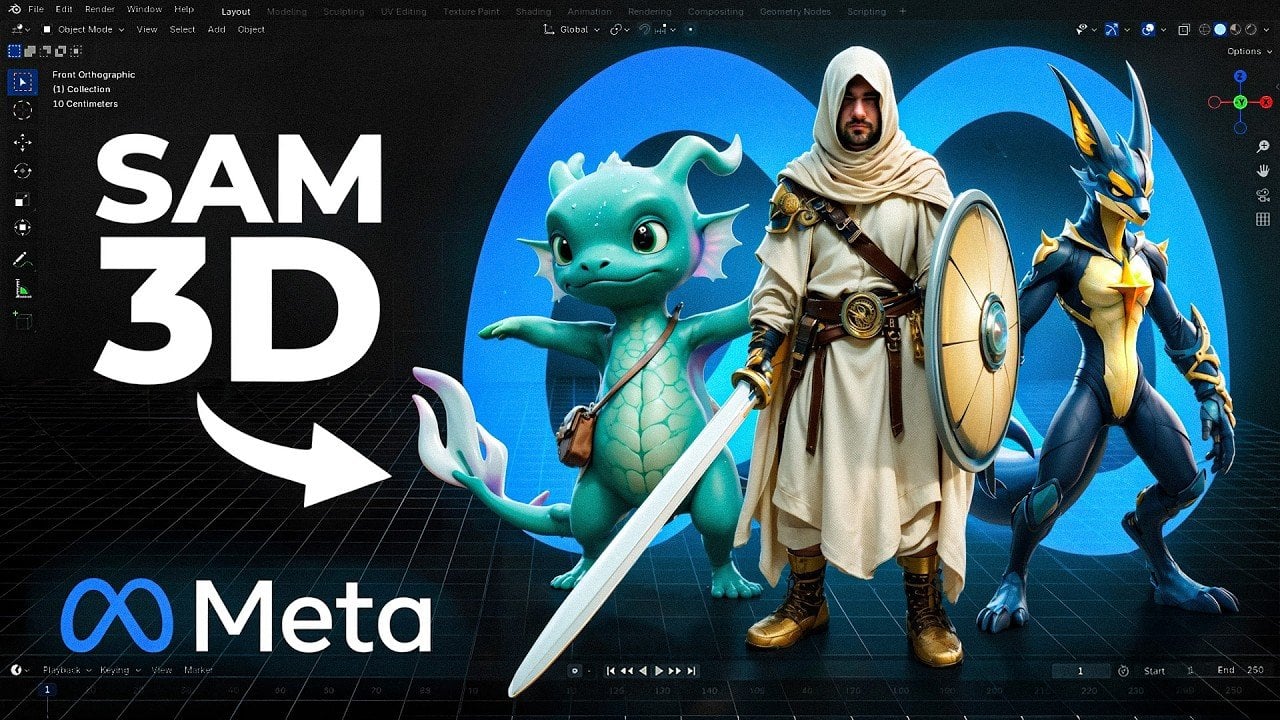
Create 3D Models from Images With Meta’s Free SAM 3D App : Turns Photos into Meshes
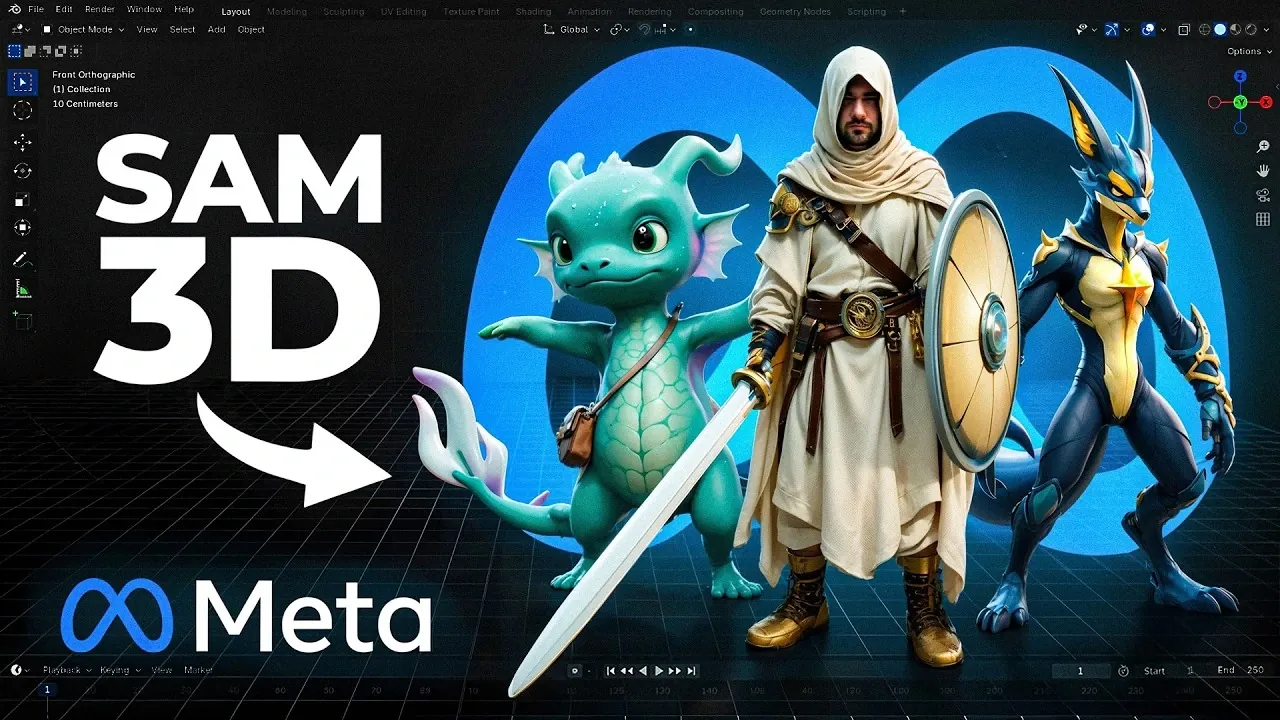
What if creating high-quality 3D models no longer required expensive software, specialized hardware, or years of expertise? Enter Meta’s SAM 3D, an open source AI tool that promises to provide widespread access to 3D modeling by making it faster, more accessible, and entirely free. Building on the success of Meta’s “Segment Anything Model” (SAM) initiative, this new release aims to simplify complex processes like 3D object reconstruction and pose extraction. Imagine generating a detailed 3D asset from a simple 2D image in just seconds, SAM 3D claims to make this a reality. But with its bold ambitions come inevitable questions: Can it truly rival professional tools? And does its open source nature make it the best free 3D AI available today?
In this overview Stefan explains what sets Meta’s SAM 3D apart in the crowded landscape of 3D AI tools. From its speed and precision to its limitations in texture quality and export options, we’ll break down its strengths and weaknesses to help you decide if it’s the right fit for your creative or technical needs. Whether you’re an independent developer looking to prototype quickly or a researcher seeking an affordable alternative to costly software, SAM 3D offers intriguing possibilities. But is it a fantastic option, or just another step on the road to accessible 3D modeling? Let’s unpack its potential and see where it truly stands in the world of open source innovation.
Understanding SAM 3D Model Making App
TL;DR Key Takeaways :
- Meta’s SAM 3D is an open source AI model designed to simplify 3D object reconstruction and pose extraction, making 3D model generation more accessible to developers, researchers, and creators.
- The model is fast and precise, generating 3D meshes and pose data within 10-15 seconds on high-end GPUs, but its reliance on splats rendering technology limits texture quality.
- SAM 3D is freely available for download and use, with local installation requiring a Linux-based system and significant hardware resources (32GB VRAM recommended).
- While SAM 3D excels in shape accuracy and pose extraction, its limited export options and subpar texture quality may hinder its adoption in professional workflows.
- Applications include animation, video production, game development, and motion capture, with potential for further improvement in texture quality, export formats, and installation accessibility.
SAM 3D builds upon the foundation of Meta’s SAM initiative, which focuses on simplifying segmentation tasks across diverse domains. This model specializes in generating 3D objects and extracting poses from 2D images, making it a versatile tool for creative and technical applications. As an open source project, SAM 3D is freely available for download and use, either through Meta’s online platform or for local installation. Its primary objective is to provide widespread access to 3D model generation, reducing the dependency on costly software or hardware solutions.
The model’s accessibility and open source nature make it particularly appealing to independent developers, researchers, and small studios. By lowering the barriers to entry, SAM 3D encourages experimentation and innovation in fields that rely on 3D modeling and animation.
Key Features and Performance Metrics
SAM 3D is distinguished by its speed and precision, offering practical advantages for workflows that demand quick results. On high-end GPUs, the model can generate 3D meshes and pose data within 10 to 15 seconds. This efficiency makes it a valuable tool for tasks such as animation, video production, and rapid prototyping.
Performance benchmarks indicate that SAM 3D competes effectively with other open source models, such as Hunion 2.1. It excels in shape accuracy and pose extraction, delivering reliable results for a variety of applications. However, its reliance on splats rendering technology limits its texture quality, often resulting in blurry textures that require additional refinement. Despite this drawback, the model’s ability to produce accurate shapes and poses positions it as a strong contender in the open source 3D AI landscape.
3D Props from Images & Clean Pose Output
Discover other guides from our vast content that could be of interest on AI 3D modelling.
- Meshy v4 AI 3D modelling tool
- AI 3D models from text prompts – How close are we?
- Create 3D Models from Photographs Using AI for free – Full Guide
- New 3D AI tools for creating and animating 3D models
- Stability AI unveils TripoSR AI image to 3D model generator
- Stable 3D AI creates 3D models from text prompts in minutes
- How to model, rig and animate 3D animals with AI
- Marble by World Labs, a Multimodal 3D World Creator AI Model
- Stable ProjectorZ Turns Your 3D Models into Masterpieces
- How to Create Stunning 3D Models for Free with Hunyuan 2.5 AI
Installation Requirements and Compatibility
Installing SAM 3D locally requires a Linux-based system, as full functionality is not supported on Windows. While Windows users can perform basic mesh generation, they miss out on the model’s complete capabilities. The installation process also demands significant hardware resources, with 32GB of VRAM recommended for optimal performance. Users with as little as 12GB of VRAM can still perform basic tasks, but the experience may be limited.
To begin using SAM 3D, users must download the model files from HuggingFace, a widely used platform for hosting AI models. Registration is required, but the process is straightforward for those familiar with open source tools. While the installation process may be challenging for users without Linux experience, the model’s potential benefits make it worth the effort for those with the necessary technical expertise.
Export Options and Current Limitations
SAM 3D offers a range of export options, but its capabilities vary depending on whether the model is used online or locally. Models generated on Meta’s online platform are only available in splat format, which limits their compatibility with many professional applications. However, running the model locally provides more flexibility, allowing users to export meshes with baked textures. Despite this advantage, the texture quality remains subpar, often necessitating further refinement in external software.
The reliance on splats rendering technology is a notable limitation, as it impacts the visual quality of the generated models. For professional-grade results, users may need to invest additional time and resources into post-processing. Expanding the model’s export options and improving texture quality could significantly enhance its usability in professional settings.
Comparative Analysis with Other Models
When compared to other open source solutions, SAM 3D stands out for its shape accuracy and pose extraction capabilities. It outperforms models like Hunion 2.1 in several benchmarks, making it a competitive option for developers and researchers. However, its limitations in texture quality and export options prevent it from fully rivaling newer paid models, which often deliver superior results in these areas.
SAM 3D’s strengths lie in its ability to quickly and accurately generate 3D models, making it a valuable tool for specific use cases. However, users seeking high-quality textures or advanced export options may find it less suitable for their needs. Despite these challenges, SAM 3D remains a promising solution for those looking to explore the potential of open source 3D AI.
Applications and Practical Use Cases
SAM 3D is particularly well-suited for tasks such as generating 3D props, creating virtual environments, and extracting assets from images. Its ability to quickly produce accurate 3D models makes it an invaluable tool for video production, animation workflows, and game development. Additionally, its pose extraction capabilities open up possibilities for motion capture and animation rigging, streamlining processes that traditionally require more complex tools.
The model’s accessibility and efficiency make it an attractive option for independent creators and small studios. By reducing the time and resources required for 3D model generation, SAM 3D enables users to focus on creative and technical aspects of their projects.
Challenges and Opportunities for Improvement
While SAM 3D offers significant advantages, it is not without its challenges. The installation process can be complex, particularly for users unfamiliar with Linux systems. Its high hardware requirements may also pose a barrier for those without access to advanced GPUs. Additionally, the reliance on splats rendering technology limits texture quality, and the restricted export options hinder its usability in professional workflows.
To address these challenges, Meta could focus on the following improvements:
- Enhancing texture quality to reduce the need for post-processing and improve visual fidelity.
- Expanding export options to include more widely used formats, increasing compatibility with professional software.
- Simplifying the installation process to make the model more accessible to non-Linux users.
By addressing these areas, SAM 3D could become a more versatile and user-friendly tool, further advancing its potential in the open source 3D AI space.
Future Potential of SAM 3D
SAM 3D represents a significant step forward in the development of open source 3D AI tools. Its ability to quickly and accurately generate 3D models and extract poses makes it a valuable resource for developers, researchers, and creators. While its limitations in texture quality and export formats may deter some users, the model’s strengths in shape accuracy and pose extraction position it as a promising solution for specific use cases.
For those with the necessary hardware and technical expertise, SAM 3D offers an opportunity to streamline 3D workflows and explore new possibilities in animation, video production, and beyond. As Meta continues to refine and expand the capabilities of SAM 3D, it has the potential to inspire further innovation and drive progress in the field of 3D AI.
Media Credit: Stefan 3D AI Lab
Filed Under: AI, Technology News, Top News
Latest Geeky Gadgets Deals
Disclosure: Some of our articles include affiliate links. If you buy something through one of these links, Geeky Gadgets may earn an affiliate commission. Learn about our Disclosure Policy.